
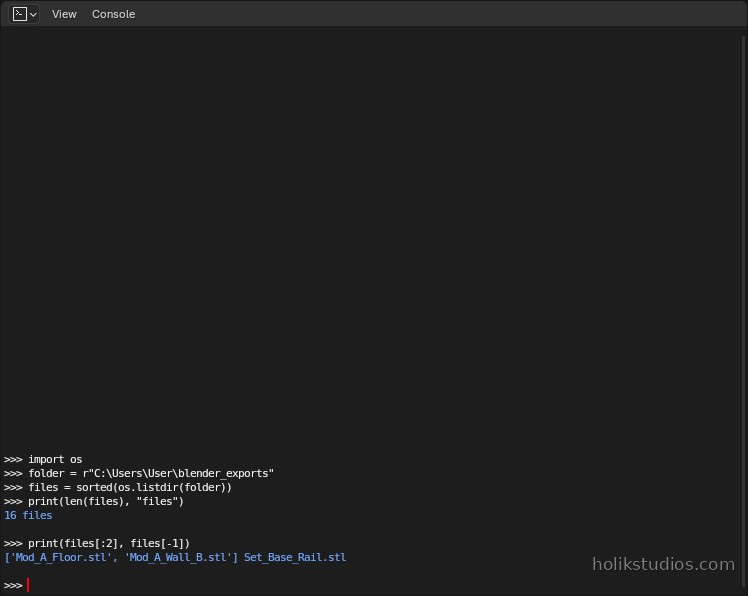
A scene is not a delivery. What leaves the studio is a folder of files: one part, one file, named so that a workshop, a printer or a colleague can find it. Doing that by hand means exporting sixteen times and typing sixteen file names. Doing it in a script means one loop, and the file names come from the objects themselves.
One loop, one file per part
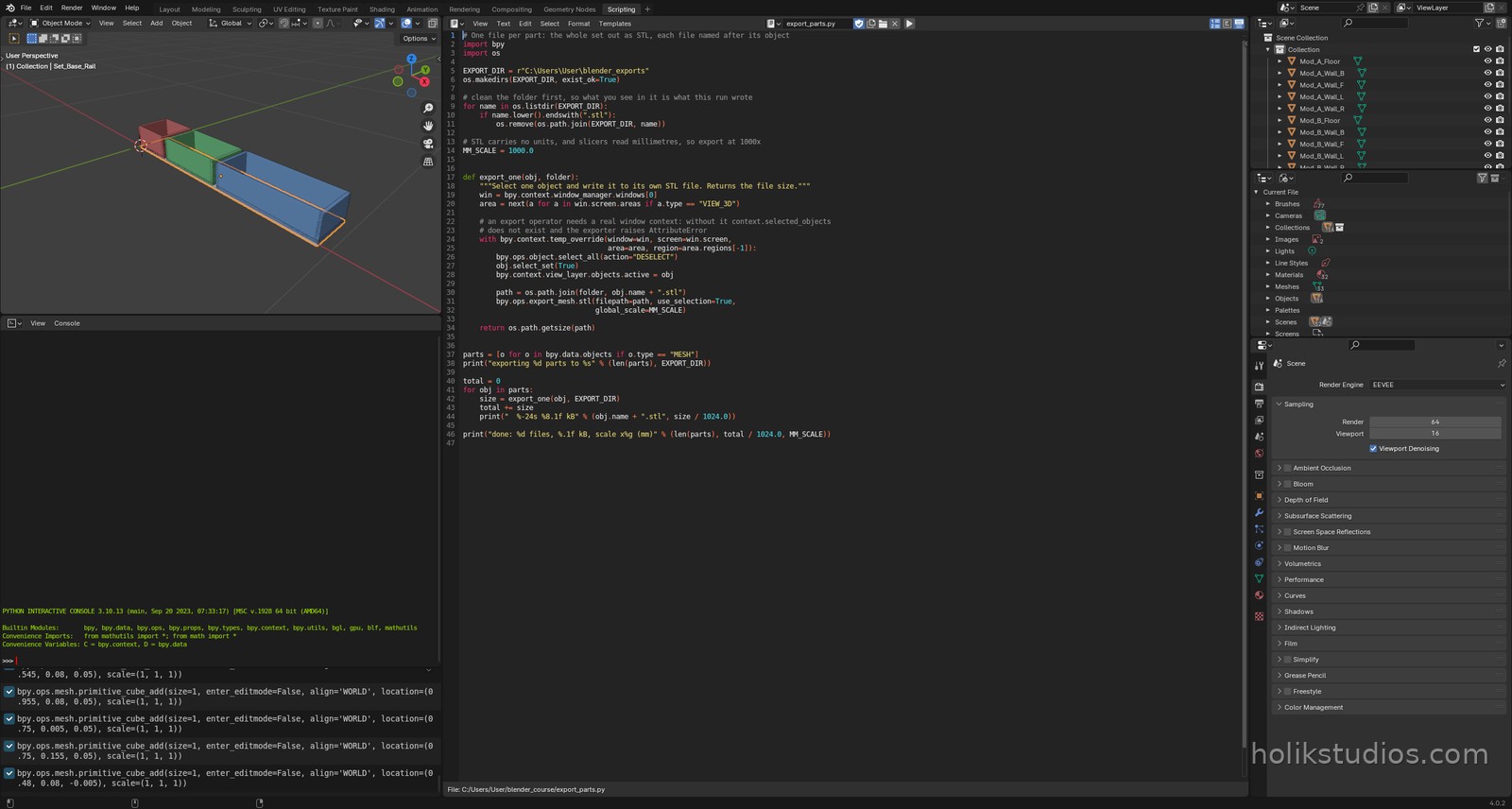
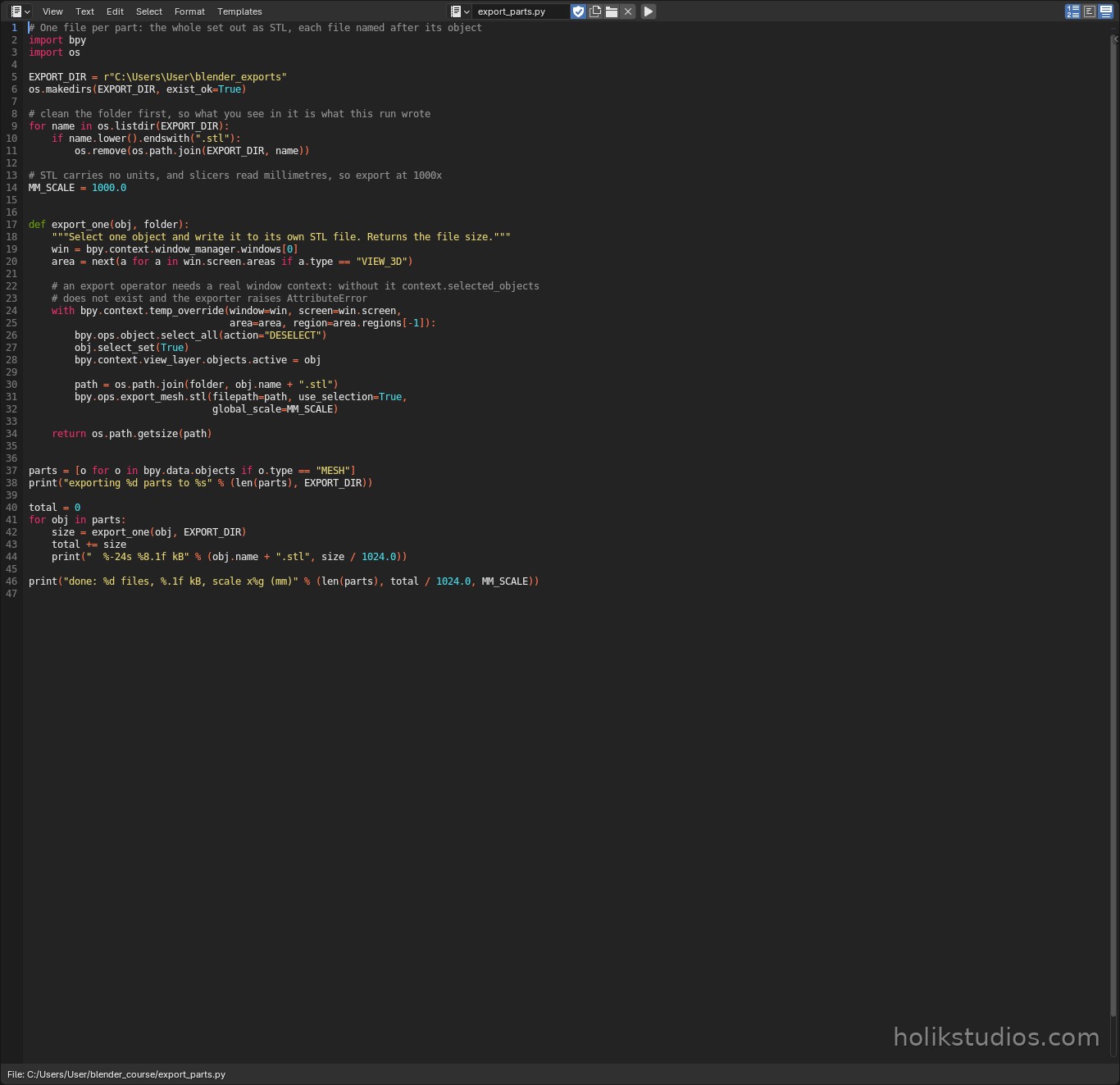
os.makedirs(EXPORT_DIR, exist_ok=True)makes the folder if it is not there. A script cannot assume anything about the machine it runs on.- The folder is emptied of old
.stlfiles first. Run the script twice and you get the same result, not a folder with yesterday’s parts still in it. obj.select_set(True)plususe_selection=True: the exporter writes only what is selected, so the loop can hand it one part at a time.path = os.path.join(folder, obj.name + ".stl"): the file name is the object name. Rename the object in the Outliner and the exported file follows on the next run.- The export operator needs a real window context (
temp_override). Run from a script outside the interface, for example from a headless job, and it has nothing to take the selection from.
export_parts.py
# One file per part: the whole set out as STL, each file named after its object
import bpy
import os

EXPORT_DIR = r"C:\Users\User\blender_exports"
os.makedirs(EXPORT_DIR, exist_ok=True)

# clean the folder first, so what you see in it is what this run wrote
for name in os.listdir(EXPORT_DIR):
    if name.lower().endswith(".stl"):
        os.remove(os.path.join(EXPORT_DIR, name))

# STL carries no units, and slicers read millimetres, so export at 1000x
MM_SCALE = 1000.0


def export_one(obj, folder):
    """Select one object and write it to its own STL file. Returns the file size."""
    win = bpy.context.window_manager.windows[0]
    area = next(a for a in win.screen.areas if a.type == "VIEW_3D")

    # an export operator needs a real window context: without it context.selected_objects
    # does not exist and the exporter raises AttributeError
    with bpy.context.temp_override(window=win, screen=win.screen,
                                   area=area, region=area.regions[-1]):
        bpy.ops.object.select_all(action="DESELECT")
        obj.select_set(True)
        bpy.context.view_layer.objects.active = obj

        path = os.path.join(folder, obj.name + ".stl")
        bpy.ops.export_mesh.stl(filepath=path, use_selection=True,
                                global_scale=MM_SCALE)

    return os.path.getsize(path)


parts = [o for o in bpy.data.objects if o.type == "MESH"]
print("exporting %d parts to %s" % (len(parts), EXPORT_DIR))

total = 0
for obj in parts:
    size = export_one(obj, EXPORT_DIR)
    total += size
    print("  %-24s %8.1f kB" % (obj.name + ".stl", size / 1024.0))

print("done: %d files, %.1f kB, scale x%g (mm)" % (len(parts), total / 1024.0, MM_SCALE))
Units on export
STL carries no units at all. It is a list of triangles with numbers in it, and every slicer in the world reads those numbers as millimetres. So if your scene works in metres, the export has to convert: global_scale=1000.0 turns 0.2 in the scene into 200 in the file, which is the 200 mm the part really is. If you work with the millimetre template from Module 3, where one Blender unit already means one millimetre, the scale stays at 1. Getting this wrong is the classic way to print a part the size of a grain of rice.
What the file names are for
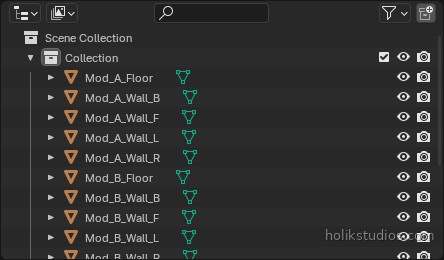
The exported file names come straight from the Outliner, and that is why the naming work in the last module matters. Mod_B_Wall_F.stl tells the workshop which module, which wall and which side, without opening anything. A folder of Cube.001.stl tells nobody anything, and the person who has to fix it is you, three weeks later.
Where this pays off in real work
- Print batches: a whole set of parts goes to the printer as separate files, ready to nest on the plate.
- Laser and CNC: the cutter software wants one file per sheet part, not a scene.
- Supplier handover: the folder is the delivery, and the names do the explaining.
- Versioning: re-run the script after a change and the folder is current, with no leftovers.
The last module turns the script into a tool you configure instead of edit: a block of settings at the top, a scene built from them, and a file you can hand to somebody else to run.