
Time to write code that changes your scene. Nothing here is a simulation: this script really empties the scene and really creates an object, in the same Blender window you have open.
The plan for this first script is deliberately small, so you can see every step:
- Remove the default objects so we start clean.
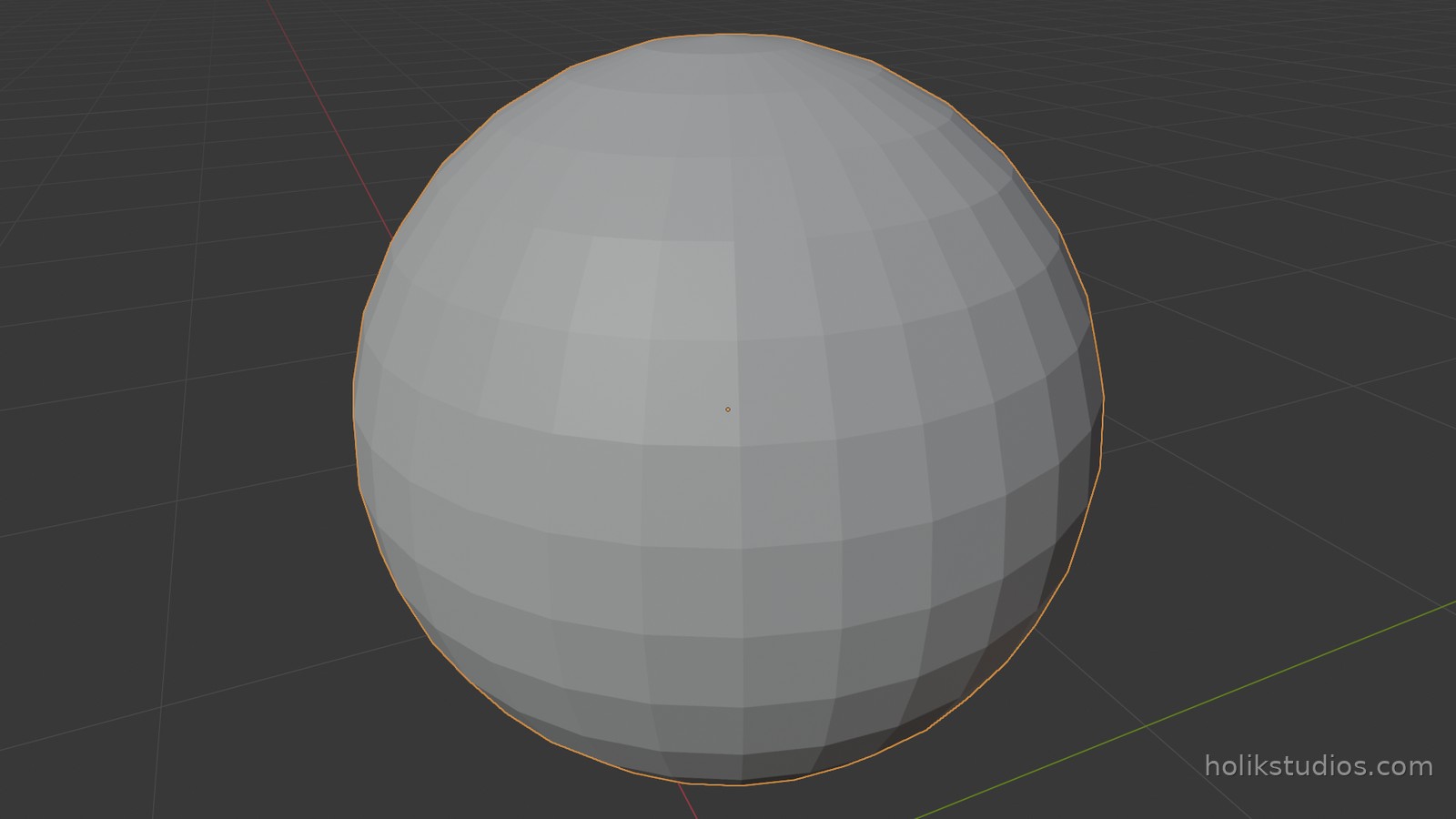
- Add a sphere, one metre above the floor.
- Give it a proper name instead of the automatic one.
- Print a short confirmation so we can see it worked.
Step 1: start from an empty scene
If you are following along, open Blender with a fresh scene (the one with the default cube). The script is going to call bpy.ops.object.select_all with action="SELECT" and then bpy.ops.object.delete(). In plain words: select everything, then delete it. Two lines, and the scene is clear.
Notice the pattern: bpy.ops is Blender’s collection of operations, the same ones the interface calls when you click. When you press X and confirm Delete, Blender runs exactly this code behind the scene.
Step 2: add the sphere
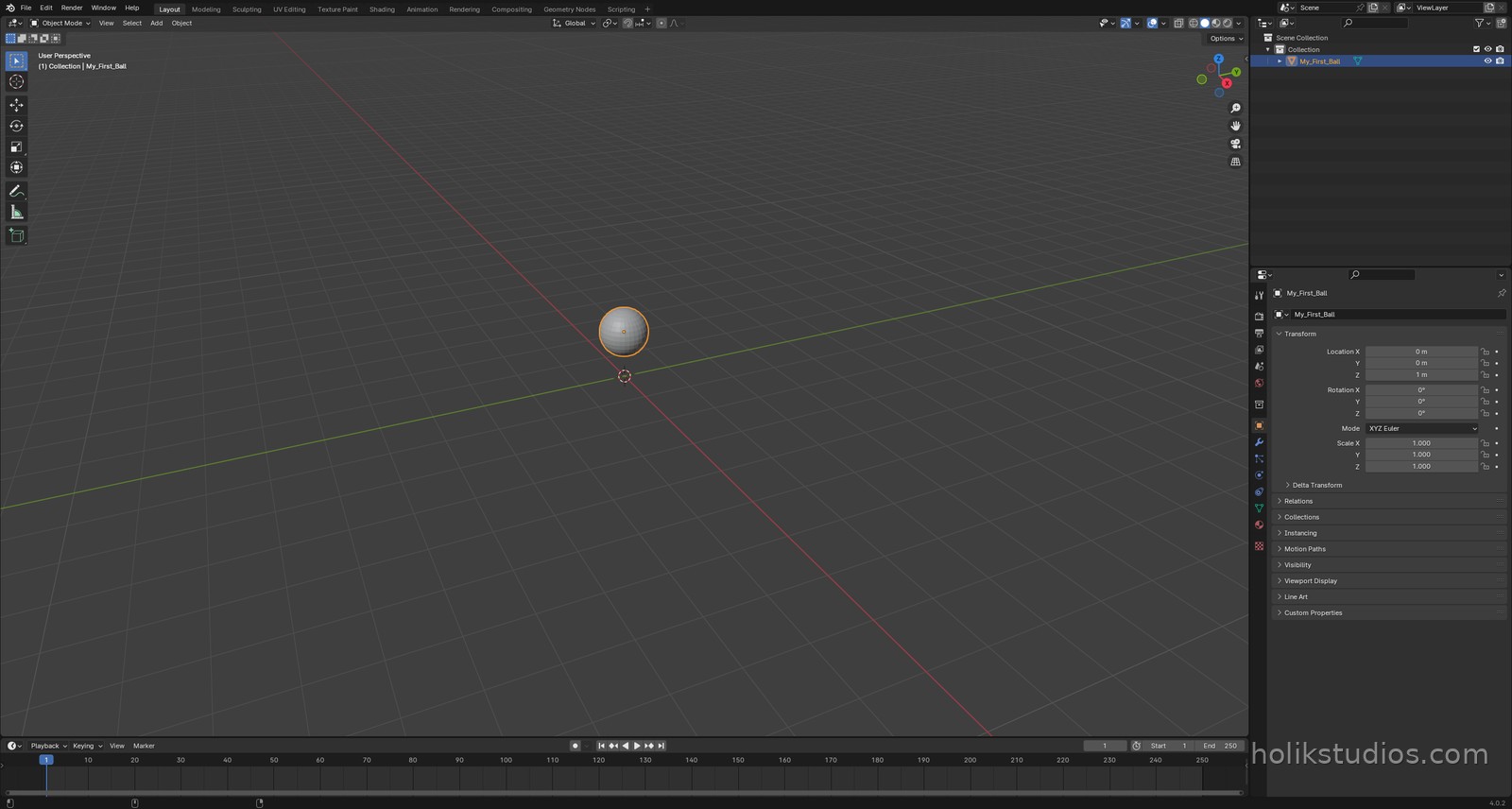
bpy.ops.mesh.primitive_uv_sphere_add(radius=0.5, location=(0, 0, 1)) asks Blender to add a sphere with a given radius at a given position. The position is a coordinate triple in metres: one metre up on the Z axis, which is the vertical axis in Blender by default.
Step 3: name it and check it
After an operation, bpy.context.object is the object you just created. We rename it and print its location, which is the fastest way to confirm what actually happened.
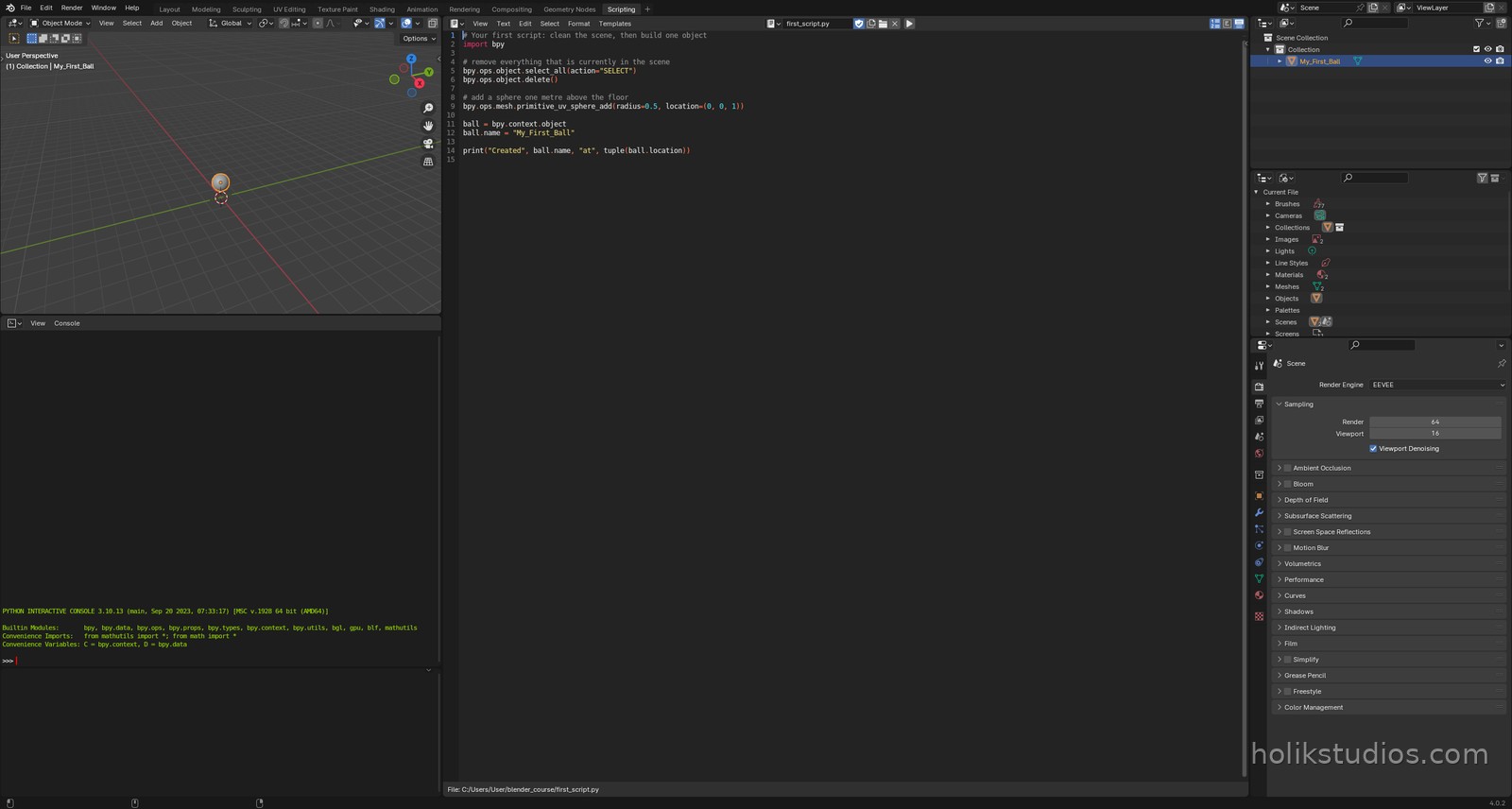
first_script.py
# Your first script: clean the scene, then build one object
import bpy

# remove everything that is currently in the scene
bpy.ops.object.select_all(action="SELECT")
bpy.ops.object.delete()

# add a sphere one metre above the floor
bpy.ops.mesh.primitive_uv_sphere_add(radius=0.5, location=(0, 0, 1))

ball = bpy.context.object
ball.name = "My_First_Ball"

print("Created", ball.name, "at", tuple(ball.location))
Reading the code
Does it still look like a wall of strange words? Read it line by line and it turns into a shopping list: import the toolbox, select everything, delete it, add a sphere there, rename it, tell me what you did. That is all this script says.
By the end of this course you will write scripts like this from memory, and you will read unfamiliar code the way you read a language you know. It only looks intimidating from the outside.
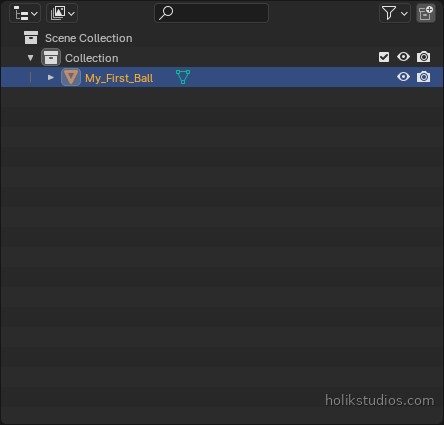
Next we look under the hood: what Blender actually stores when you see an object in the scene, and how the Outliner relates to the Python data behind it.