
Welcome to Introduction to Blender Automation. This course shows you how to build and organise 3D scenes in Blender with Python instead of clicking. You will not write complex software. You will write short scripts that do real work inside the interface you already know, and you will be surprised how quickly they pay off.
The idea is simple. Almost everything you do by hand in Blender can also be described in code: create an object, name it, move it, size it, repeat it, clean up the scene. Once a task becomes a script, you can run it a hundred times without extra effort, with the same result every time.
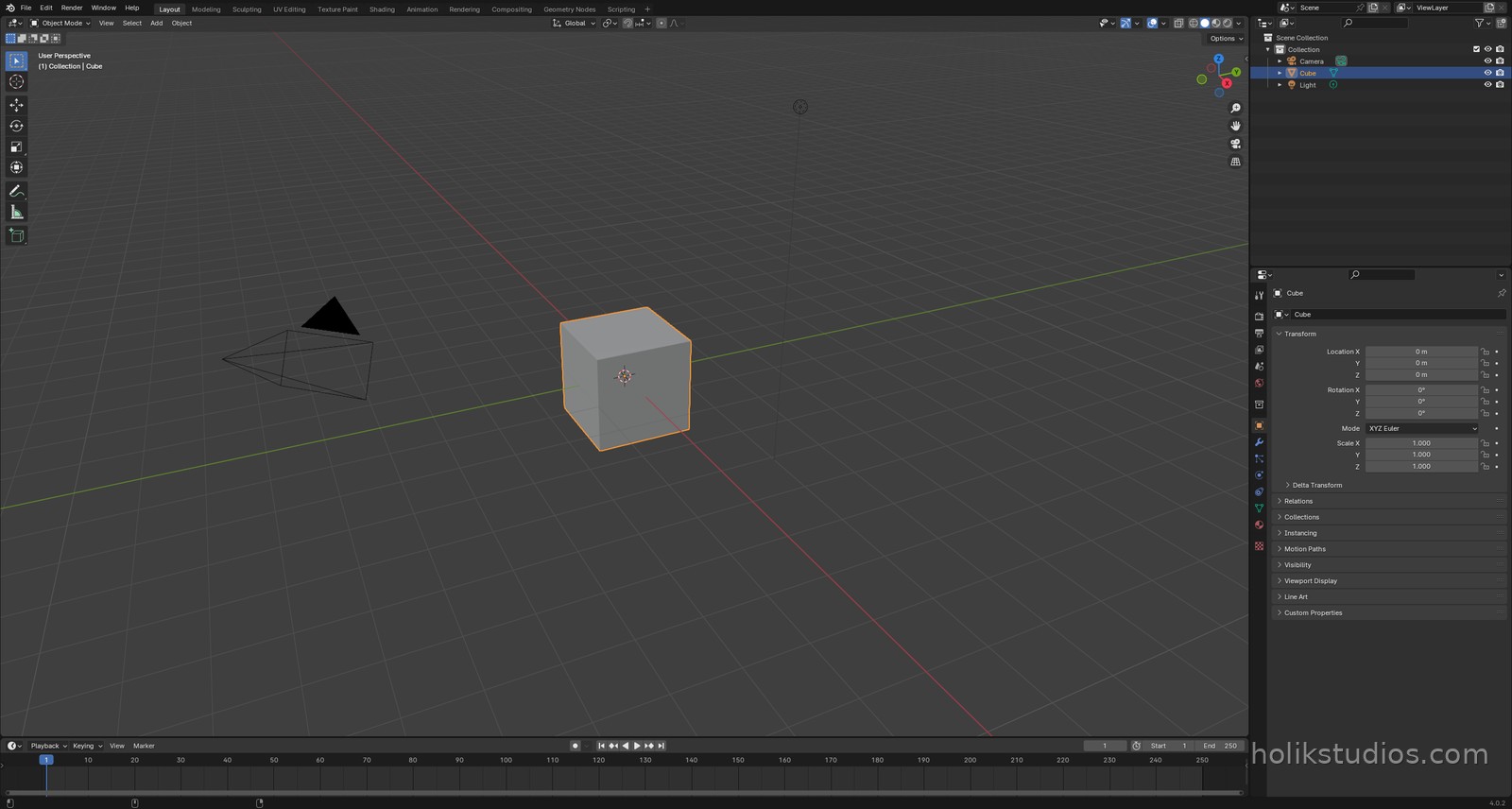
What this course will give you
- The confidence to open Blender’s Scripting workspace and run your own code.
- A clear mental map of the scene: what you see in the Scene Collection and how Python reaches it.
- The core building blocks: creating primitives, naming them, placing them by exact coordinates, working in real units and dimensions.
- Loops and repetition, so that fifty objects cost the same effort as one.
- Practical, business-ready automation: dimensioned parts, fast variants, batch exports, repeatable client deliverables.
- A habit of thinking in parameters: change one number, rebuild the whole set.
Do I need to know Blender before I start?
Yes, the basics. You should be comfortable opening Blender, looking around the viewport, adding a cube or a sphere, moving and scaling objects and finding them in the Outliner. Nothing more advanced than that is required.
If you have never touched Blender, do our first course, Using Blender as 3D Modeling Tool, and come back afterwards. It covers the interface, object creation and manipulation, and it pairs perfectly with this one. If you can already create and move an object, you are ready for this course right now.
Do I need to be a programmer?
Not at all. It helps if you have met variables, loops and lists at some point, because those ideas come back in every lesson, but it is absolutely not a requirement. If you have never written a line of code in your life, do not worry: we explain everything from zero, in plain language, using Blender itself as the example.
You already think in a structured way when you model. A loop is just “do this again for every item on the list”. Automation is simply that habit, written down. By the end of the first module you will have run real code and seen the result appear in your own scene.
What you will be able to do
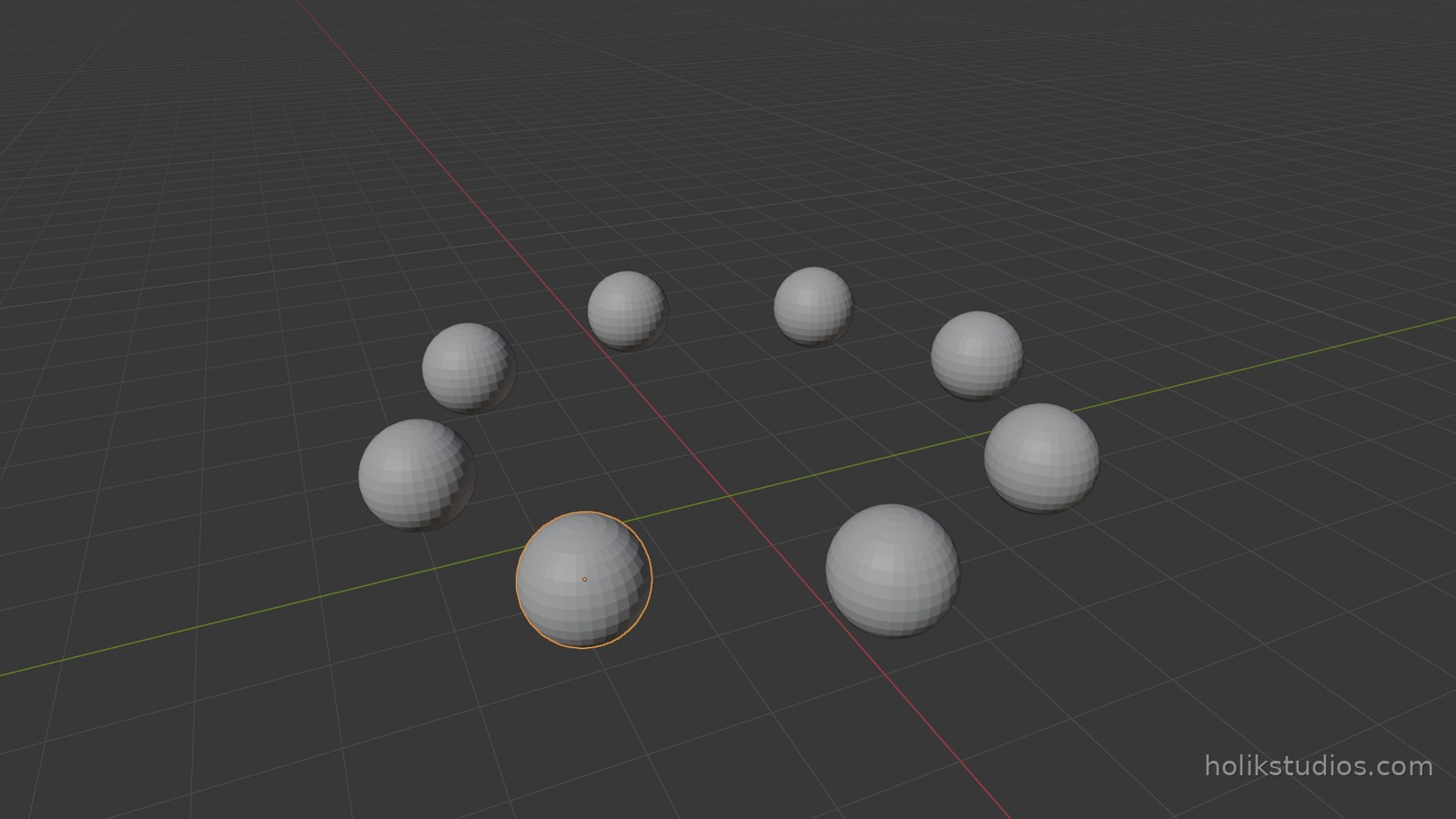
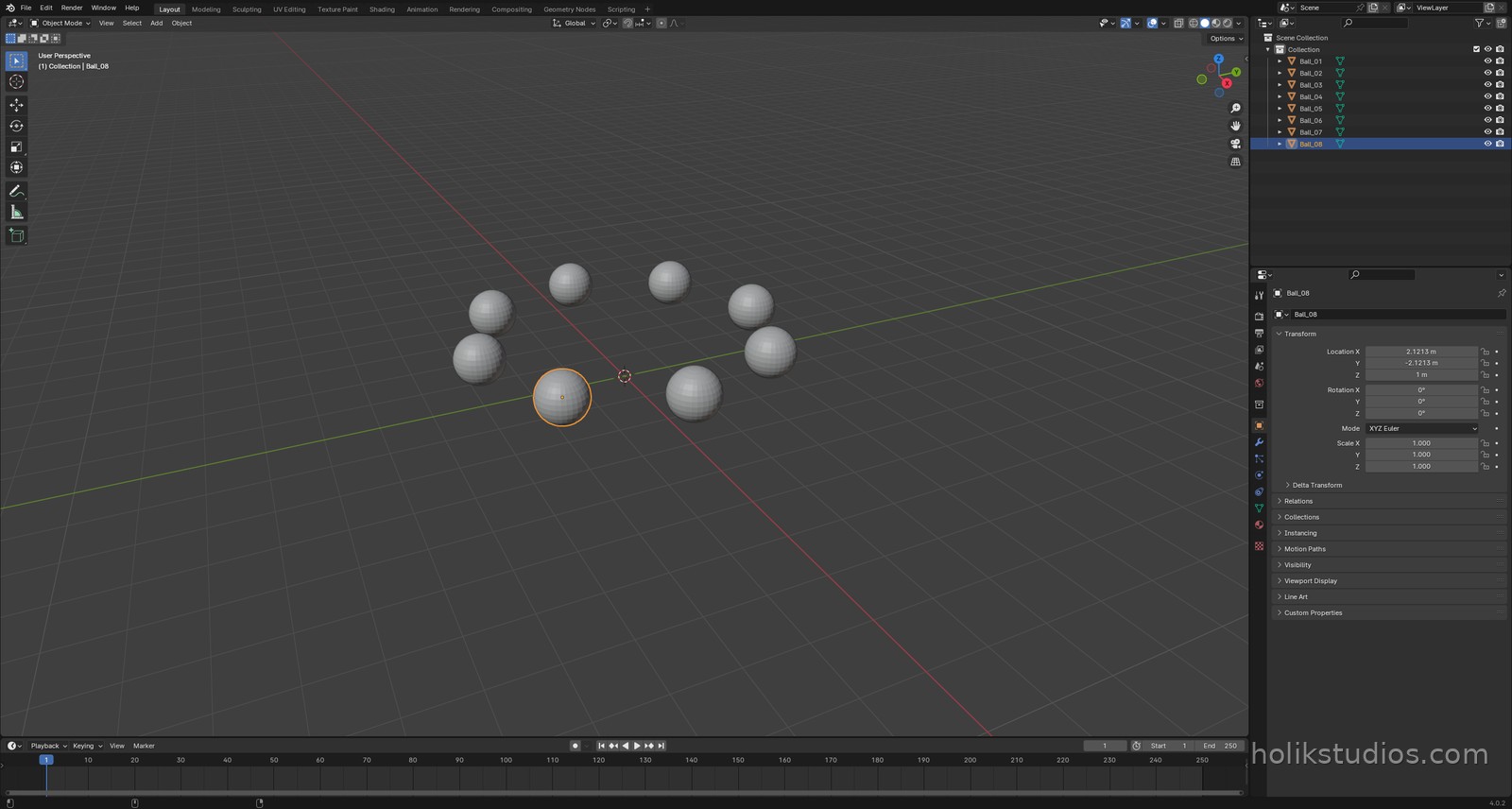
Here is the kind of result a single short script produces. Eight spheres, evenly spaced on a circle, each one named, built in one run:
Eight spheres in a circle
# Teaser: eight spheres in a circle - one loop, one run
import bpy
import math

# start from a clean scene
for obj in list(bpy.data.objects):
    bpy.data.objects.remove(obj, do_unlink=True)

for i in range(8):
    angle = i * math.tau / 8

    bpy.ops.mesh.primitive_uv_sphere_add(
        radius=0.5,
        location=(math.cos(angle) * 3.0,
                  math.sin(angle) * 3.0,
                  1.0),
    )

    bpy.context.object.name = "Ball_%02d" % (i + 1)

print("Done:", len(bpy.data.objects), "objects in the scene")
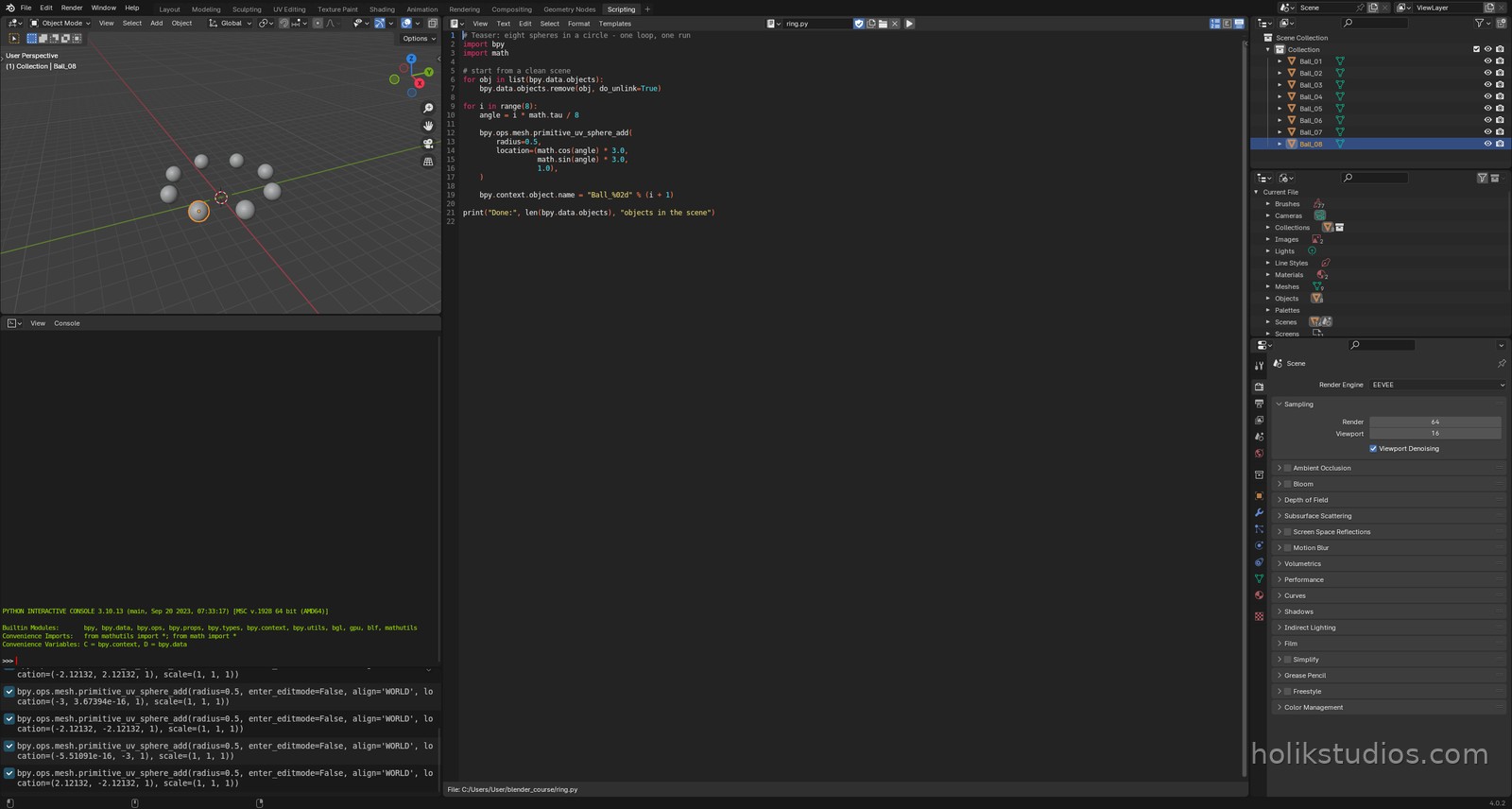
Does this look intimidating? Do not worry. It is only eight lines, and every single one of them is explained in this course. Half joking: it looks scarier than it is. By the end you will read code like this the way you read a shopping list, and write your own without thinking twice. That is the whole point of the lessons that follow.
Copy the script, paste it into Blender’s Text Editor and press Alt+P to run it. This is the pattern we reuse through the whole course: a few lines in, a finished scene out.
Where automation pays off in business
Placing objects by hand is calm work when there are three of them and painful when there are three hundred. It is also easy to make a mistake: one part is 2 mm off, one row is uneven, one model does not match the drawing. That is exactly where a script beats a human hand.
- CAD-style work in Blender: build parts from a table of dimensions, so the geometry is driven by numbers instead of mouse movements.
- 3D printing preparation: place a whole plate of parts at exact distances from each other, ready to export, without dragging anything around the viewport.
- Variants for clients: generate ten versions of the same product by changing a few values, not by rebuilding the scene ten times.
- Batches and exports: rename, position and export dozens of files in one run.
- Consistency: the script produces the same result today and in six months, on your machine and on a colleague’s machine.
That is the real promise of this course: less tiring manual work, more time for the part that actually needs your eye, and results that are precise to the millimetre because they come from numbers, not from a mouse.
Ready? The next lesson explains where automation actually saves time, and where it does not.