
Most modelling mistakes that look like magic are coordinate mistakes. A part ends up on the floor, two objects overlap, a row drifts away from its line. Once you know how Blender reads coordinates, all of that becomes arithmetic you can check.
The frame: X, Y and Z
- X runs left to right. Positive is to the right.
- Y runs front to back. Positive is away from the front view.
- Z runs up and down. Positive is up, so the floor is Z = 0.
- A position is always a triple:
(x, y, z), in metres, measured from the world origin.
The grid you see in the viewport is not decoration. Each square is one metre by default, so you can read a position straight off the screen, and the numbers you write in code land exactly where the grid says they will.
Rotation is measured in radians
One trap catches everybody once: Blender’s Python API uses radians, while the interface shows degrees. Half a turn is not 180, it is math.pi. The clean way is to write degrees and convert, which is what math.radians(90) does in the script below.
coordinates_demo.py
# Where things are: three axes and one rotation
import bpy
import math

for obj in list(bpy.data.objects):
    bpy.data.objects.remove(obj, do_unlink=True)

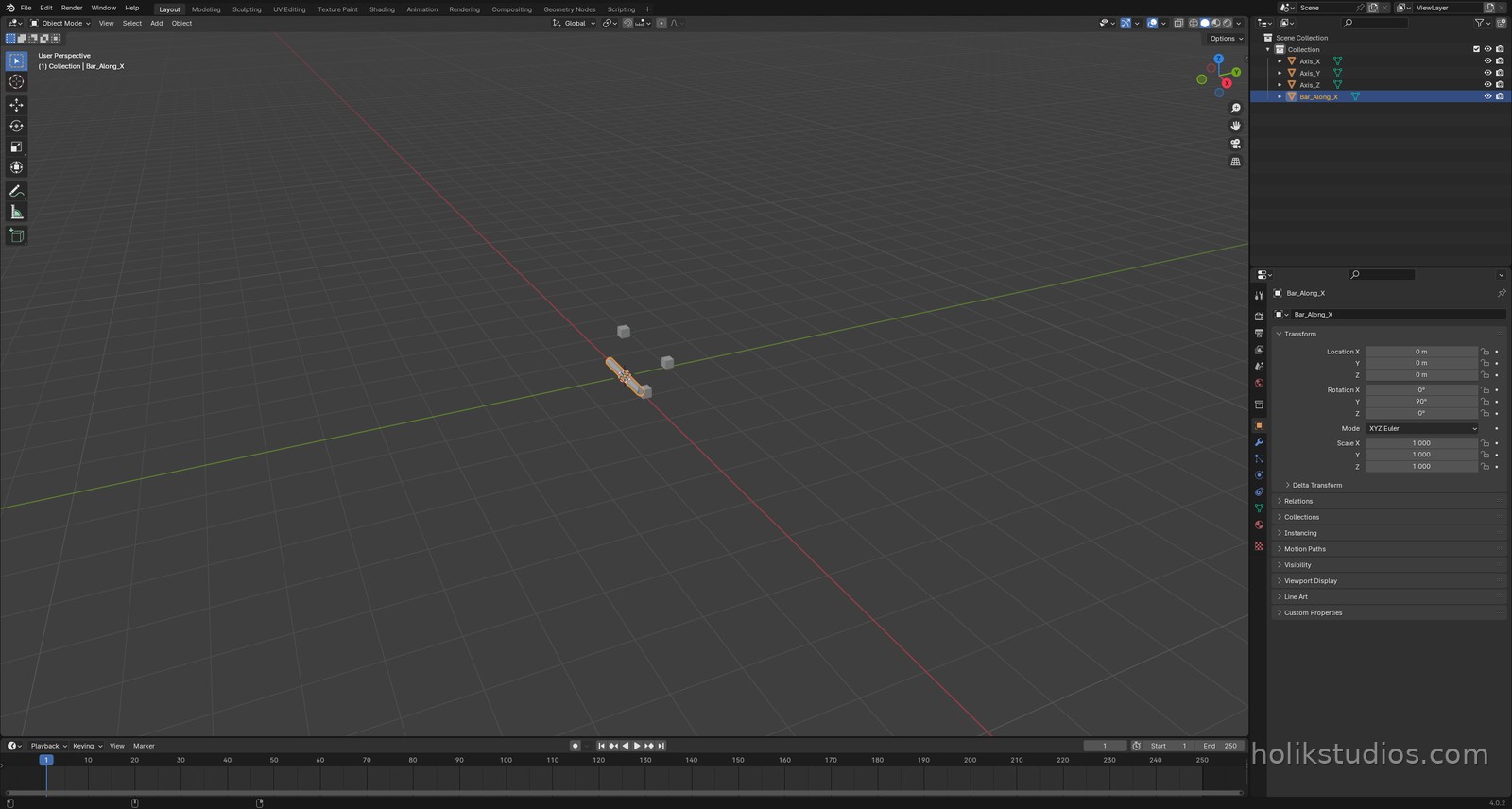
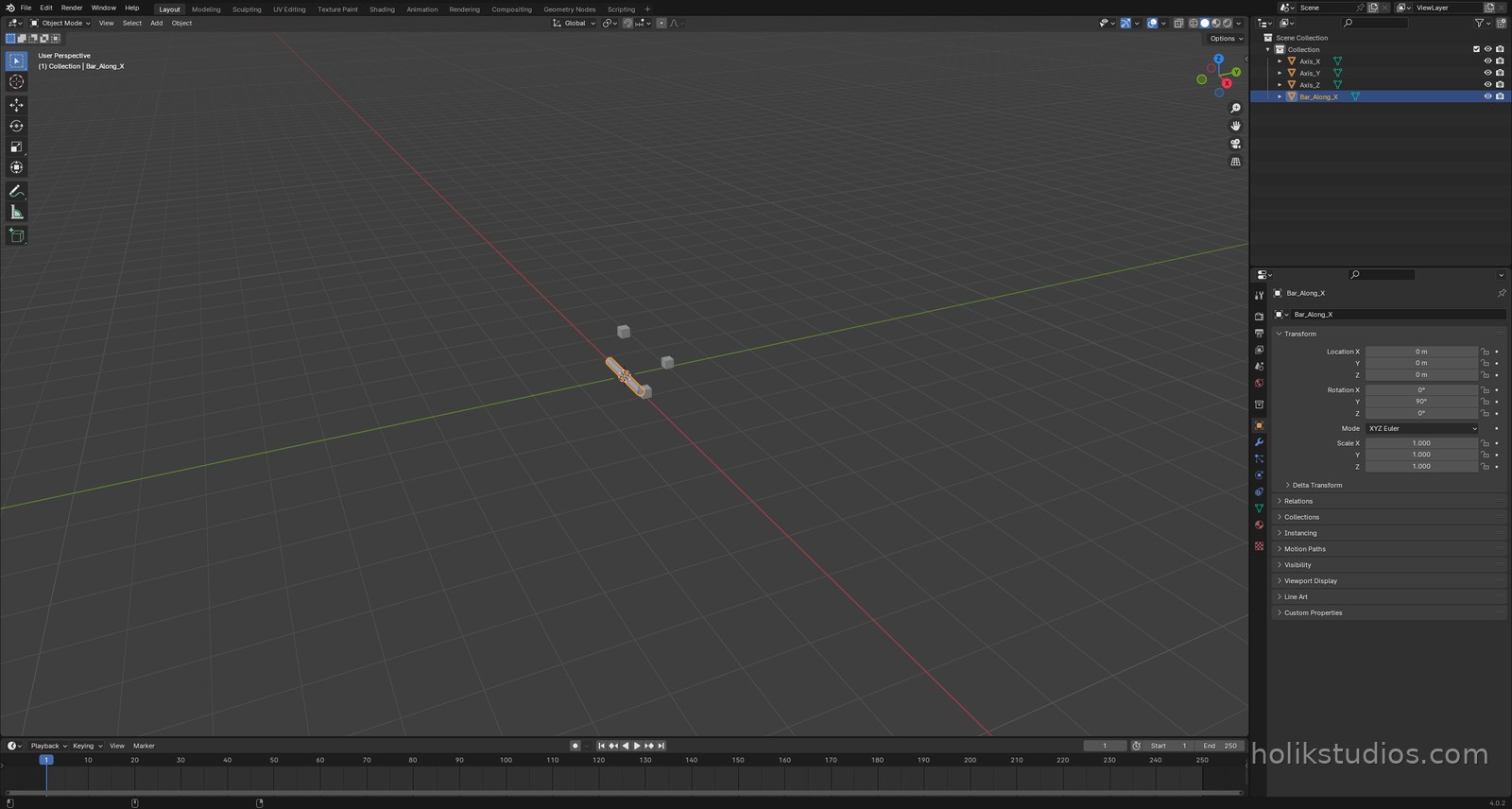
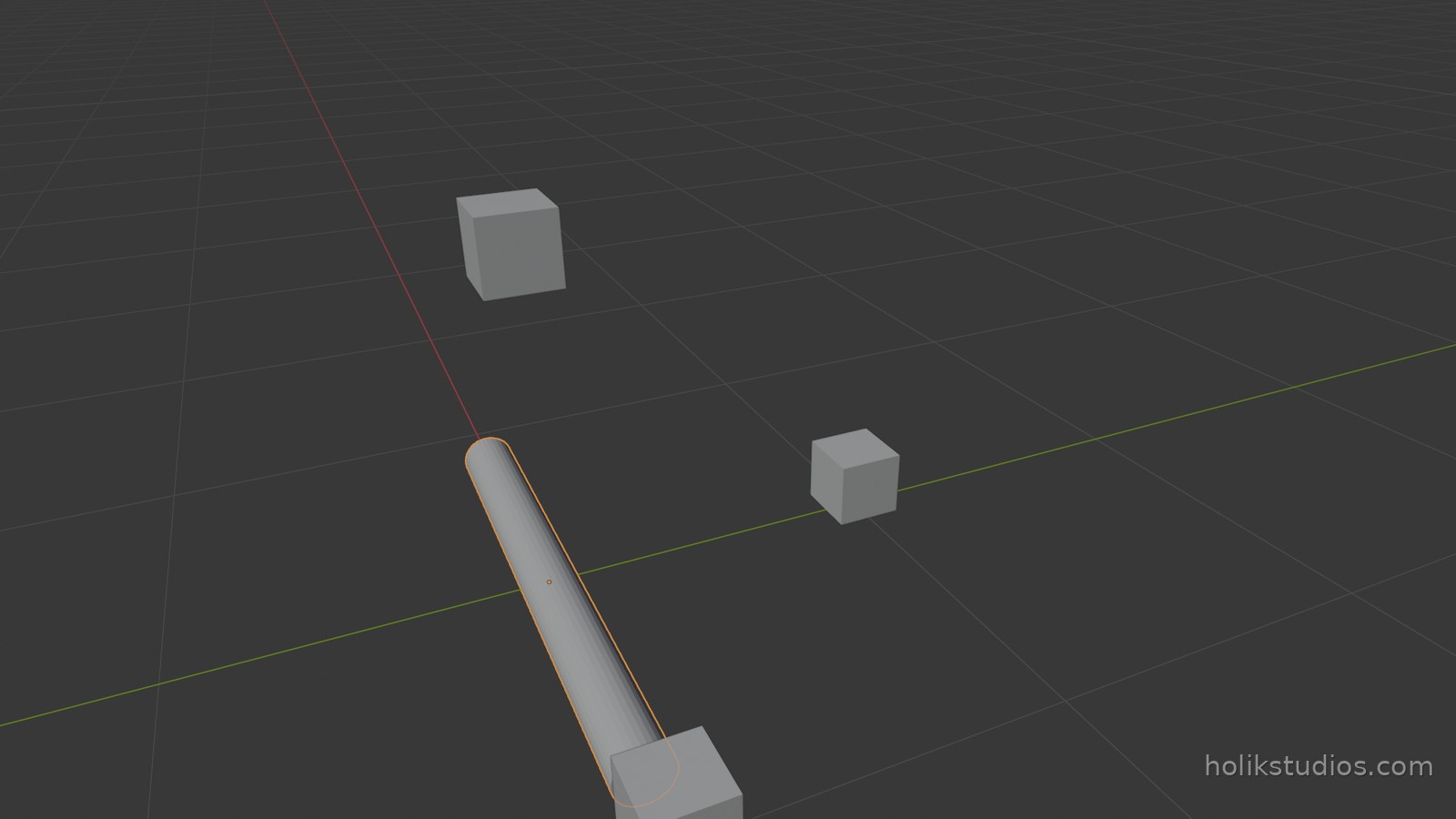
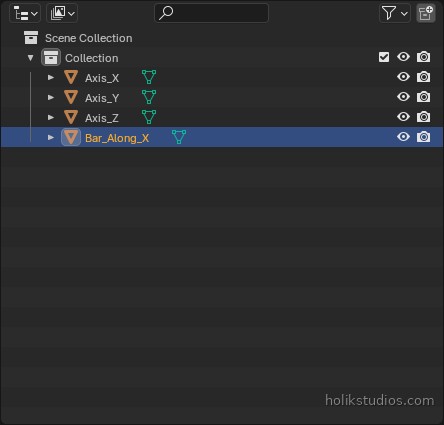
# one marker on each axis, one metre from the origin
for name, loc in (("Axis_X", (1, 0, 0.1)),
                  ("Axis_Y", (0, 1, 0.1)),
                  ("Axis_Z", (0, 0, 1))):
    bpy.ops.mesh.primitive_cube_add(size=0.2, location=loc)
    bpy.context.object.name = name

# a bar lying along the X axis: rotate 90 degrees around Y
bpy.ops.mesh.primitive_cylinder_add(radius=0.08, depth=1.6, location=(0, 0, 0))
bar = bpy.context.object
bar.name = "Bar_Along_X"
bar.rotation_euler[1] = math.radians(90)

print("objects:", [o.name for o in bpy.data.objects])
print("bar rotation (deg):", tuple(round(math.degrees(a)) for a in bar.rotation_euler))
Why this matters for automation
When you place objects by hand, coordinates stay vague, which is fine, because your eye does the correcting. A script has no eye. It places a part at the number you gave it, so that number has to be the right one. The good news is that this is exactly what makes automation reliable: positions from a drawing or a spreadsheet land where the drawing says they land.
A practical habit before writing any placement loop: decide where the origin of your project is, and stay consistent. A part placed from its centre is easy to reason about, until the day you need it placed from a corner.
Next: sizes and units, where we make Blender speak millimetres.