
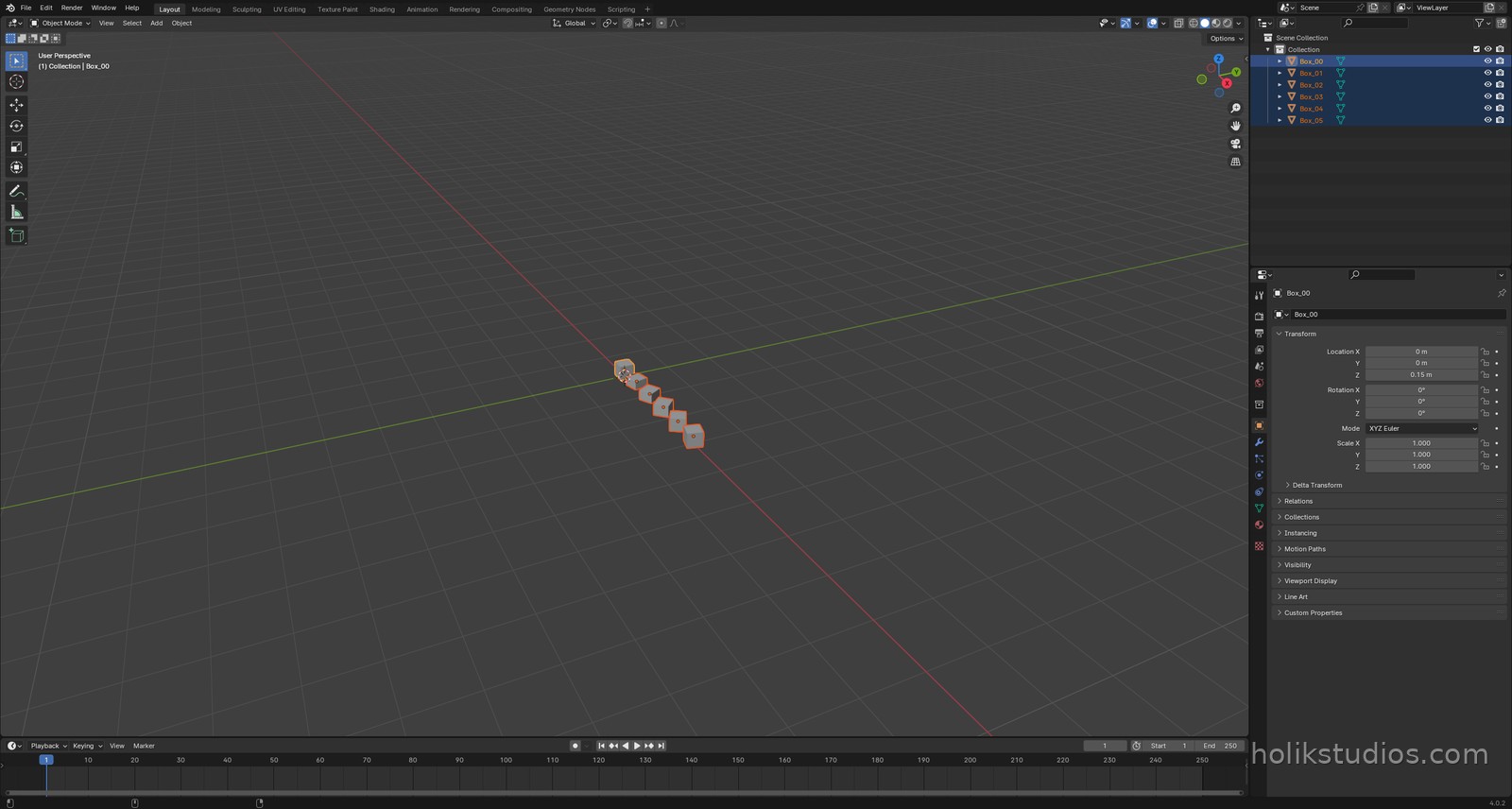
Every object carries three transforms: location (where it is), rotation (how it is turned) and scale (how big it is). In the interface you change them with the mouse. In a script they are simply numbers you assign, and that is what makes a whole row of parts possible in one loop.
Three properties, one object
obj.location = (x, y, z), position in metres.obj.rotation_euler = (rx, ry, rz), rotation in radians around each axis.obj.scale = (sx, sy, sz), multiplier per axis. Keep it at (1, 1, 1) when you can.obj.dimensionsreads the real size, which is the number you check before exporting.
transforms_demo.py
# Position, rotation and scale, written as numbers
import bpy
import math

for obj in list(bpy.data.objects):
    bpy.data.objects.remove(obj, do_unlink=True)

# one template object
bpy.ops.mesh.primitive_cube_add(size=0.3, location=(0, 0, 0.15))
first = bpy.context.object
first.name = "Box_00"

# five copies, each one moved, rotated and scaled by the loop
for i in range(1, 6):
    copy = first.copy()                 # same mesh, new object
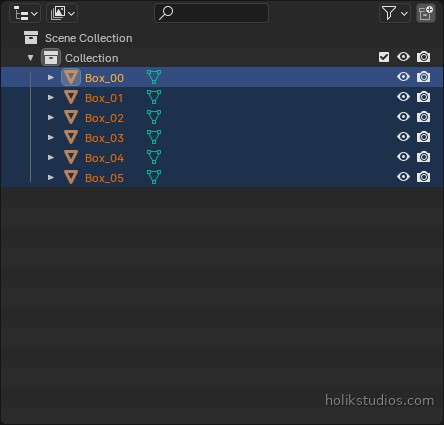
    copy.name = "Box_%02d" % i
    bpy.context.collection.objects.link(copy)

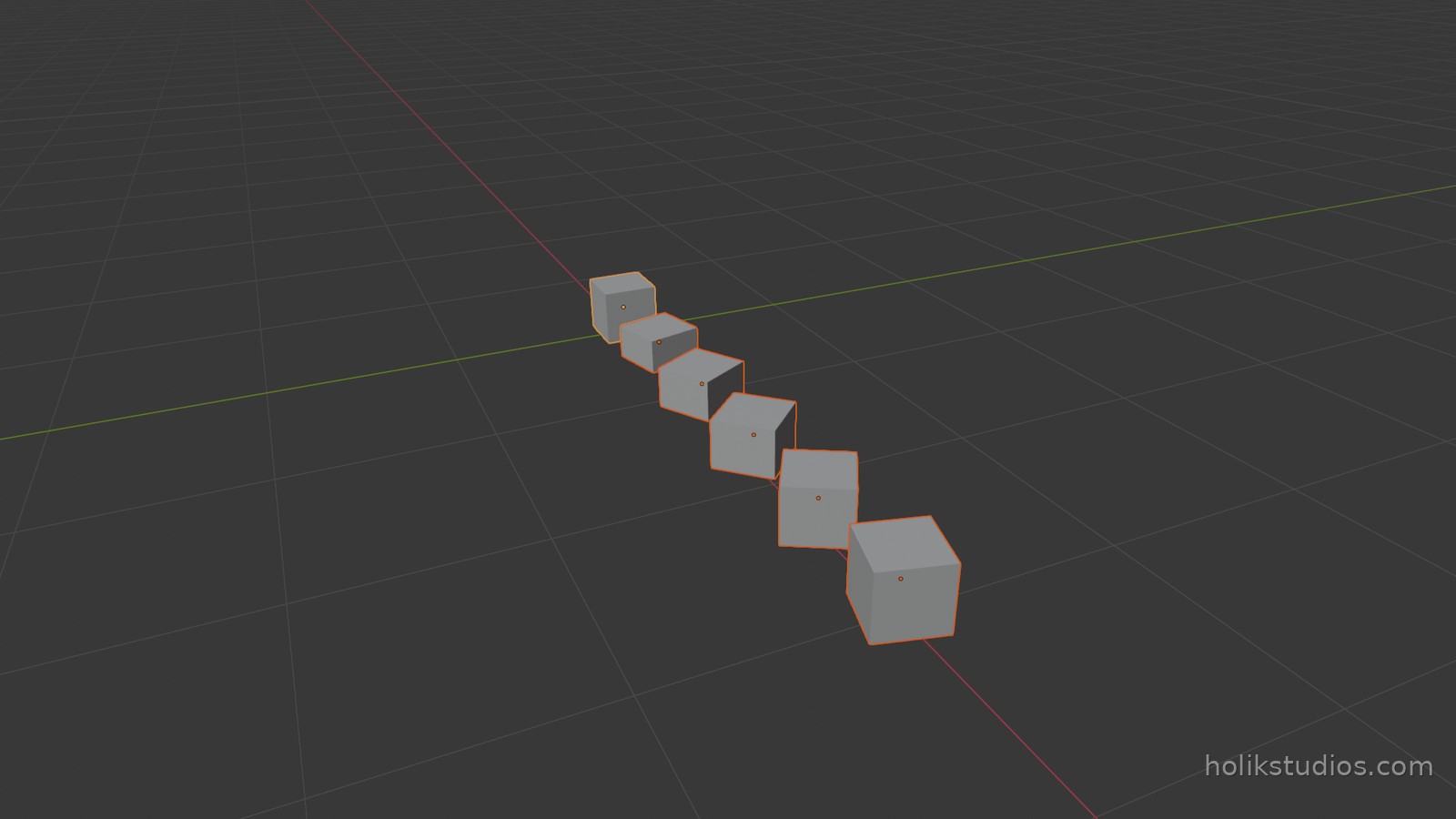
    copy.location = (i * 0.6, 0, 0.15)              # where it sits
    copy.rotation_euler[2] = math.radians(i * 15)   # how it is turned
    copy.scale = (1, 1, 0.5 + i * 0.1)              # how tall it is

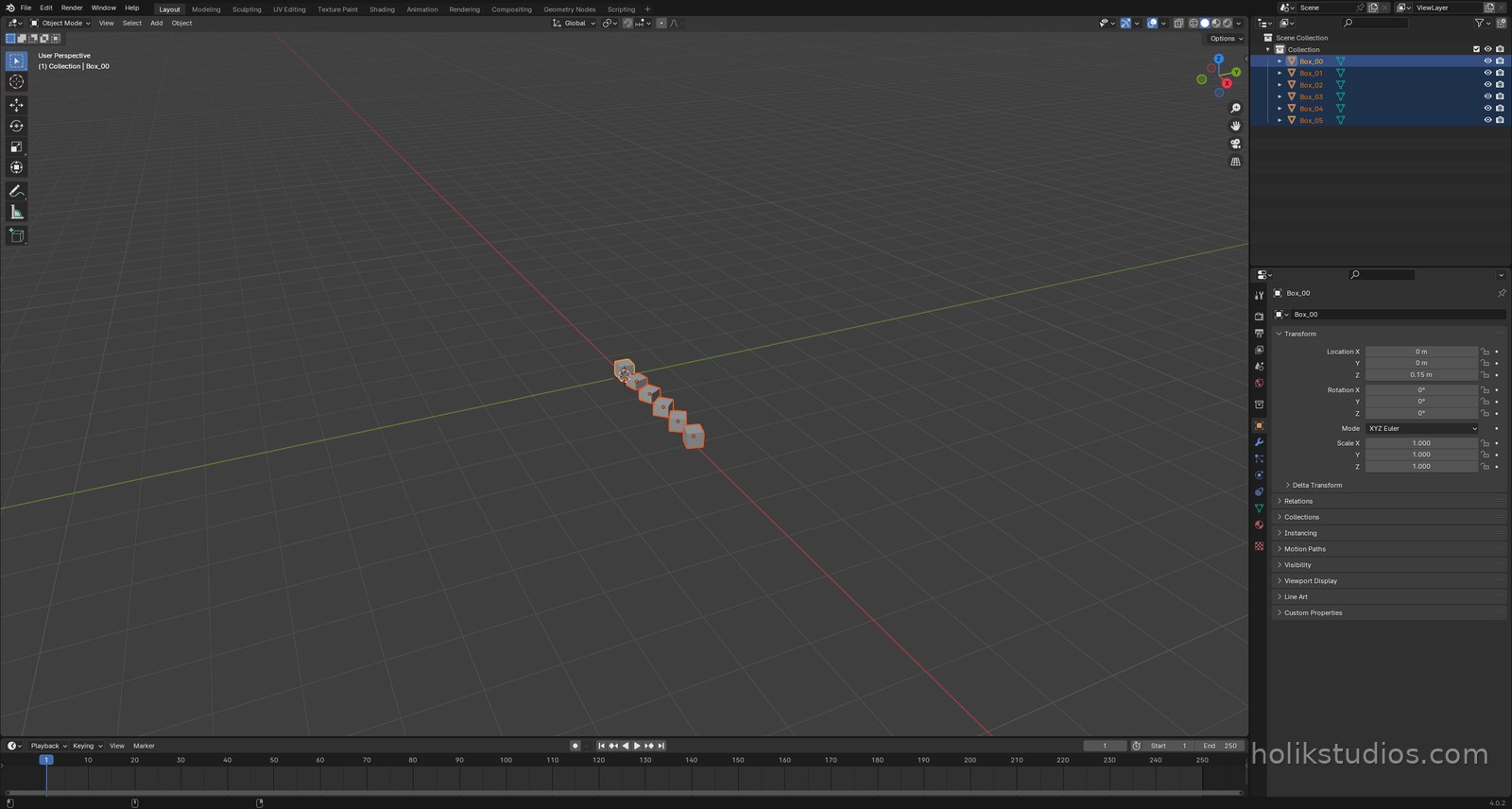
print("objects:", len(bpy.data.objects))
print("last:", tuple(round(v, 2) for v in bpy.data.objects["Box_05"].dimensions))
A practical detail: origin and copies
The transforms act around the object’s origin, the little orange dot. A cube created at a location has its origin at the centre, so scaling grows it in both directions. If you need a part to grow upwards from the floor, place it accordingly or move its origin. It is the difference between a shelf that sits on the floor and one that sinks into it.
obj.copy() gives you a new object that shares the same mesh, so a row of boxes costs almost nothing in file size, exactly like the linked duplicates from lesson 2.1.
Where this pays off
This is the moment automation stops being a convenience. A row of tolerances, a set of heights, a fan of angled parts: all of it is one loop with three numbers inside. Change the numbers and the whole set changes with them, still aligned, still on dimension.
That closes Module 3. In the next module we take the same idea further: loops that build rings, rows and grids of parts, and the small maths that keeps them evenly spaced.