
How to Find Striking-Distance Keywords in Google Search Console
Most sites do not need new content to grow. They need to nudge the pages that already rank at the edge of page one. These are called striking-distance keywords, and Search Console is the best free tool to find them.
What striking distance means
A striking-distance keyword is one where your page already ranks somewhere around positions 8 to 20. You are visible enough to get impressions, but not high enough to get the clicks. A small improvement in relevance, title, or internal linking can push these into the top results.
Why this is the fastest win
Improving a page that already ranks is far cheaper than ranking a brand-new page from scratch. You are not fighting for relevance, only for position. In practice, the biggest gains per hour of work almost always come from this band.
How to find them in GSC, step by step
Step 1: Open Performance and the Queries tab
Go to Performance, keep the Queries tab open, and set a date range that covers a full recent month.
Step 2: Filter by position
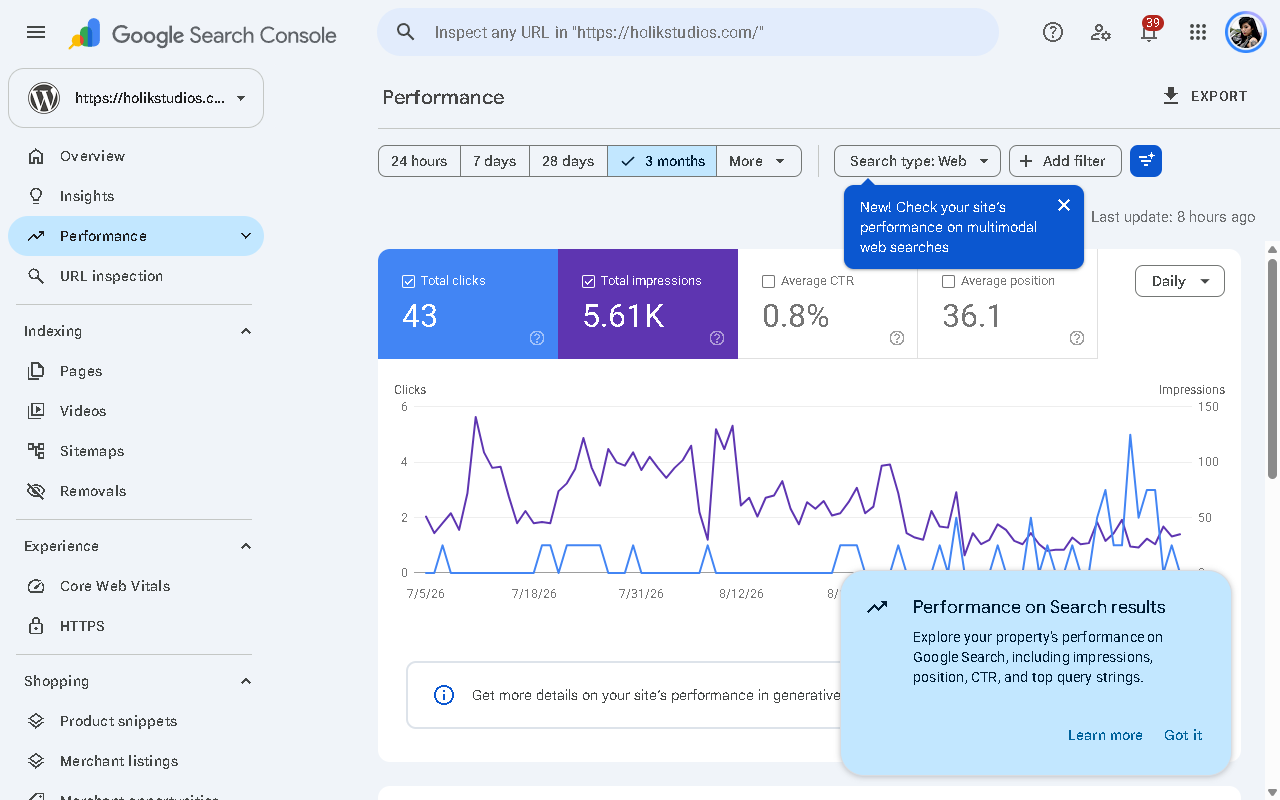
Click the Position filter and set a custom range from 8 to 20. This hides the queries you already win and the ones you are nowhere near.
Step 3: Sort by impressions
Sort the remaining queries by impressions, highest first. High impressions with a mediocre position is exactly where the upside lives.
Step 4: Look for a weak CTR
For each query, compare its click-through rate to what you would expect at that position. A query at position 9 with impressions in the hundreds but almost no clicks is a prime candidate.
Step 5: Group by page
Switch to the Pages tab and repeat. Often several striking-distance queries point to the same page, which makes it a single, focused piece of work.
A quick CTR benchmark to spot quick wins
As a rough guide, average CTR tends to fall as position drops:
- Position 1: roughly 25 to 30 percent
- Position 2: around 15 percent
- Position 3: around 10 percent
- Positions 4 to 6: single digits
- Positions 7 to 10: low single digits
Treat these as a sanity check, not a target. If a query sits well below the band for its position, the title or meta description is usually the culprit.
Doing this at scale
Doing this by hand is fine for a handful of queries, but the value is in the full list, sorted by effort versus return. That is what a GSC audit produces automatically: it surfaces your striking-distance keywords, flags the weak CTRs, and tells you which few changes will move the most traffic in the next 30 days.
Run our free Google Search Console audit and get that prioritised list without building a single spreadsheet formula.
FAQ
What is the ideal striking-distance range?
Positions 8 to 20 is the sweet spot. Below 8 you are already strong, above 20 the climb takes longer.
Do I need paid tools for this?
No. Search Console shows it for free. The paid value is in prioritisation, not access to the raw numbers.