
How to Find and Fix Keyword Cannibalization in GSC
Keyword cannibalization is when several pages on your site compete for the same query. They split the clicks, confuse Google about which page should rank, and usually leave all of them stuck outside the top results. Search Console is the best free way to spot it.
What cannibalization looks like
Instead of one strong page ranking for a query, you see two, three, or five URLs taking turns. None of them builds enough authority to climb, because Google keeps switching which one it trusts. The tell-tale sign is a single query with several of your own URLs appearing for it.
How to find it in GSC
Step 1: Open the Queries tab
Go to Performance, keep the Queries tab, and pick a full recent month.
Step 2: Pick a headline query
Click a query that matters to you. GSC narrows the report to that query.
Step 3: Switch to the Pages tab
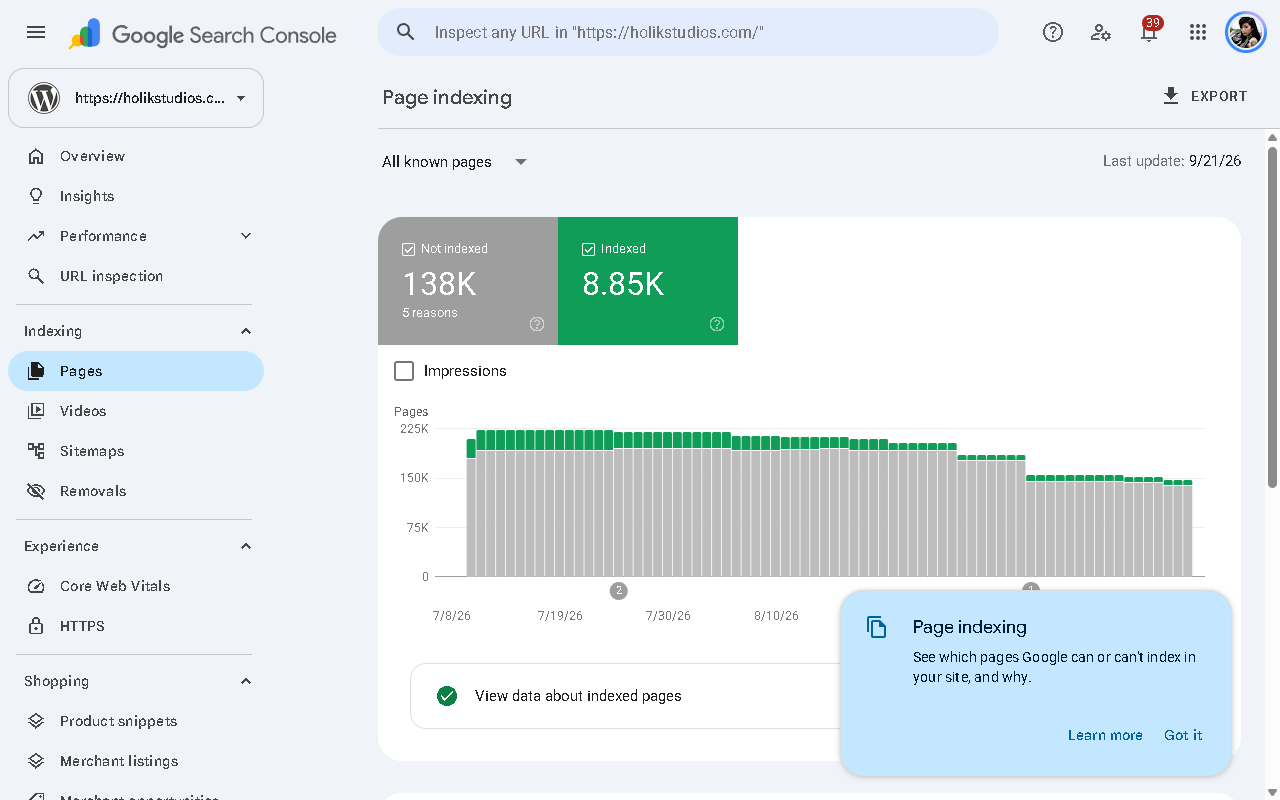
With the query still filtered, open the Pages tab. You now see every URL of yours that ranks for that query. If more than one appears with meaningful impressions, you have cannibalization.
Step 4: Look for the usual suspects
The offenders are often predictable: near-duplicate blog posts, tag or category archives competing with real pages, paginated series, or old and new versions of the same guide.
Step 5: Check the others too
A single query with three URLs is one case. Repeat for your main money queries, or filter Pages by high impressions and look for overlap.
How to fix it
- Consolidate: merge the weaker pages into the strongest one and redirect the rest.
- Differentiate: if the pages genuinely target different intents, tighten each page around its own angle and adjust titles.
- Canonicalise: point near-duplicates at one canonical URL.
- Strengthen internal links: link from your weaker pages to the one you want to rank, so the signals concentrate.
- Prune: sometimes the right move is to remove a page that adds nothing and only competes.
Why it matters for traffic
Fixing cannibalization often produces a jump without new content. You are not adding pages, you are ending an internal tie and letting one page win. It is one of the highest return fixes in SEO, and one of the easiest to miss by eye.
A GSC audit scans your whole query set for this pattern automatically and lists the pages worth merging or redirecting, ranked by potential gain.
FAQ
Is cannibalization always bad?
Not always. If two pages serve genuinely different intents, it is fine. It is a problem when they target the same searcher.
How do I know which page to keep?
Keep the one with the best combination of current position, backlinks, and content depth. Usually that is the one already ranking best.