
Blender can create dozens of shapes for you, but three of them do most of the work in practice: the cube, the sphere and the cylinder. Learn to create them from code with exact sizes and you can build almost anything by combining them.
This is the difference from the interface. When you add a cube by hand you get the size Blender chose. When you add it from a script, you pass the size you want, in metres, and it is correct the first time.
The three calls
bpy.ops.mesh.primitive_cube_add()withsize, the edge length in metres.bpy.ops.mesh.primitive_uv_sphere_add()withradius.bpy.ops.mesh.primitive_cylinder_add()withradiusanddepth.- All three accept
location, a coordinate triple, which is where the centre of the shape will sit.
primitives_demo.py
# The three primitives you will use most, with exact sizes
import bpy

# our reusable habit: start clean
for obj in list(bpy.data.objects):
    bpy.data.objects.remove(obj, do_unlink=True)

# cube: size is the edge length, in metres (0.4 = 40 cm)
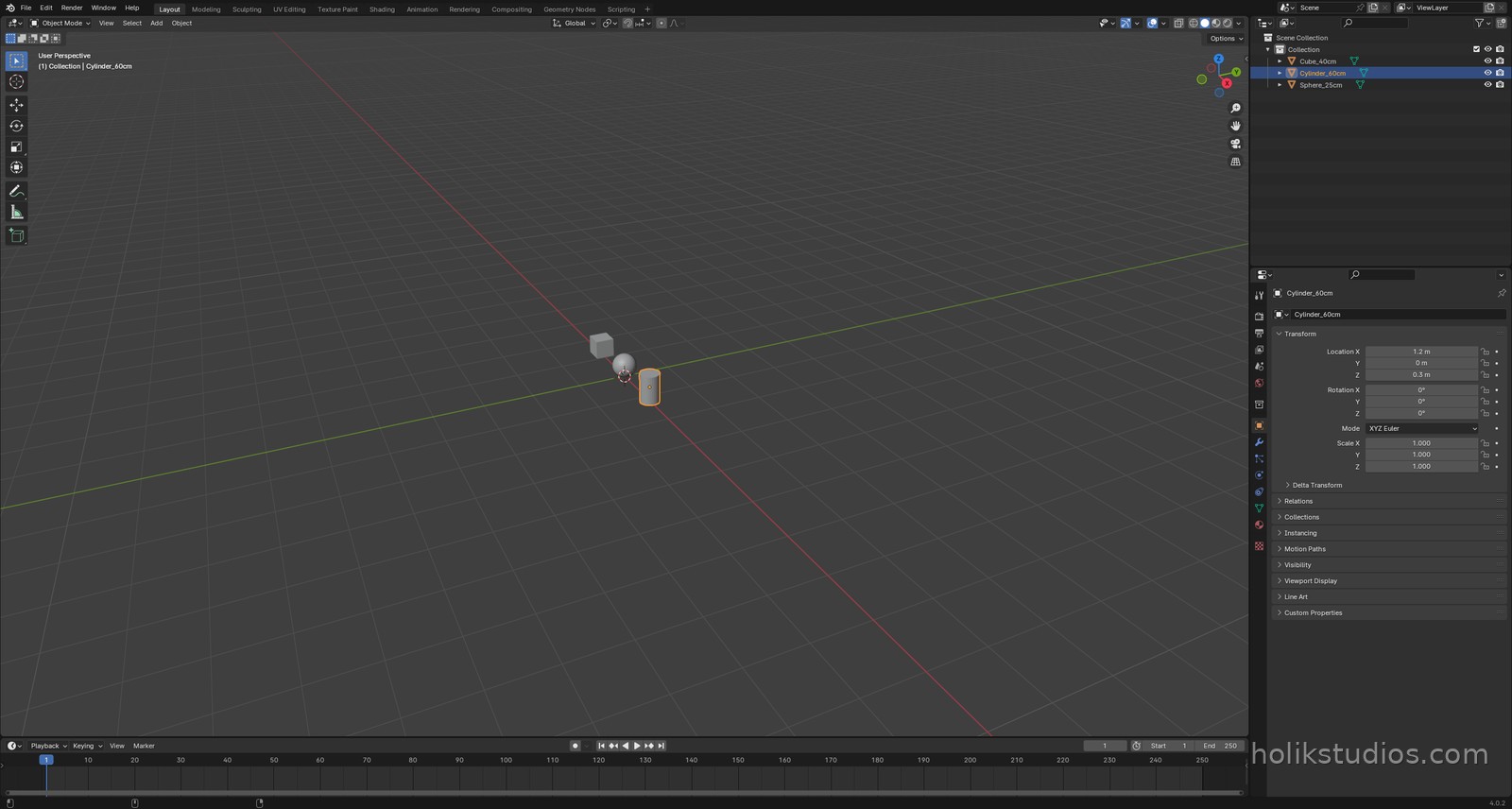
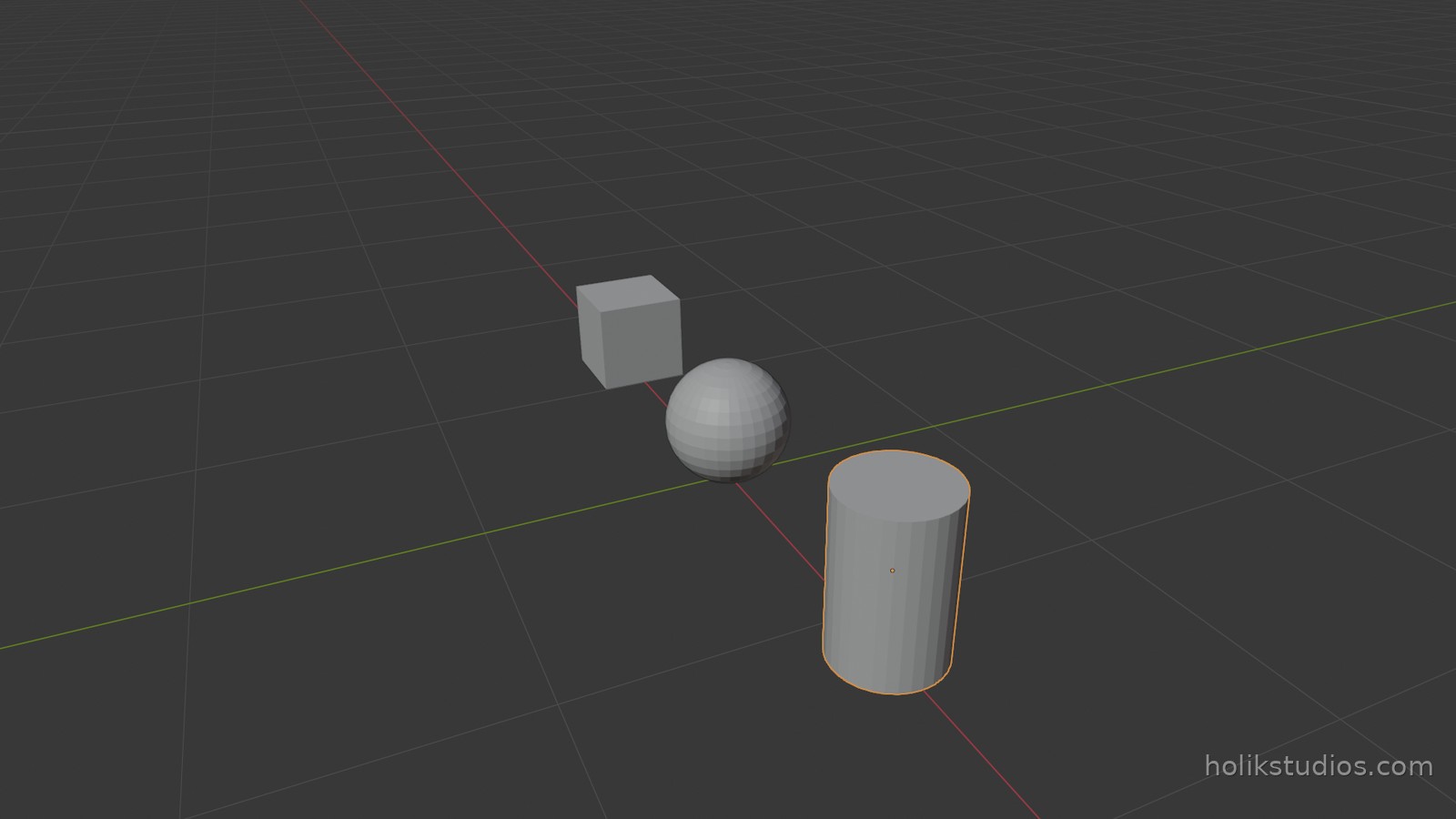
bpy.ops.mesh.primitive_cube_add(size=0.4, location=(-1.2, 0, 0.2))
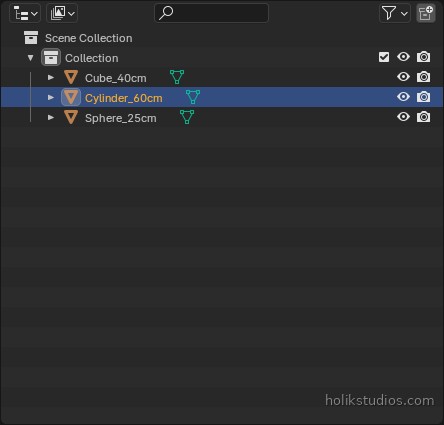
bpy.context.object.name = "Cube_40cm"

# sphere: radius, in metres (0.25 = 25 cm)
bpy.ops.mesh.primitive_uv_sphere_add(radius=0.25, location=(0, 0, 0.25))
bpy.context.object.name = "Sphere_25cm"

# cylinder: radius and depth
bpy.ops.mesh.primitive_cylinder_add(radius=0.2, depth=0.6, location=(1.2, 0, 0.3))
bpy.context.object.name = "Cylinder_60cm"

print("Objects:", [o.name for o in bpy.data.objects])
One line each, and a name to find them later
After any of these operations, bpy.context.object is the object that was just created, so the line that follows can immediately give it a proper name. Do it every time: “Cube.017” tells you nothing in a month, “Bracket_02” tells you everything.
Where this pays off
In fabrication and product work these three shapes are the vocabulary. A bracket is a cube cut to size. A stand is a cylinder. A knob is a sphere scaled down. When the sizes come from a drawing or a spreadsheet, the script builds the whole set in the time it takes you to read the numbers, and every part is exactly on dimension instead of nearly right.
Next: names and organisation, because a scene of fifty unnamed objects is as bad as no scene at all.