
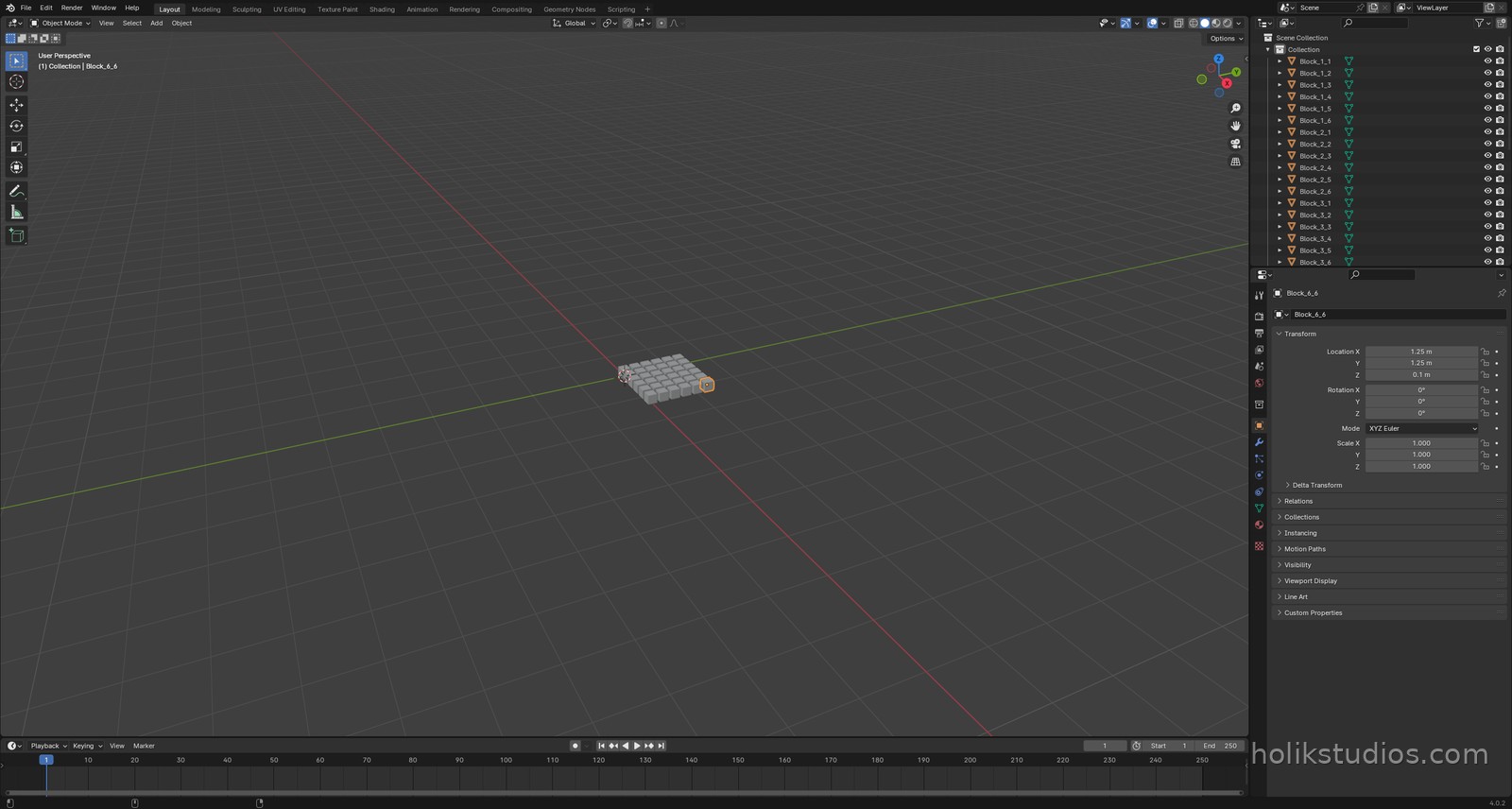
You have already used this snippet. In lesson Why Automate Blender every script started by emptying the scene, and that is not going to change: clear then build is the backbone of automation.
So this lesson is not about inventing the loop again. It is about where that loop should live. Copying the same three lines into every script works, right until you need to change them. Then you change them in one project and forget the other five.
Where you have seen this before
The pattern is always the same: take a snapshot of bpy.data.objects, then remove each object with do_unlink=True so nothing is left hiding in the file. We used it in the first module and we will use it in every project from here.
One improvement from that first version: put it in a function, in its own file. Then it stops being a snippet you copy and becomes a tool you call.
Step 1: the tool in its own file
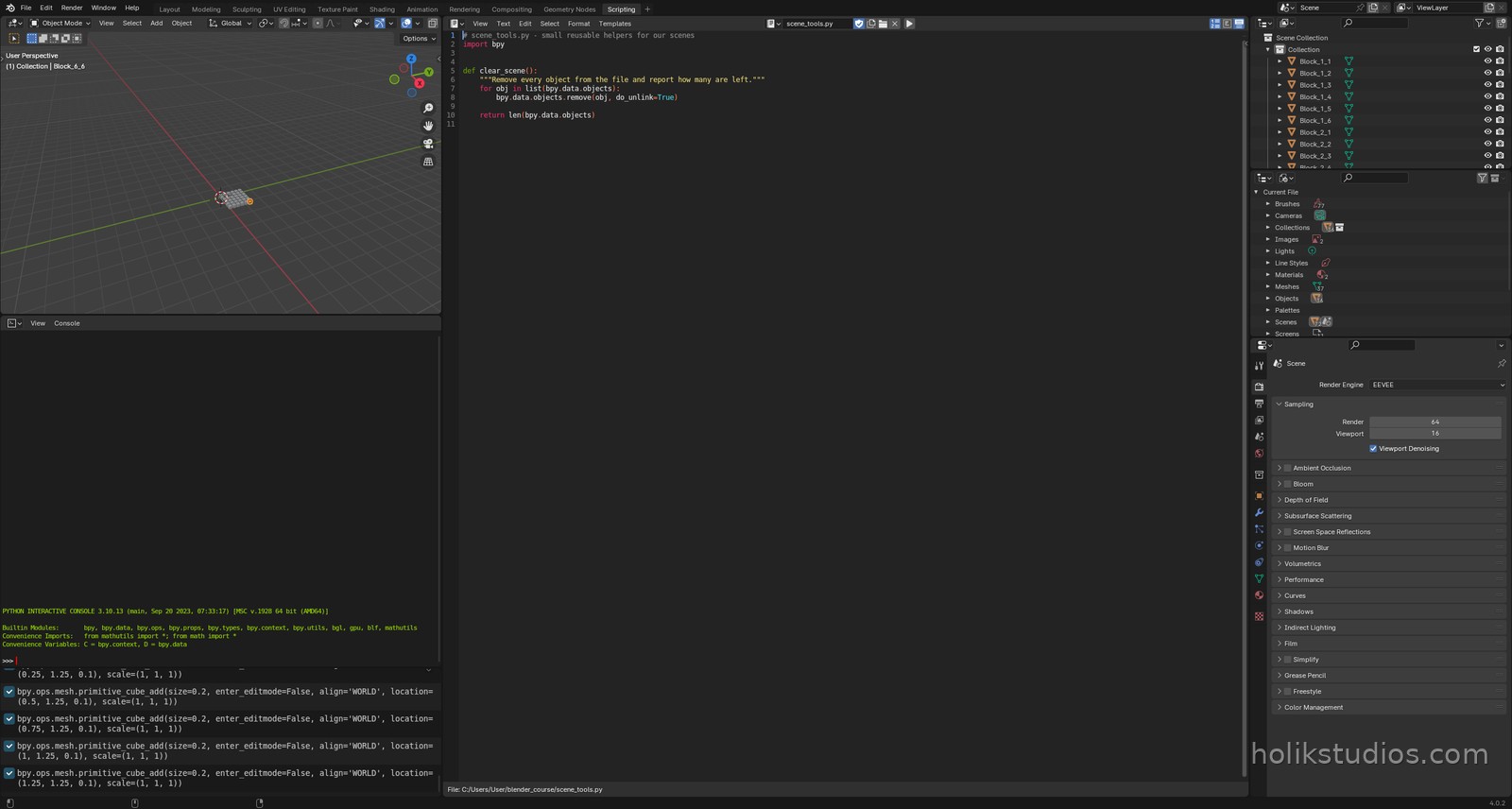
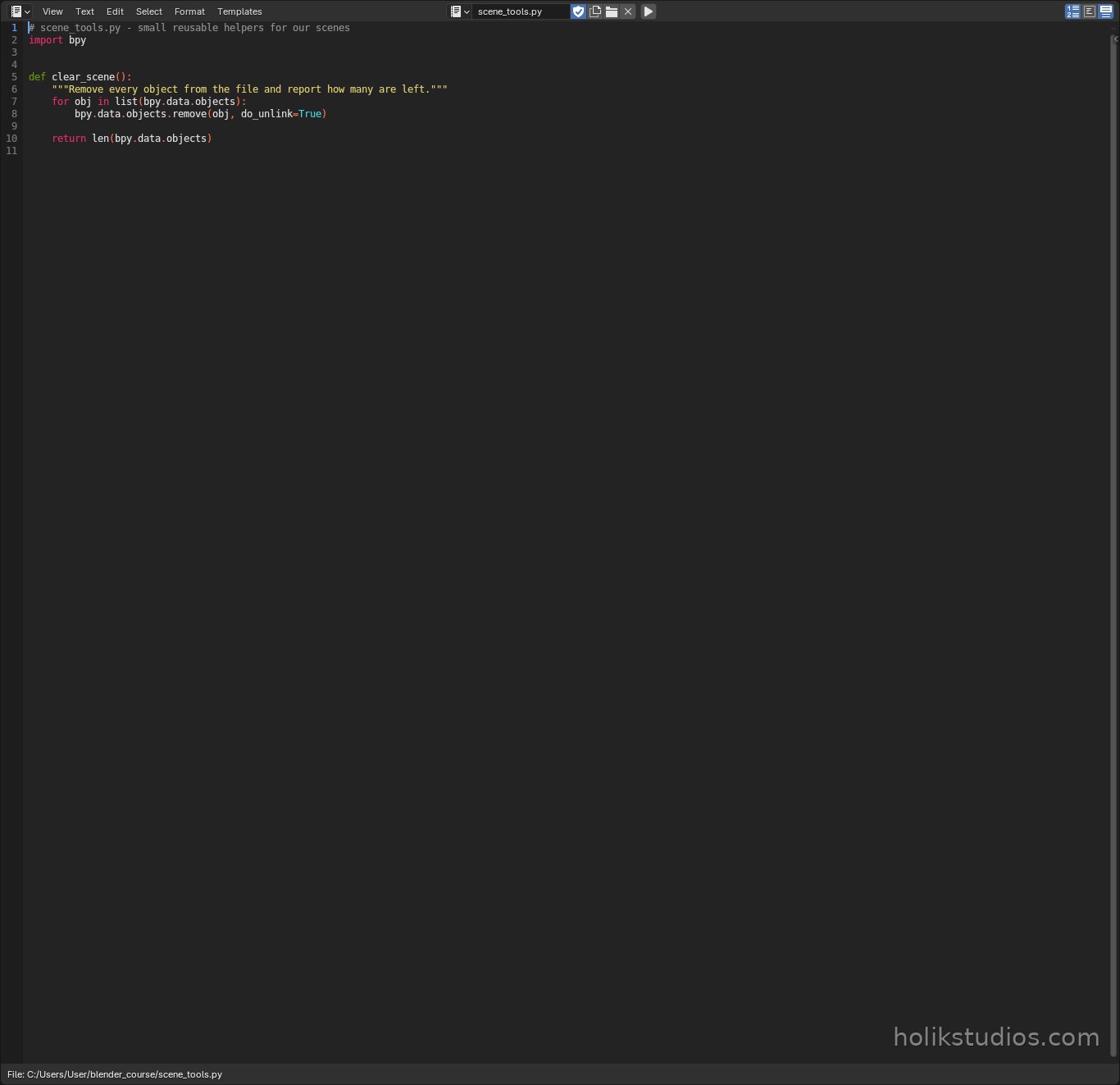
Create a file next to your project scripts, for example scene_tools.py, and give it a function with a name that says what it does. Returning the number of objects left costs nothing and gives you something to print, which is how you check that it worked.
scene_tools.py
# scene_tools.py - small reusable helpers for our scenes
import bpy


def clear_scene():
    """Remove every object from the file and report how many are left."""
    for obj in list(bpy.data.objects):
        bpy.data.objects.remove(obj, do_unlink=True)

    return len(bpy.data.objects)
Step 2: use it from another script
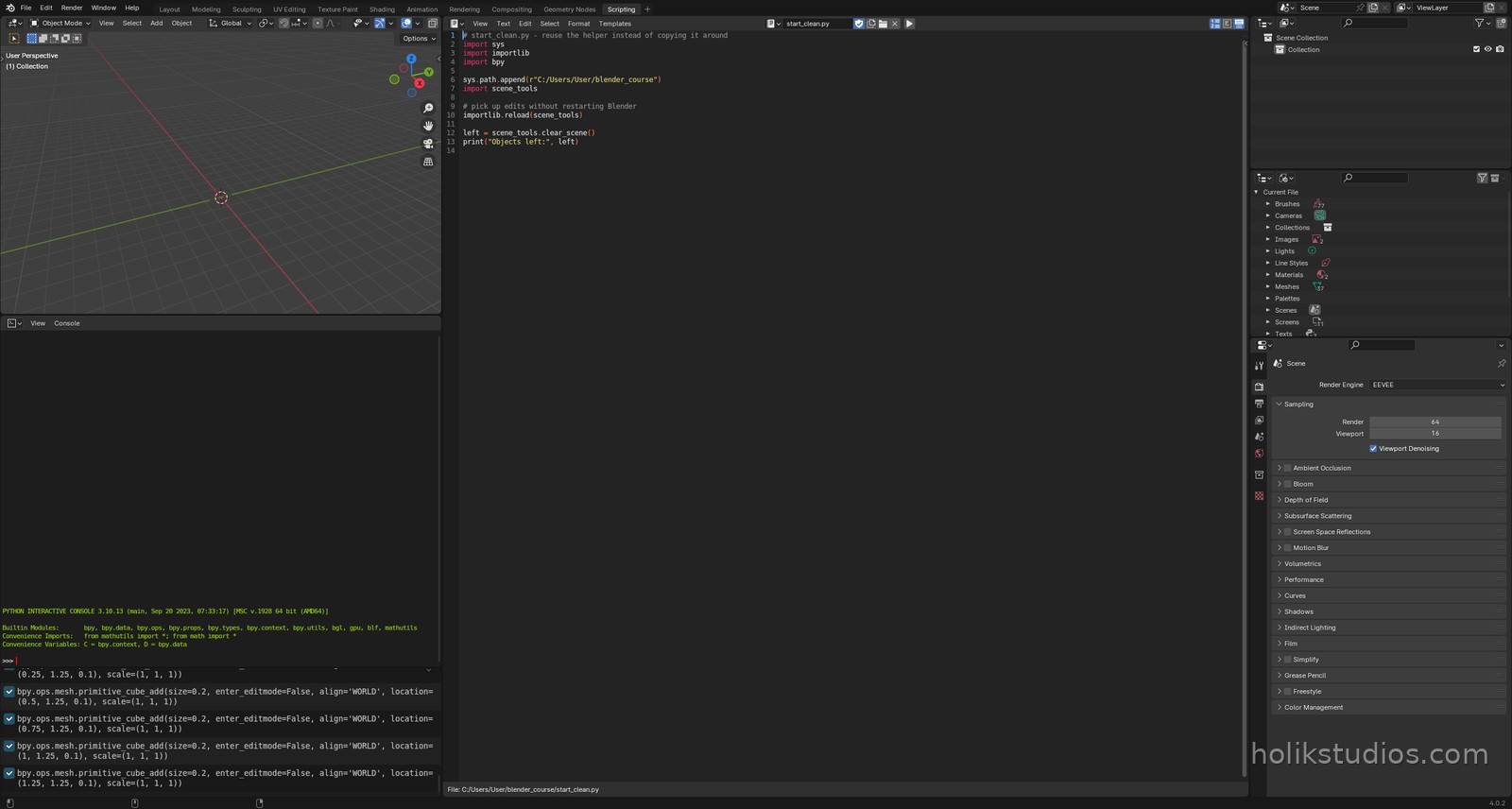
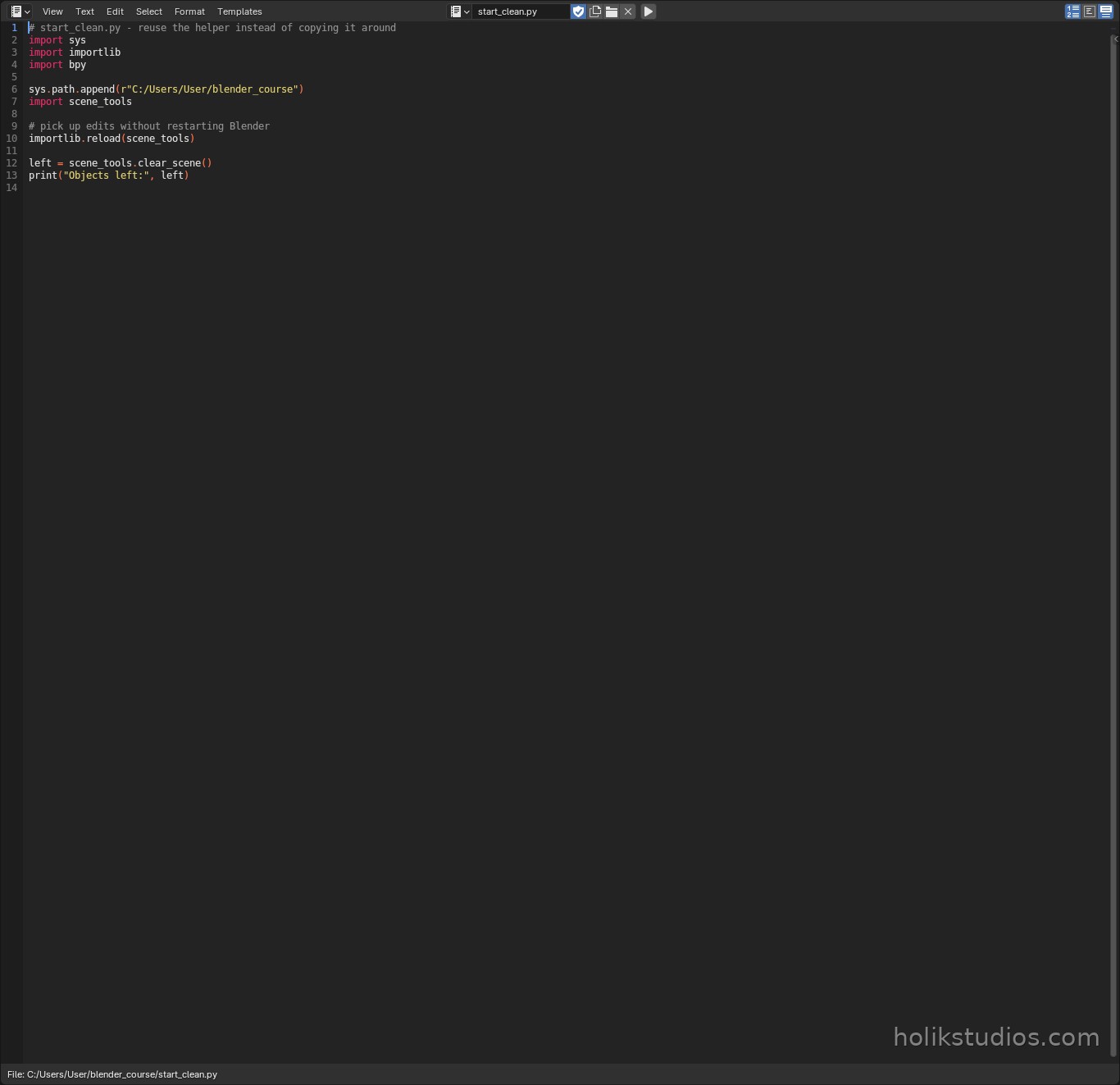
Now the working script becomes short. Python needs to know where to look for the file, so we add the folder to sys.path and import it. The importlib.reload line is a Blender habit worth learning: it re-reads the file every run, so you can edit the helper and see the change immediately, without restarting Blender.
start_clean.py
# start_clean.py - reuse the helper instead of copying it around
import sys
import importlib
import bpy

sys.path.append(r"C:/Users/User/blender_course")
import scene_tools

# pick up edits without restarting Blender
importlib.reload(scene_tools)

left = scene_tools.clear_scene()
print("Objects left:", left)
If you prefer to keep everything inside one .blend file
You do not have to use files on disk. Blender’s Text Editor stores scripts inside the .blend itself, and you can run one script from another with a single line:
Calling a stored text block
# run another text block from this one
import bpy

exec(bpy.data.texts["scene_tools.py"].as_string())
clear_scene()
Both approaches are valid. Files on disk are easier to reuse across projects and to keep in version control. Text blocks are easier when you want one self-contained .blend to send to someone. What matters is that the clearing code exists in one place.
Why this pays off
- One place to fix a bug, instead of five copies drifting apart.
- New scripts start clean and short: import the tools, call them, build.
- Your scene tools folder grows into a private library: clear, rename, place, export.
- Colleagues can reuse your helpers without reading your whole script.
Next we finally start building for real: the primitives Blender can create for you, and how to create them from code with exact sizes.