
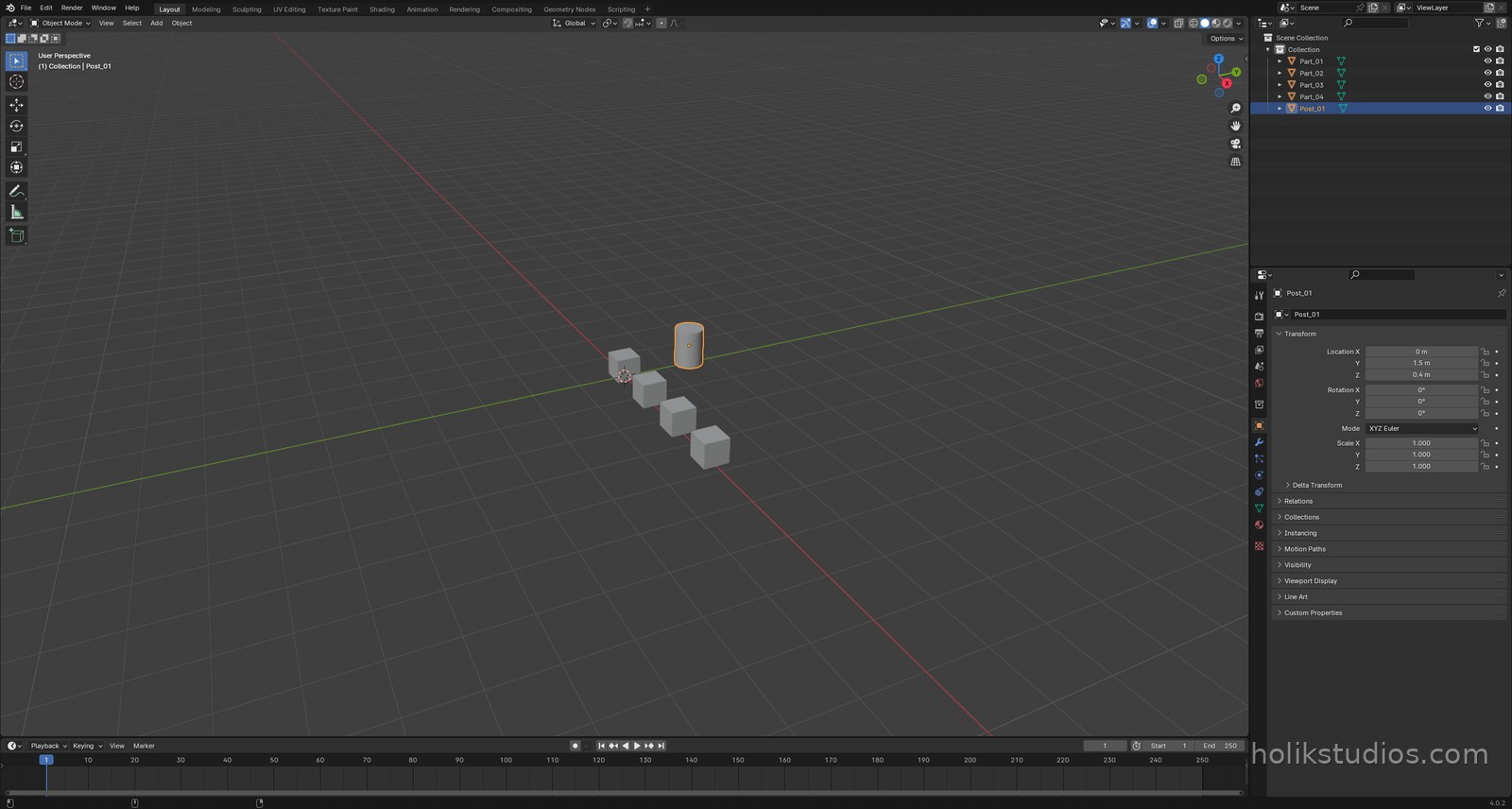
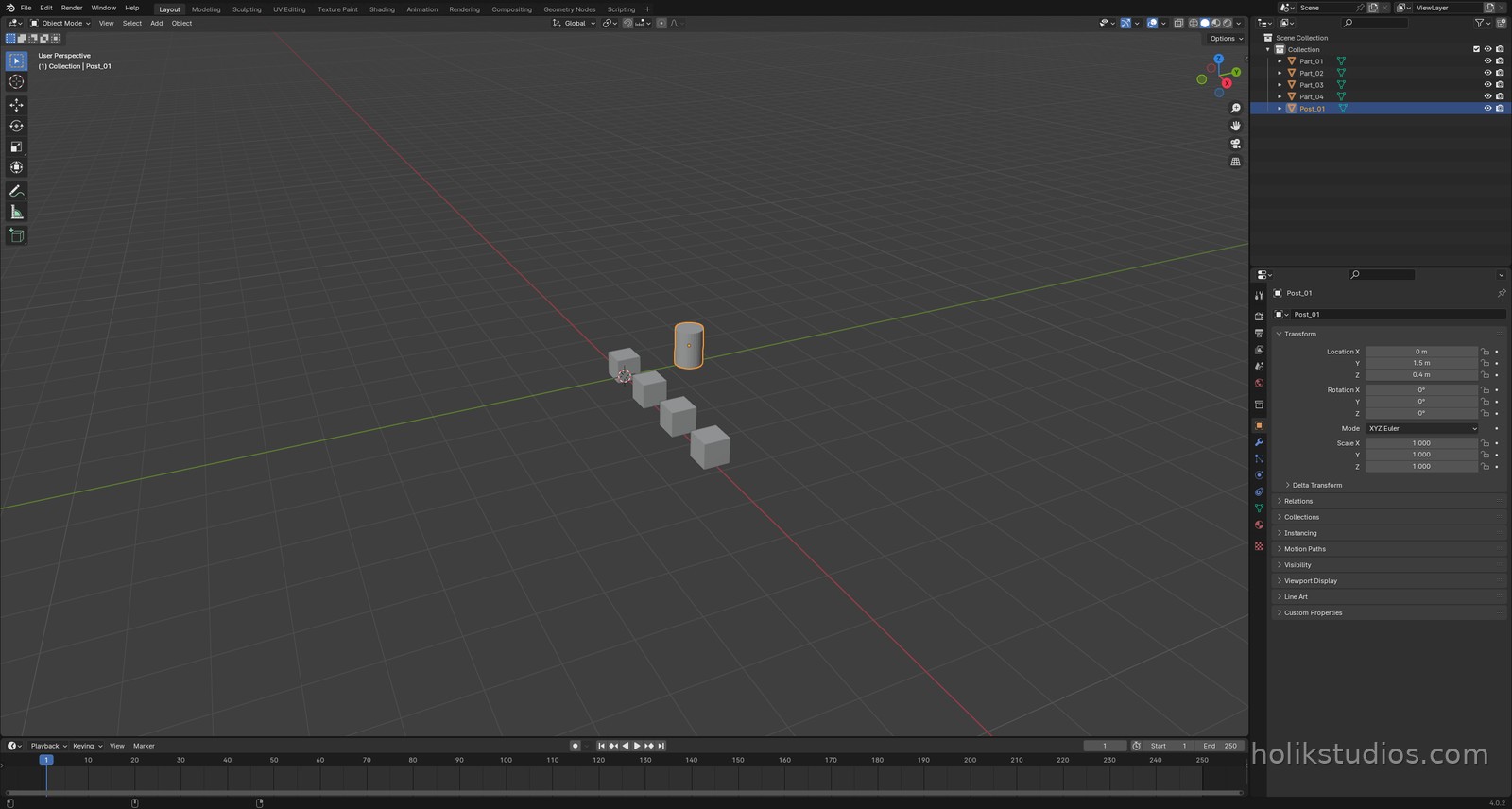
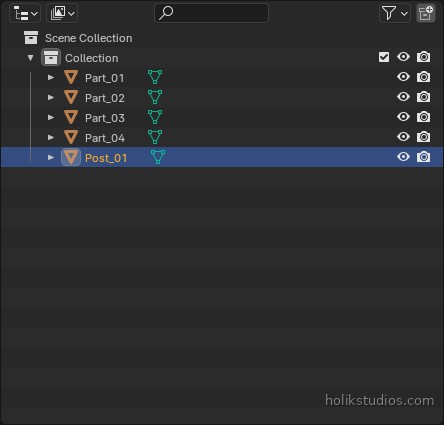
Here is the moment scripting starts to feel useful. Instead of clicking around to find out what is in a scene, you ask Python to list it. Names, types, positions, real dimensions, counts. Anything you can see in the Outliner, you can read as data.
That matters when a scene grows. Checking thirty objects by eye is slow and unreliable. Checking three hundred with a loop takes no time at all, and it gives you a list you can sort, save or compare with a client’s drawing.
The loop that reads everything
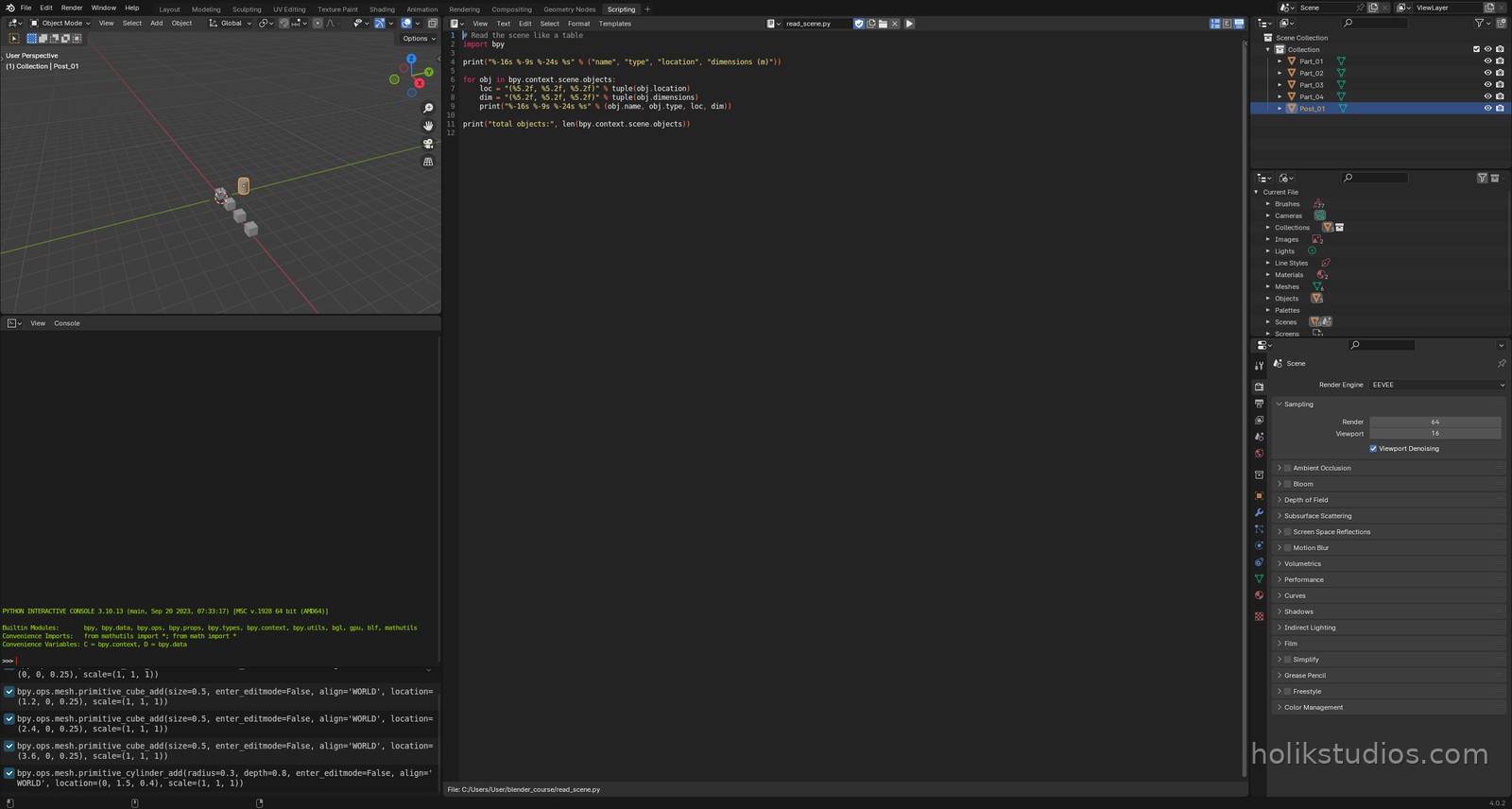
bpy.context.scene.objects is the collection of objects in the current scene. Iterate over it and you have every object in turn; each one carries its own name, type, location and dimensions.
read_scene.py
# Read the scene like a table
import bpy

print("%-16s %-9s %-24s %s" % ("name", "type", "location", "dimensions (m)"))

for obj in bpy.context.scene.objects:
    loc = "(%5.2f, %5.2f, %5.2f)" % tuple(obj.location)
    dim = "(%5.2f, %5.2f, %5.2f)" % tuple(obj.dimensions)
    print("%-16s %-9s %-24s %s" % (obj.name, obj.type, loc, dim))

print("total objects:", len(bpy.context.scene.objects))
What each field tells you
obj.name– the name you see in the Outliner. Scripts make naming rules easy to keep.obj.type– MESH, CAMERA, LIGHT, EMPTY and so on. Useful for filtering.obj.location– where the object sits, in metres, on X, Y and Z.obj.dimensions– the real bounding size of the object, after scale. This is the number you care about when a part must fit a machine or a printing plate.
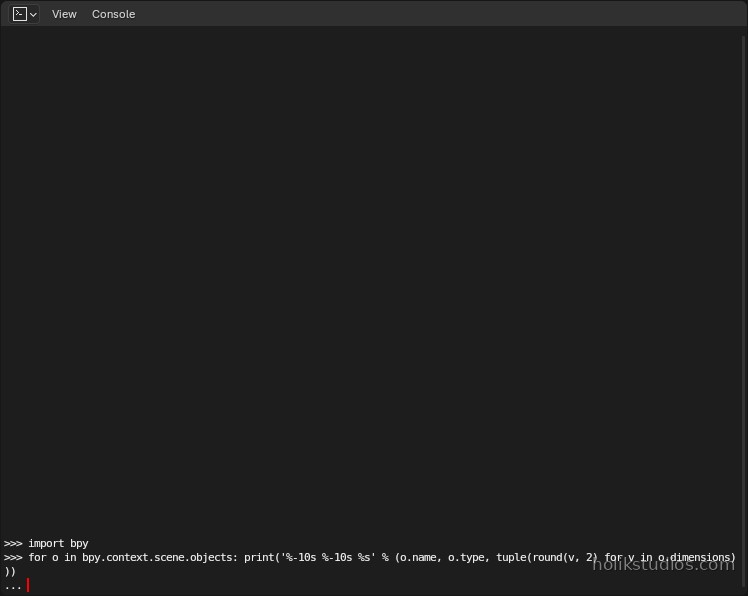
The same idea works in the Python Console, which is perfect for a quick check before you commit anything to a file. Type a loop like the one below and Blender answers immediately:
A real use: checking a scene against a list
Imagine a client sends a list of parts with dimensions. You build the scene from it, then run a script that prints every part next to its expected size. Mismatches stop being invisible: they show up as text, before anything is printed or shipped. That is an audit you can run in one second, on every revision, forever.
Next: the other side of the coin. Before you build from a list, you often want the scene empty. Clearing it properly is a one-liner, and there is a right way and a wrong way to do it.