
When you delete an object in Blender you usually mean “take it out of the scene”. Python can do something slightly different: keep the object in the file but unlink it from the scene. It looks like it disappeared, yet it is still there, invisible, and reusable.
Understanding this explains two things that confuse people: why a .blend file grows even after deleting objects, and how scripts sometimes “bring back” something you thought was gone.
Two lists, not one
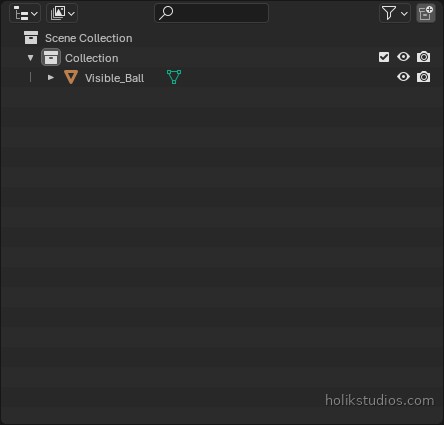
- The Scene Collection (what the Outliner shows) is a container. An object appears in the viewport only if it is linked somewhere in the scene.
- bpy.data.objects is the full list of objects saved in the file, linked or not.
- An object with no link has
users == 0. It is invisible in the scene, but it still occupies space in the file.
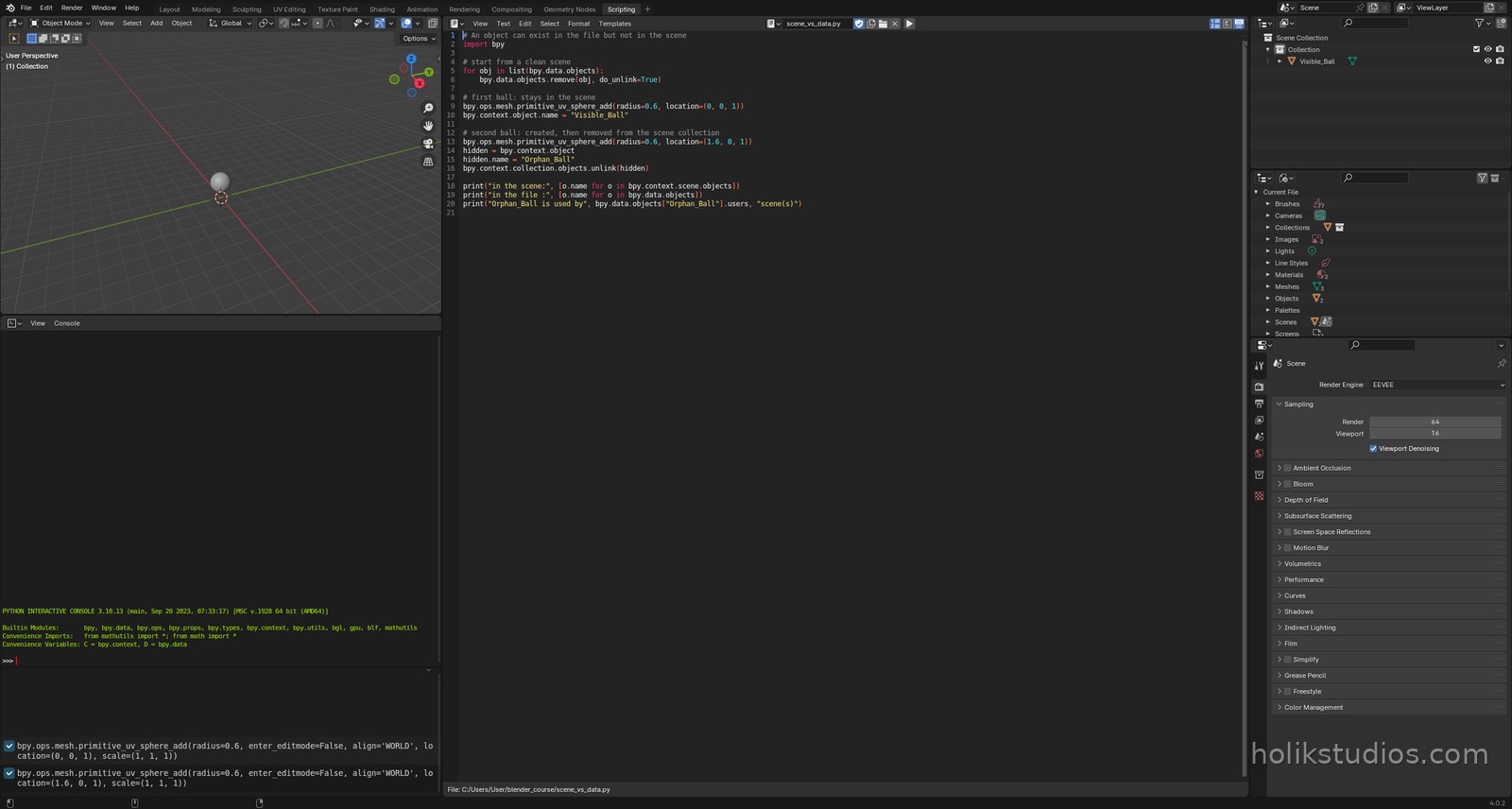
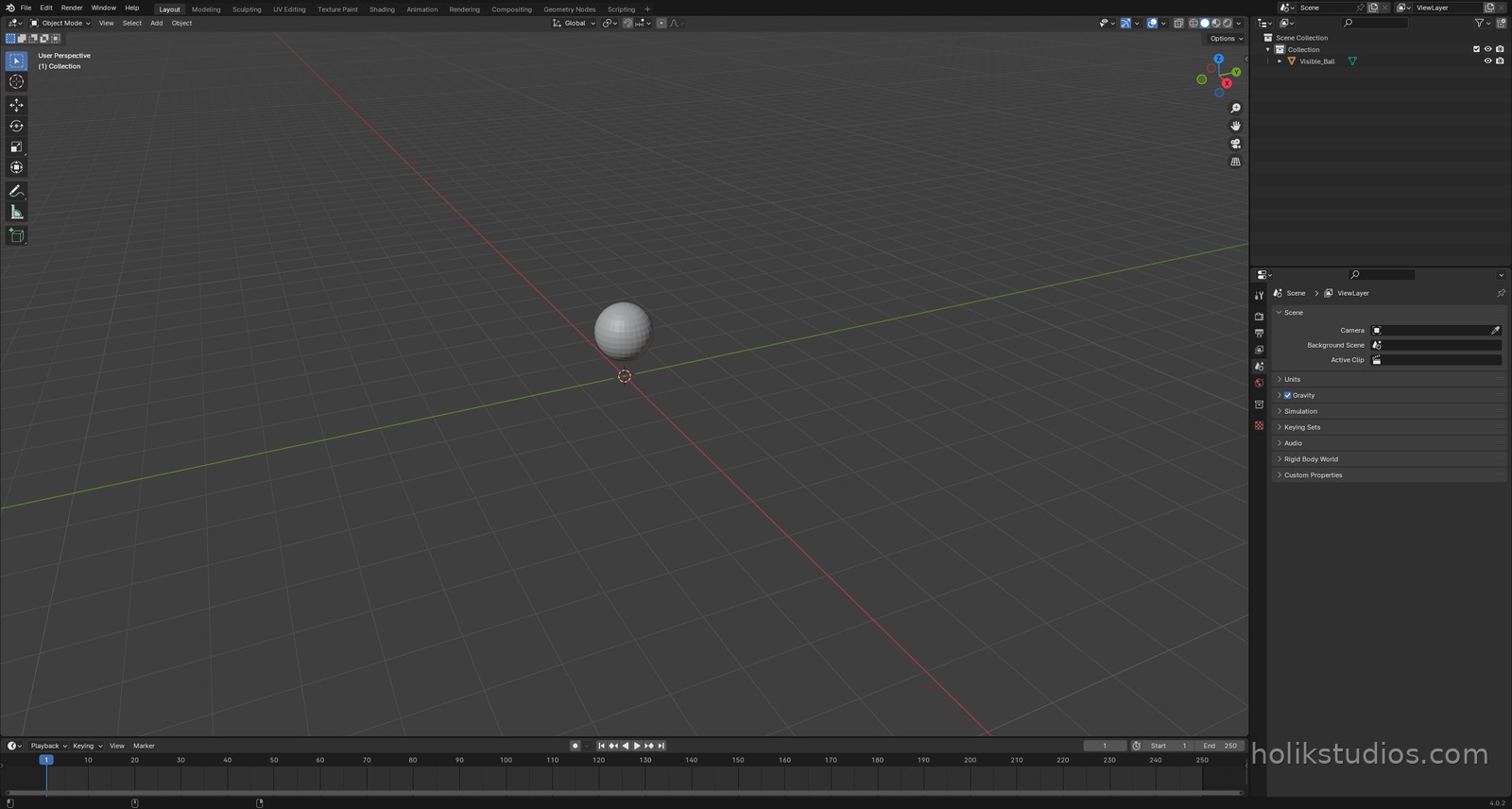
The script below creates two balls. The first one stays in the scene. The second one is created normally and then unlinked, so it vanishes from the viewport while remaining in the file.
scene_vs_data.py
# An object can exist in the file but not in the scene
import bpy

# start from a clean scene
for obj in list(bpy.data.objects):
    bpy.data.objects.remove(obj, do_unlink=True)

# first ball: stays in the scene
bpy.ops.mesh.primitive_uv_sphere_add(radius=0.6, location=(0, 0, 1))
bpy.context.object.name = "Visible_Ball"

# second ball: created, then removed from the scene collection
bpy.ops.mesh.primitive_uv_sphere_add(radius=0.6, location=(1.6, 0, 1))
hidden = bpy.context.object
hidden.name = "Orphan_Ball"
bpy.context.collection.objects.unlink(hidden)

print("in the scene:", [o.name for o in bpy.context.scene.objects])
print("in the file :", [o.name for o in bpy.data.objects])
print("Orphan_Ball is used by", bpy.data.objects["Orphan_Ball"].users, "scene(s)")
Why it matters in real work
When you automate a scene you often hide helpers instead of deleting them: a camera rig, a reference object, a set of measurement guides. Unlinking keeps them available for the next run without cluttering the viewport. It is also how you build scenes that a colleague can open without wondering where that stray cube came from.
The opposite direction is just as useful: an object can be linked into a scene from code, which is how a script can assemble a scene out of prepared parts, plate by plate.
Next: how to actually read the scene from Python, object by object, and turn it into something you can print, count and check.