
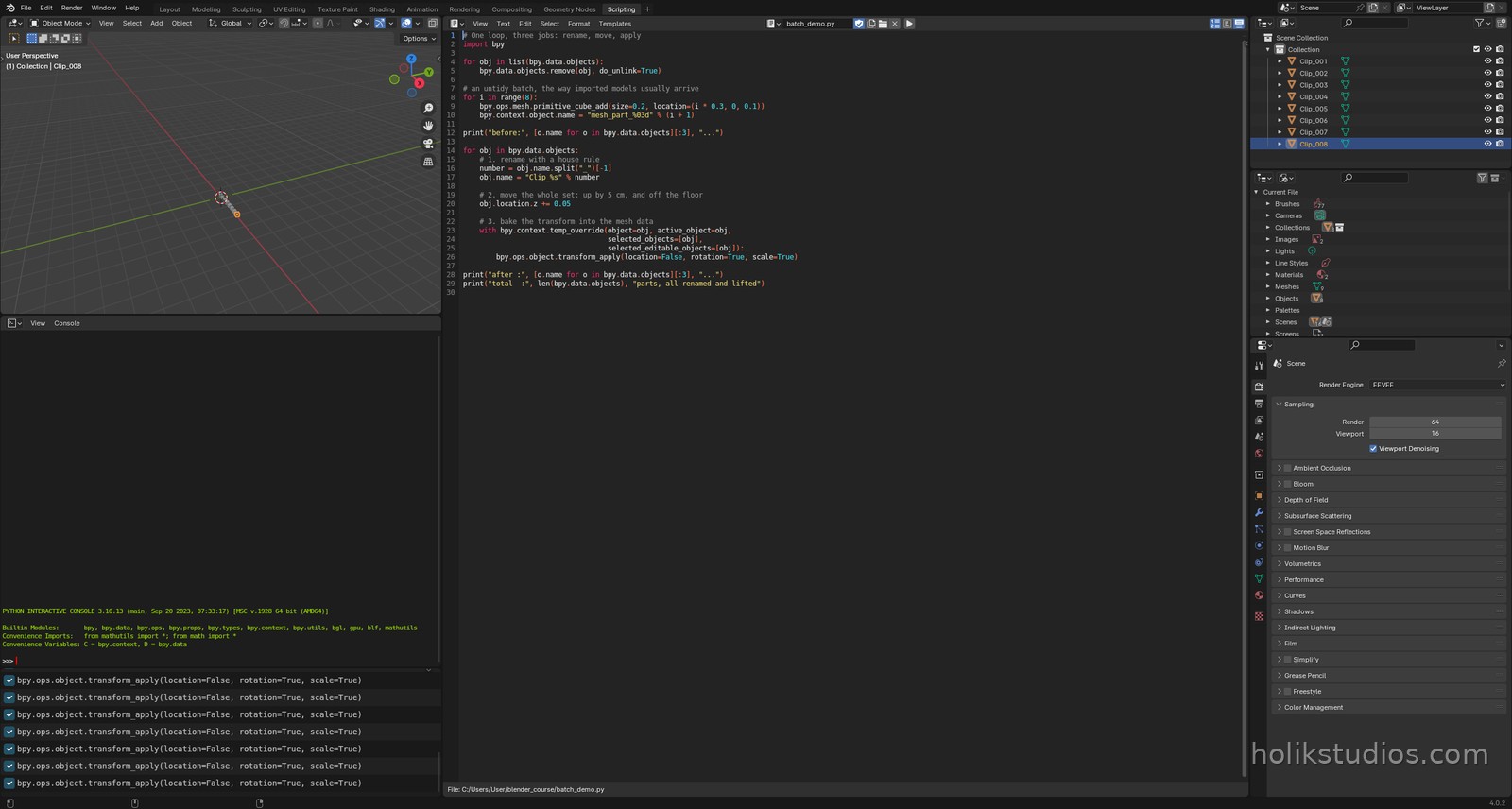
Batch work is where automation stops being elegant and starts being worth money. Renaming, moving, scaling and applying transforms across a whole set of parts is boring, slow and easy to get wrong by hand. In a script it is one loop.
Three jobs, one pass
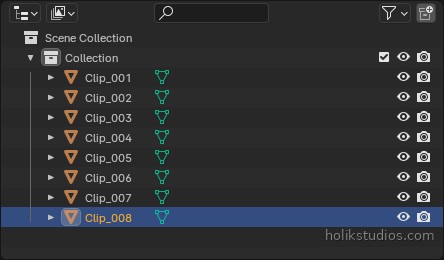
- Rename with a house rule:
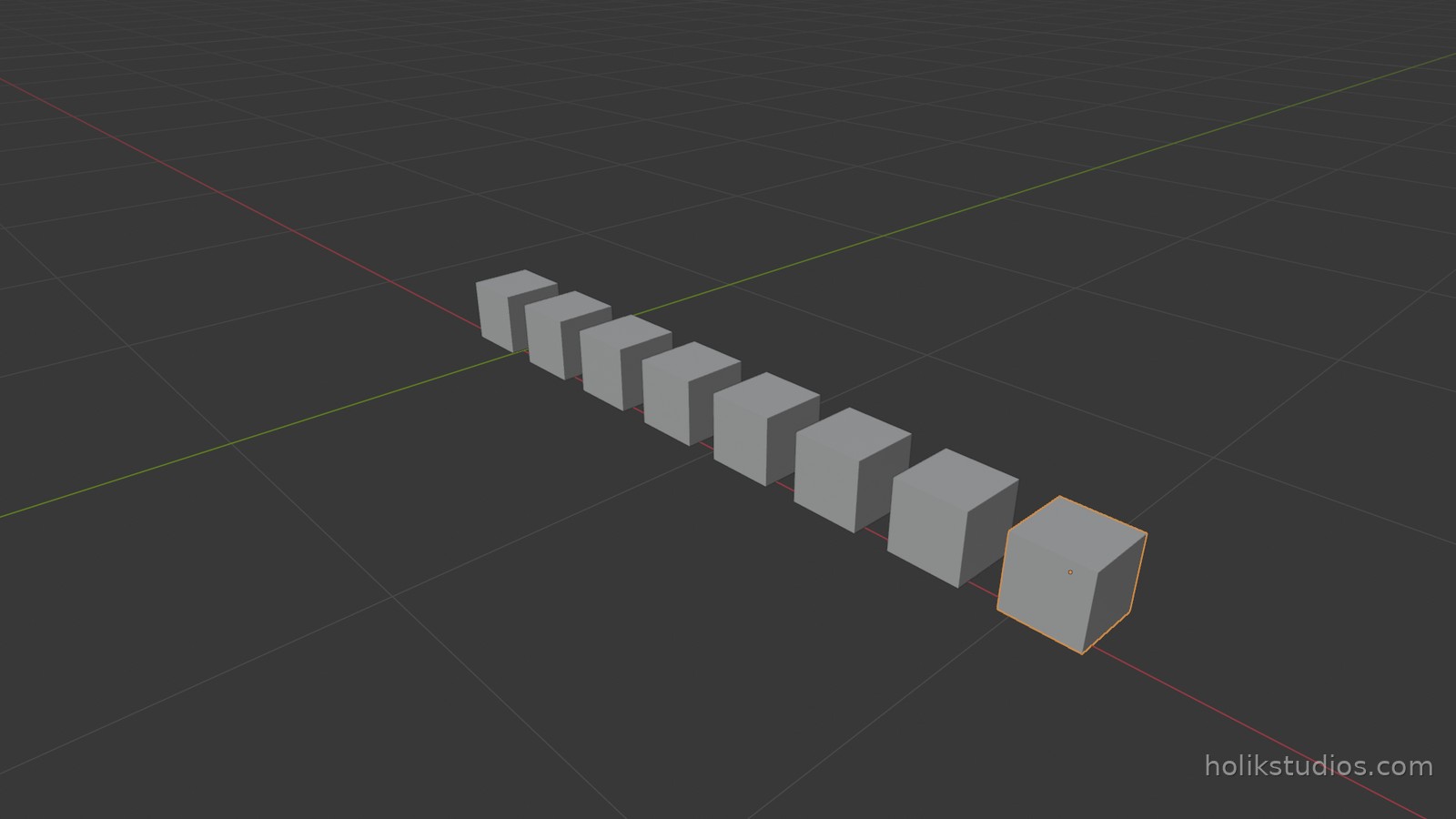
mesh_part_001becomesClip_001. - Move the whole set at once:
obj.location.z += 0.05lifts every part by 5 cm. transform_applybakes rotation and scale into the mesh, which avoids surprises on export and in slicers.- Note the
temp_overrideblock: operators that work on the active object need to be told which object they are working on when you run them from a script.
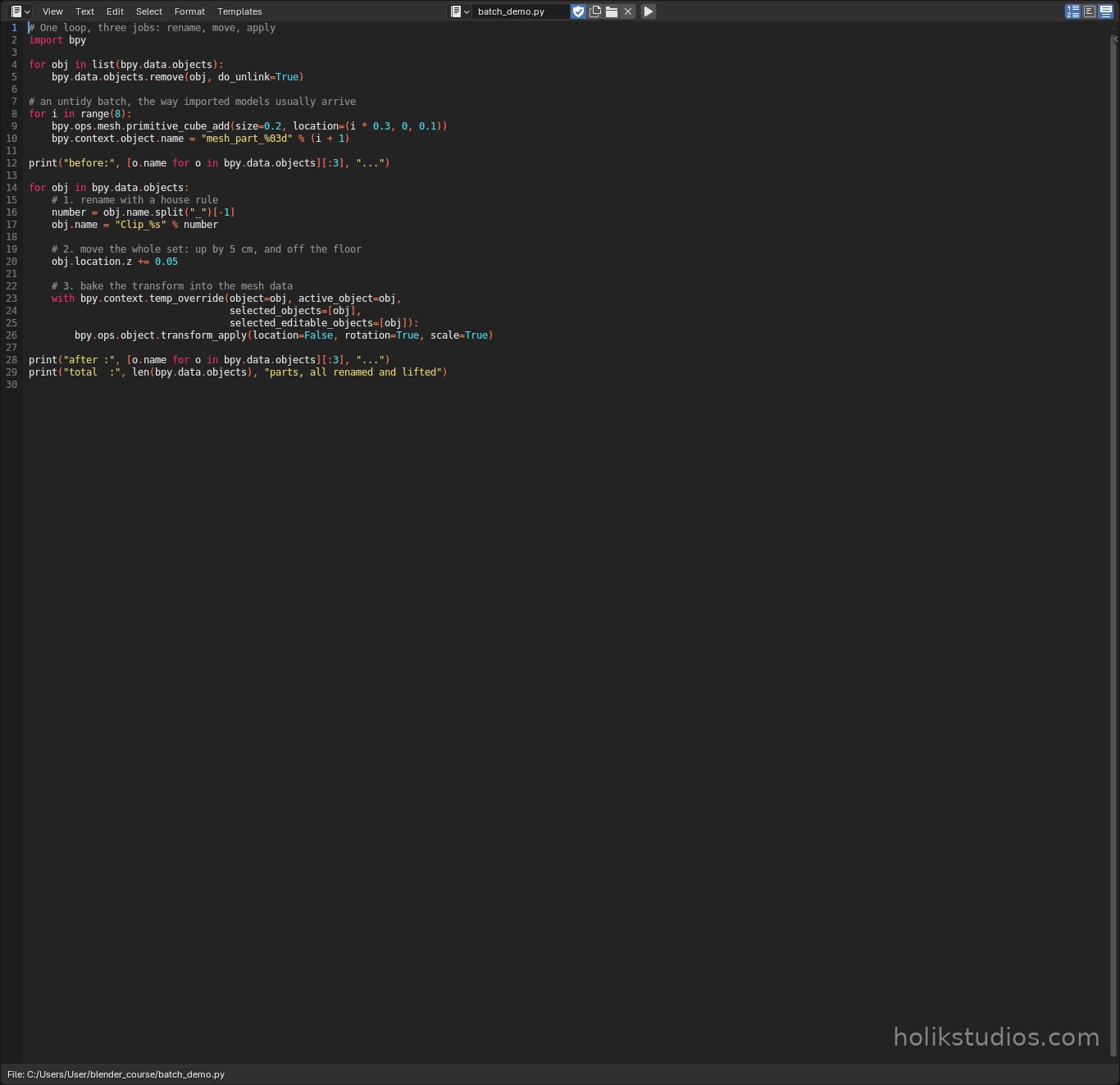
batch_demo.py
# One loop, three jobs: rename, move, apply
import bpy

for obj in list(bpy.data.objects):
    bpy.data.objects.remove(obj, do_unlink=True)

# an untidy batch, the way imported models usually arrive
for i in range(8):
    bpy.ops.mesh.primitive_cube_add(size=0.2, location=(i * 0.3, 0, 0.1))
    bpy.context.object.name = "mesh_part_%03d" % (i + 1)

print("before:", [o.name for o in bpy.data.objects][:3], "...")

for obj in bpy.data.objects:
    # 1. rename with a house rule
    number = obj.name.split("_")[-1]
    obj.name = "Clip_%s" % number

    # 2. move the whole set: up by 5 cm, and off the floor
    obj.location.z += 0.05

    # 3. bake the transform into the mesh data
    with bpy.context.temp_override(object=obj, active_object=obj,
                                   selected_objects=[obj],
                                   selected_editable_objects=[obj]):
        bpy.ops.object.transform_apply(location=False, rotation=True, scale=True)

print("after :", [o.name for o in bpy.data.objects][:3], "...")
print("total  :", len(bpy.data.objects), "parts, all renamed and lifted")
Where this pays off in real work
- Imported models: forty meaningless names become your client’s part numbers in two seconds.
- Revisions: lift a whole assembly, resize a whole set, apply every transform, once.
- Handover: clean names and applied transforms are the difference between a file somebody can use and a file they have to repair.
- Checks: the closing
printline is your quiet quality report on every run.
Next: building a modular set, where the same part is repeated with parameters instead of being modelled again and again.