
A boolean is how you subtract one shape from another. It is the operation behind most holes in manufacturing: a plate becomes a sieve, a bracket gets a slot, a box gets a window. In a script it is a few lines, and the cutters stay in the file so you can adjust and re-cut later.
Cutters in a collection, one cut
plate.modifiers.new("Holes", "BOOLEAN")adds the modifier to the part that keeps its material.cut.operation = "DIFFERENCE": subtract the cutters from the plate.cut.operand_type = "COLLECTION"pluscut.collection = cutters: all 35 cylinders are removed in one operation instead of 35 modifiers.solver = "EXACT": the precise solver. Use it whenever the part has to be printable.modifier_applyturns the result into real geometry, so exports match the viewport.
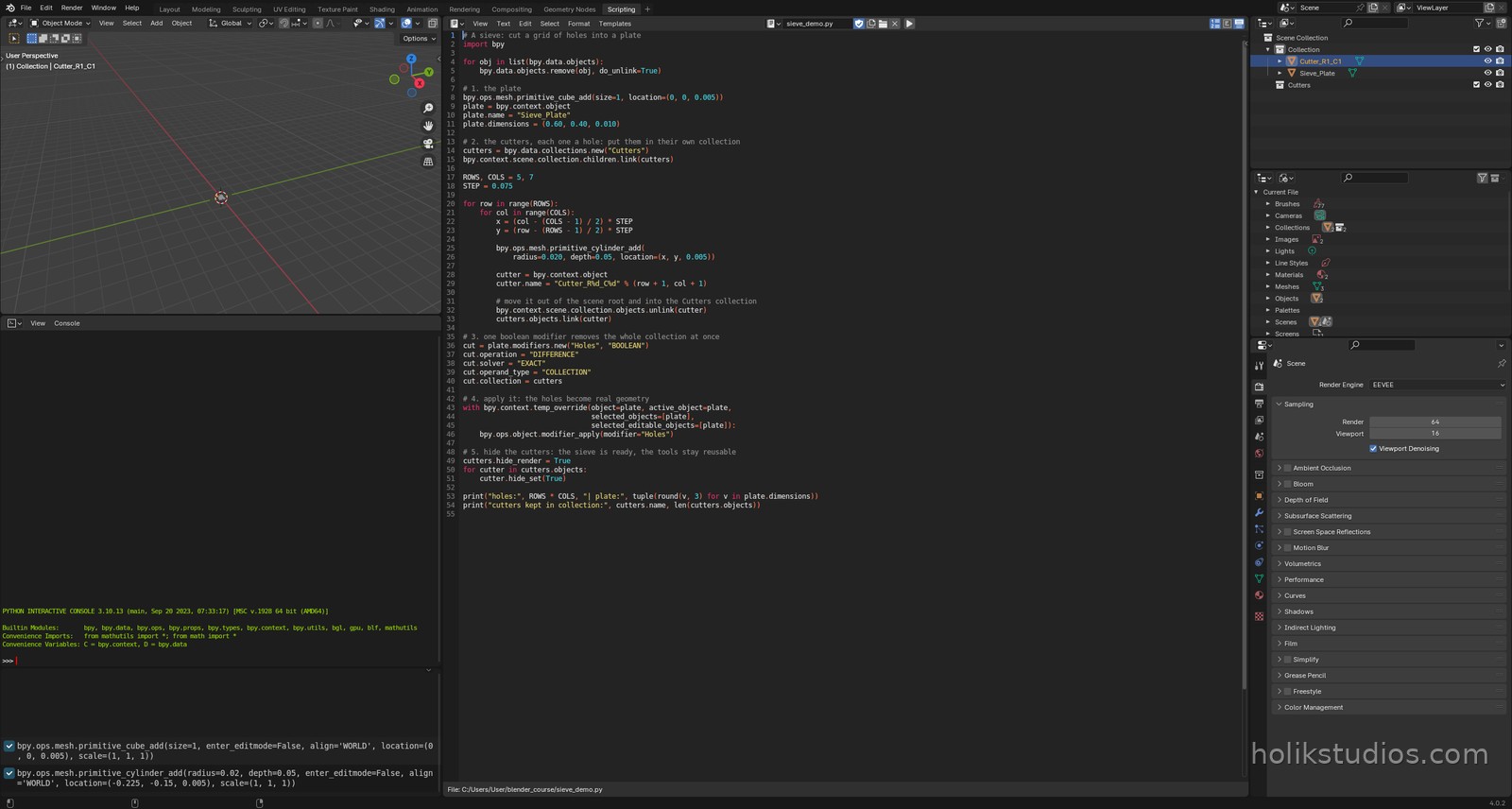
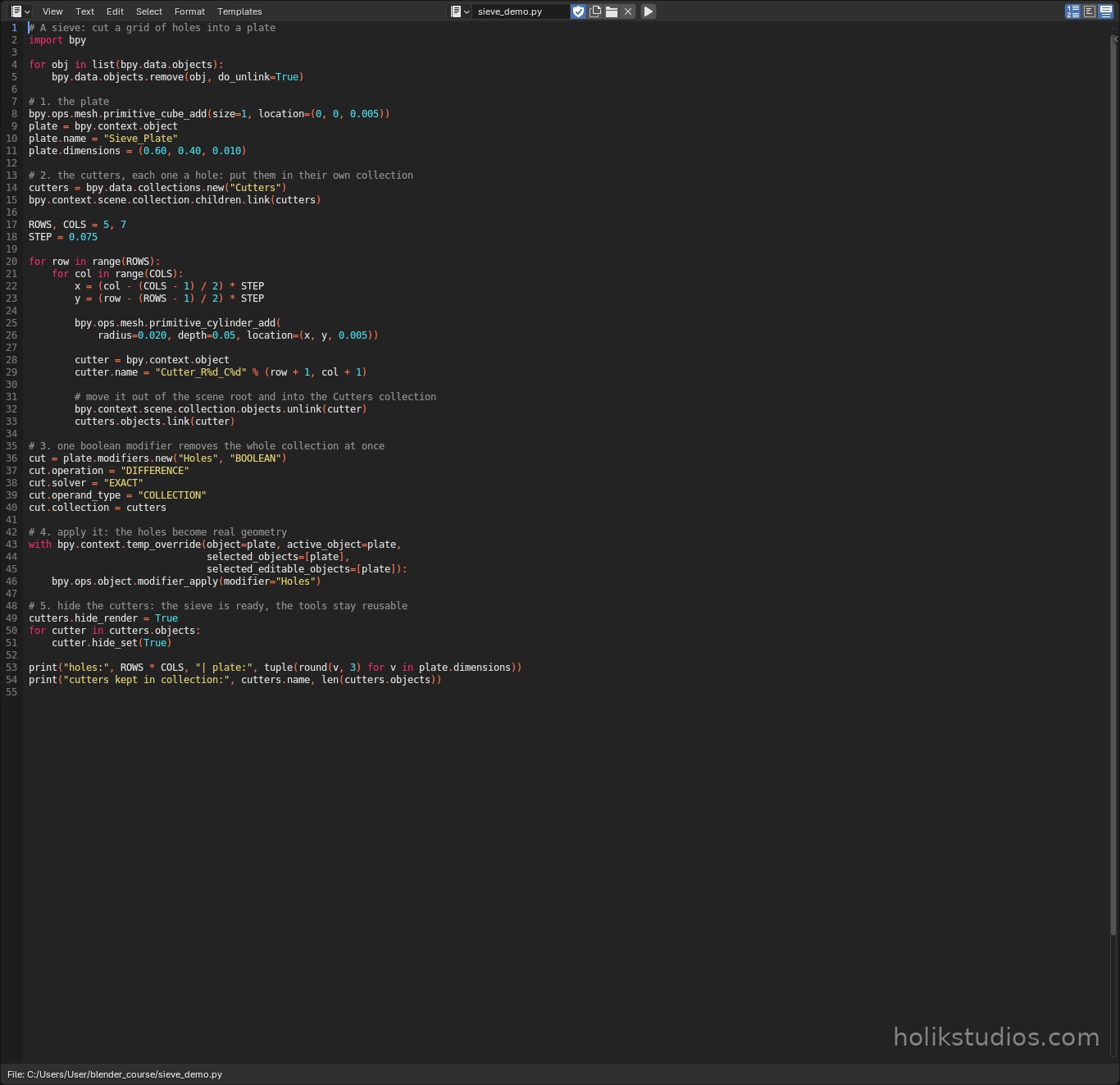
sieve_demo.py
# A sieve: cut a grid of holes into a plate
import bpy

for obj in list(bpy.data.objects):
    bpy.data.objects.remove(obj, do_unlink=True)

# 1. the plate
bpy.ops.mesh.primitive_cube_add(size=1, location=(0, 0, 0.005))
plate = bpy.context.view_layer.objects.active
plate.name = "Sieve_Plate"
plate.dimensions = (0.60, 0.40, 0.010)

# 2. the cutters, each one a hole: put them in their own collection
cutters = bpy.data.collections.new("Cutters")
bpy.context.scene.collection.children.link(cutters)

ROWS, COLS = 7, 11
STEP = 0.05

for row in range(ROWS):
    for col in range(COLS):
        x = (col - (COLS - 1) / 2) * STEP
        y = (row - (ROWS - 1) / 2) * STEP

        bpy.ops.mesh.primitive_cylinder_add(
            radius=0.018, depth=0.05, location=(x, y, 0.005))

        cutter = bpy.context.view_layer.objects.active
        cutter.name = "Cutter_R%d_C%d" % (row + 1, col + 1)

        # move it into the Cutters collection, out of whatever collection it landed in
        for col in list(cutter.users_collection):
            col.objects.unlink(cutter)
        cutters.objects.link(cutter)

# 3. one boolean modifier removes the whole collection at once
cut = plate.modifiers.new("Holes", "BOOLEAN")
cut.operation = "DIFFERENCE"
cut.solver = "EXACT"
cut.operand_type = "COLLECTION"
cut.collection = cutters

# 4. apply it: the holes become real geometry
with bpy.context.temp_override(object=plate, active_object=plate,
                               selected_objects=[plate],
                               selected_editable_objects=[plate]):
    bpy.ops.object.modifier_apply(modifier="Holes")

# 5. hide the cutters: the sieve is ready, the tools stay reusable
cutters.hide_render = True
for cutter in cutters.objects:
    cutter.hide_set(True)

print("holes:", ROWS * COLS, "| plate:", tuple(round(v, 3) for v in plate.dimensions))
print("cutters kept in collection:", cutters.name, len(cutters.objects))
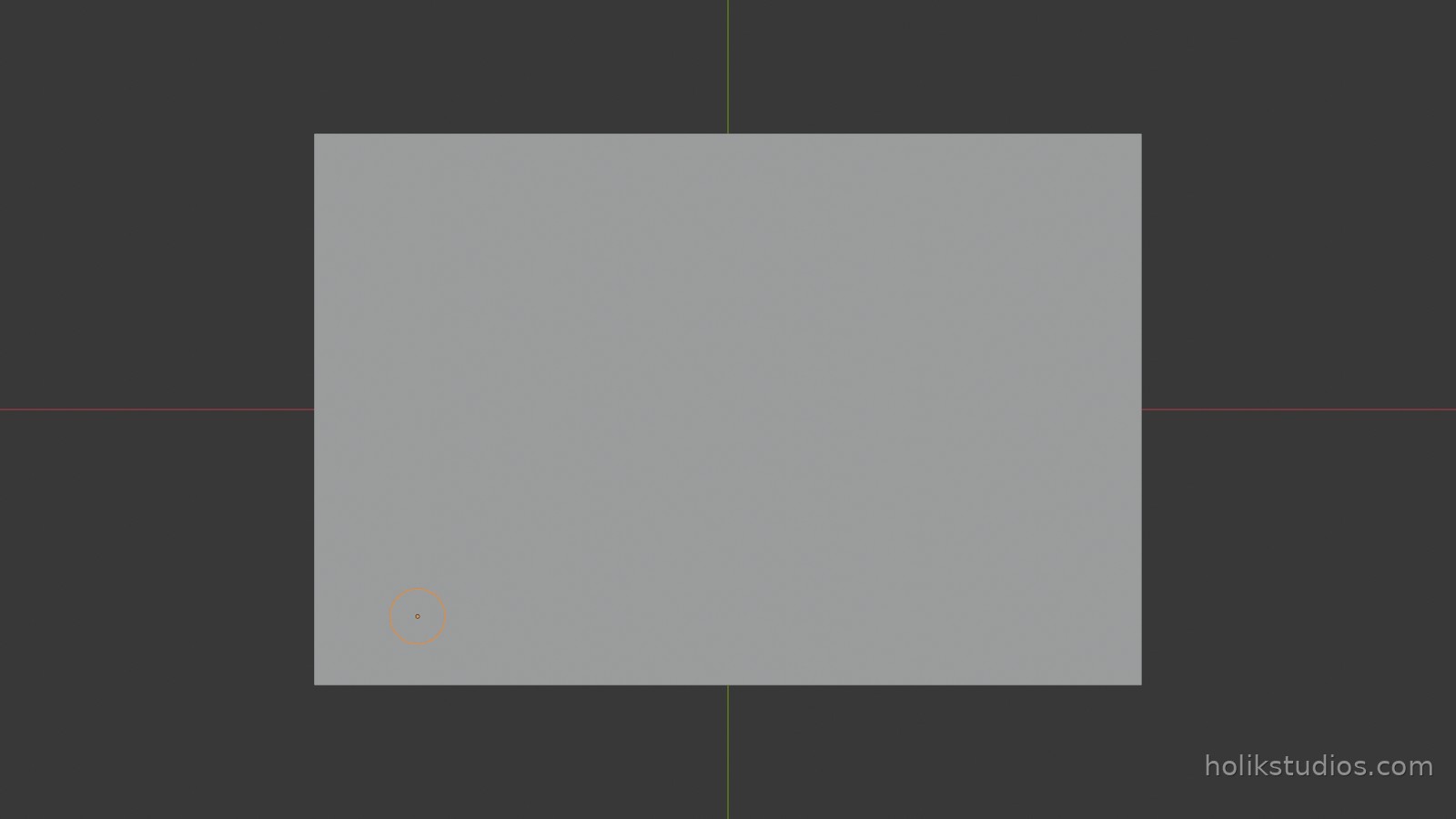
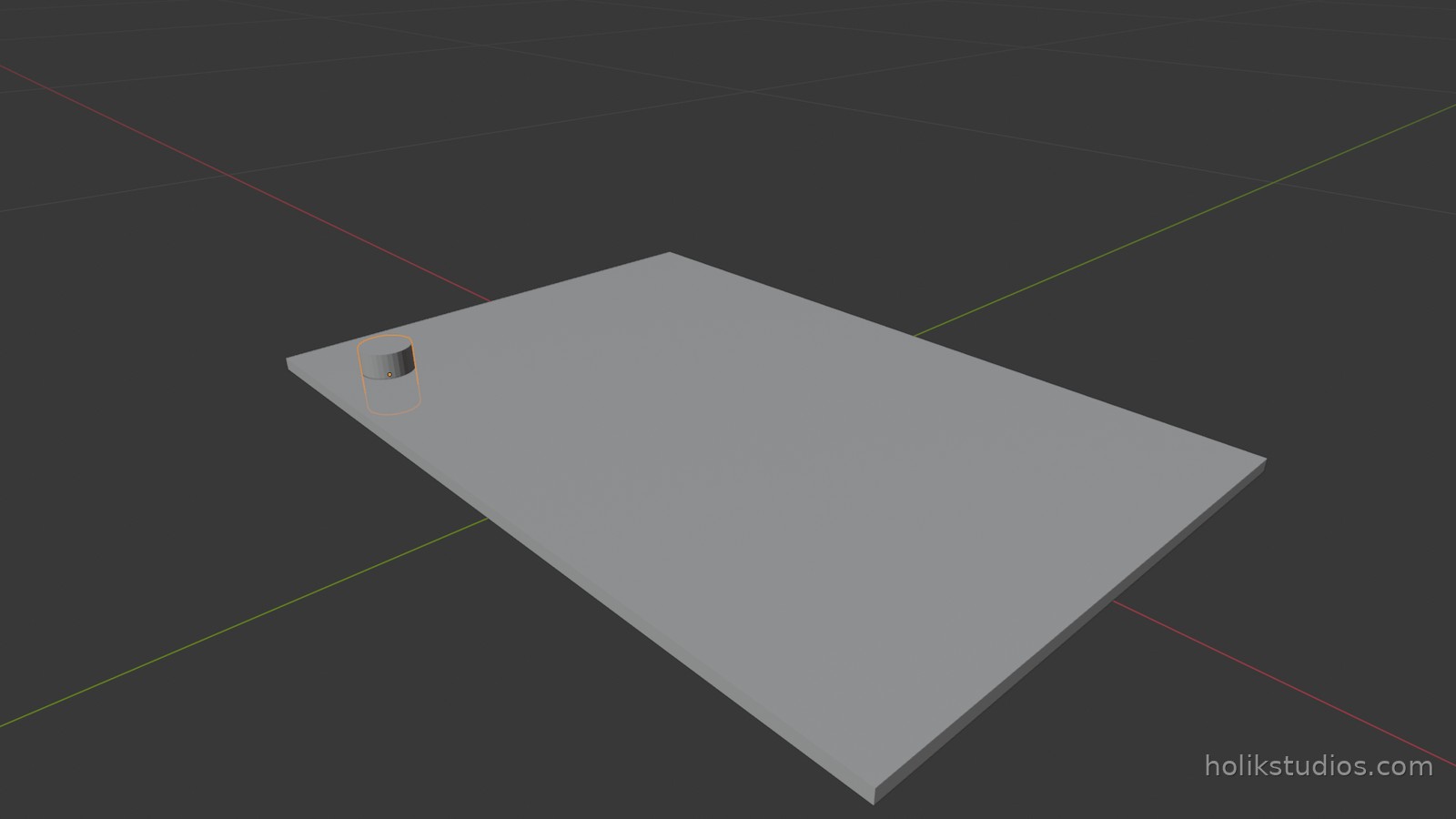
The cut goes right through the plate, so the holes are identical on both faces: the sheet is even from above and from below, and one look at the top tells you what the bottom looks like. That is what makes the result printable, and it is also why the cutters are hidden here – with them visible you would be looking at cylinders sitting in the holes.
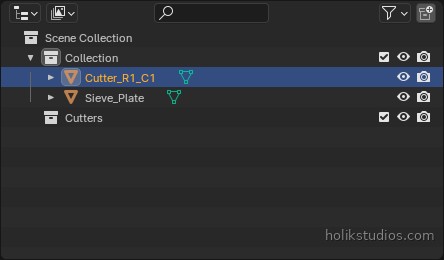
Why hide the cutters instead of deleting them
The cutters are a design decision, not junk. Keep them in their own collection and you can show them again, change the radius or the spacing, and re-run the boolean. That is exactly the difference between an automated part and a model somebody sculpted once.
Two traps worth knowing: the solver FAST is quicker but can leave broken geometry, so use EXACT for anything you intend to print, and avoid cutters that only touch a surface or overlap each other messily, because that is where booleans produce strange results.
Next: working on many parts at once, which is where the real time saving starts.