
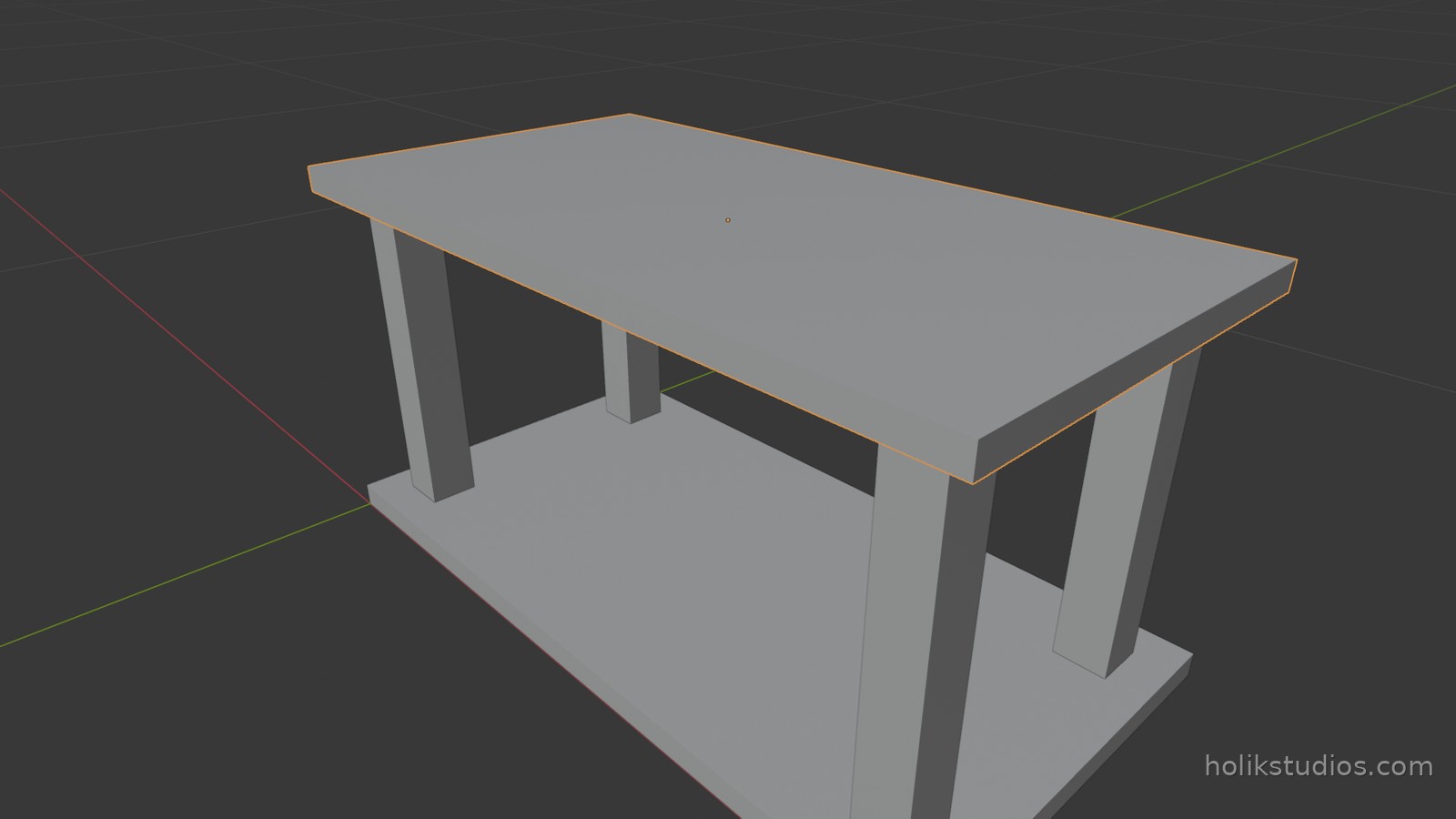
This is the lesson where the course pays off. Everything so far produced one thing at a time. Here a list of parts produces a whole assembly, each part with its own size and position, and the list is the only thing you edit.
The list is the model
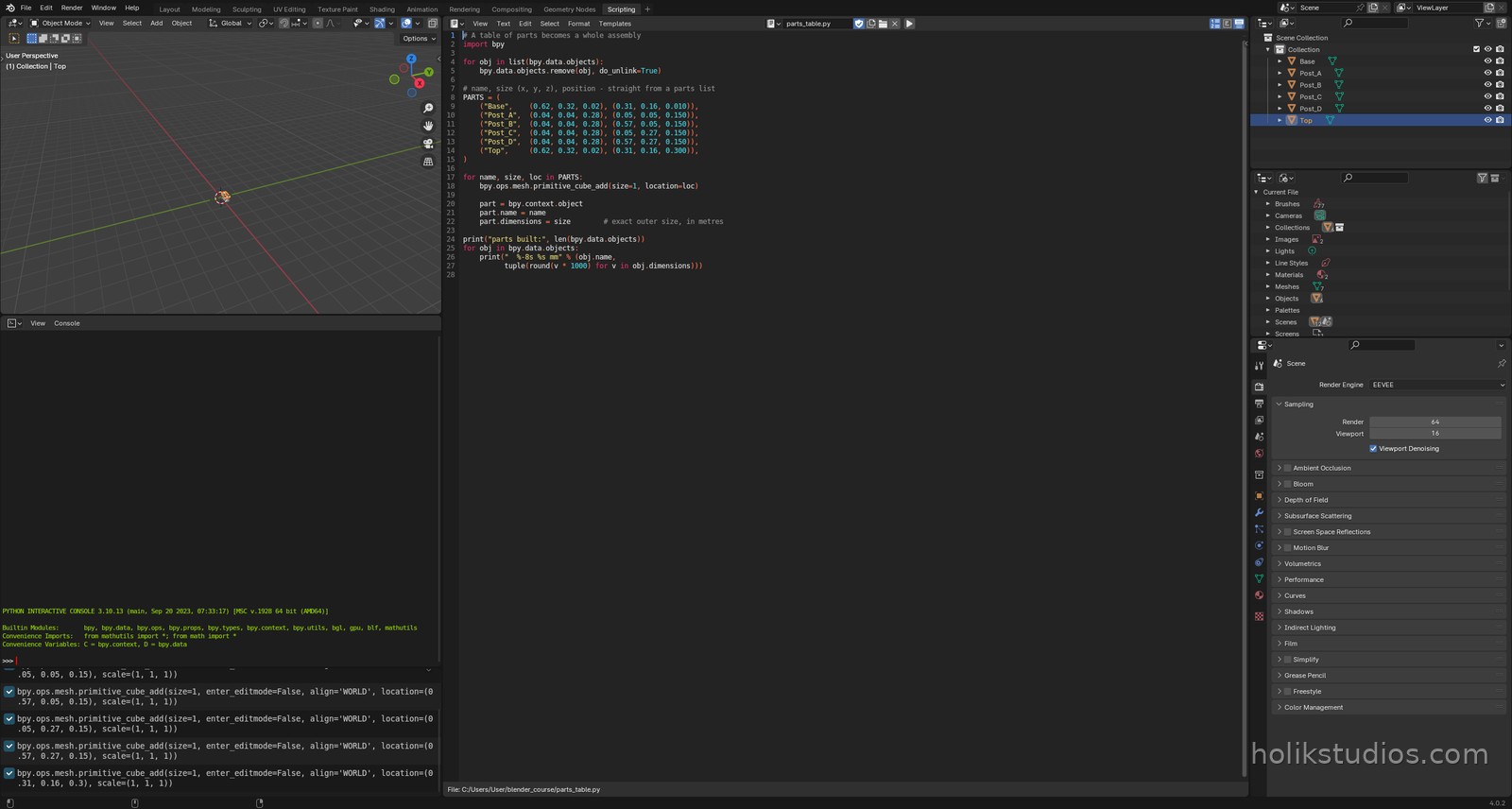
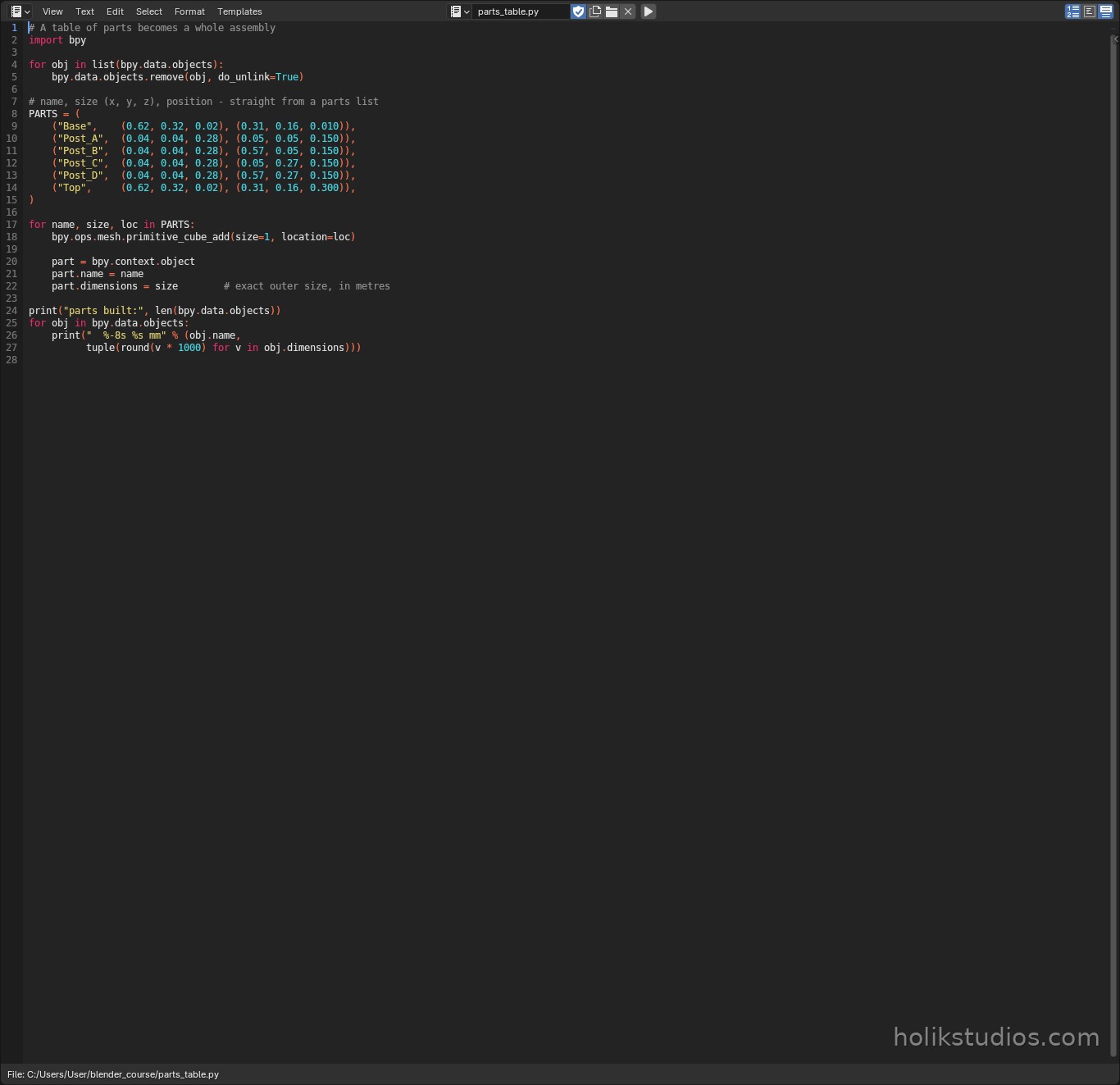
A parts list is just data: a name, a size and a position per part. The loop walks the list and builds one object per row. That is the entire idea, and it scales from six parts to six hundred without changing a line of logic.
("Base", (0.62, 0.32, 0.02), (0.31, 0.16, 0.010)): name, size in metres, position.part.dimensions = size: sets the real outer size, so the part is on dimension.- Positions are the centres of the parts, which keeps the arithmetic predictable.
- The script prints every part in millimetres at the end, which is your first quality check.
parts_table.py
# A table of parts becomes a whole assembly
import bpy

for obj in list(bpy.data.objects):
    bpy.data.objects.remove(obj, do_unlink=True)

# name, size (x, y, z), position - straight from a parts list
PARTS = (
    ("Base",    (0.62, 0.32, 0.02), (0.31, 0.16, 0.010)),
    ("Post_A",  (0.04, 0.04, 0.28), (0.05, 0.05, 0.150)),
    ("Post_B",  (0.04, 0.04, 0.28), (0.57, 0.05, 0.150)),
    ("Post_C",  (0.04, 0.04, 0.28), (0.05, 0.27, 0.150)),
    ("Post_D",  (0.04, 0.04, 0.28), (0.57, 0.27, 0.150)),
    ("Top",     (0.62, 0.32, 0.02), (0.31, 0.16, 0.300)),
)

for name, size, loc in PARTS:
    bpy.ops.mesh.primitive_cube_add(size=1, location=loc)

    part = bpy.context.view_layer.objects.active
    part.name = name
    part.dimensions = size        # exact outer size, in metres

print("parts built:", len(bpy.data.objects))
for obj in bpy.data.objects:
    print("  %-8s %s mm" % (obj.name,
          tuple(round(v * 1000) for v in obj.dimensions)))
Where this pays off in real work
- Furniture and fittings: one script, a list per product, ten products in an afternoon.
- CAD-style sets: dimensions come from a drawing or a spreadsheet, not from your memory.
- Client revisions: the client changes one size, you change one number, the assembly rebuilds.
- Quoting: the script prints every part with its size, which is exactly what a supplier asks for.
Next is the operation that turns parts into manufactured shapes: cutting holes with a boolean, which is how a plate becomes a sieve.