
Not every scene should look manufactured. Sometimes you want a scatter of objects that look placed by hand, with different heights and angles, and you want to be able to rebuild that same scatter tomorrow. Python gives you both, if you use randomness with a seed.
Random, but repeatable
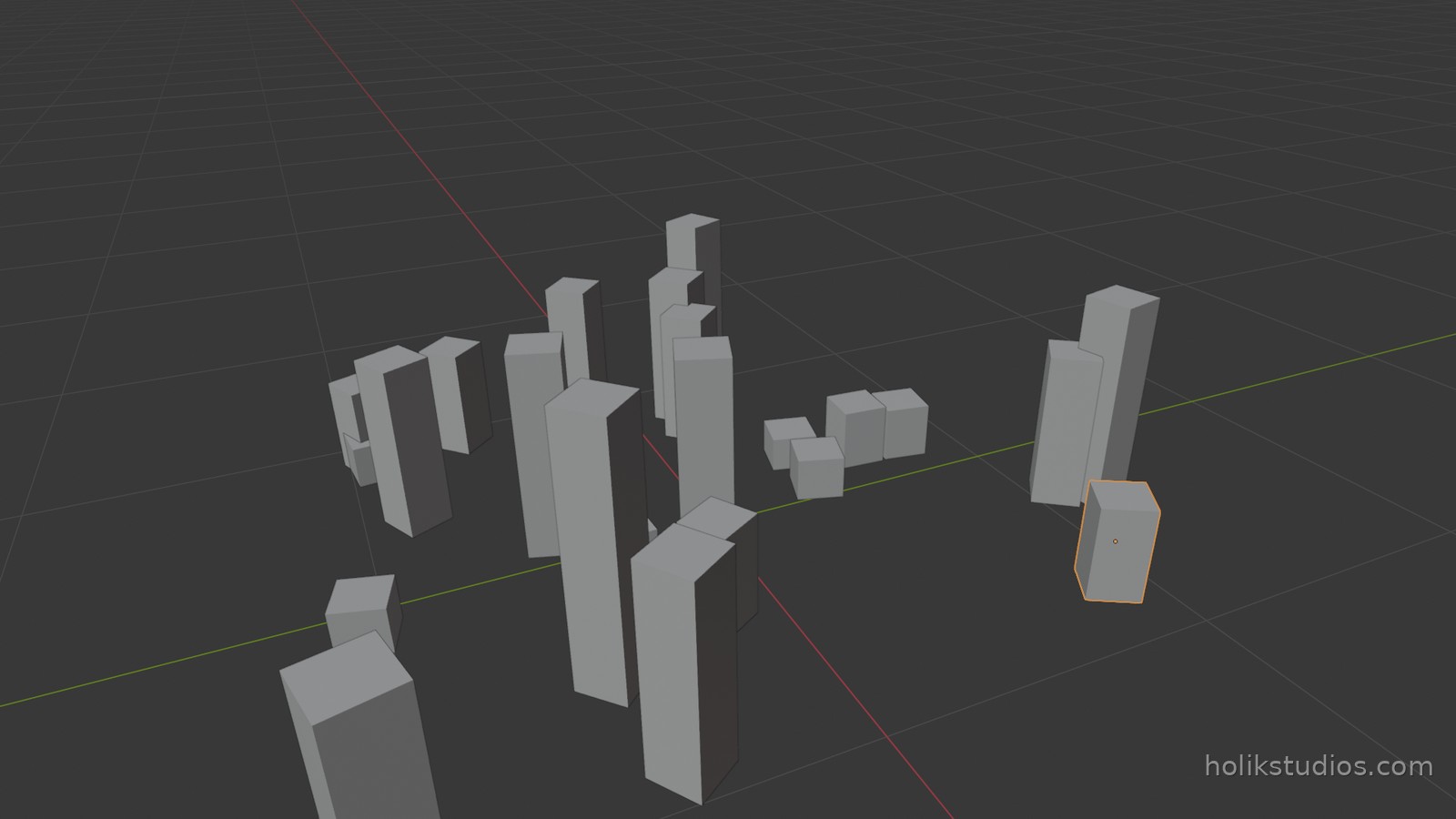
random.seed(7) is the whole trick. After a seed, the sequence of random numbers is fixed: run the script twice and you get the same scene, down to the last rotation. Change the seed to 8 and you get a different arrangement, still reproducible. That is how a client can ask for the second version and you can produce it again a month later.
random.uniform(-1.2, 1.2): a random number in a range, used here for X and Y.random.uniform(0.10, 0.80): the heights, so the posts stay plausible.random.uniform(0, math.tau): a random turn around Z, for the angles.- The ranges are yours, which is what keeps the result usable instead of chaotic.
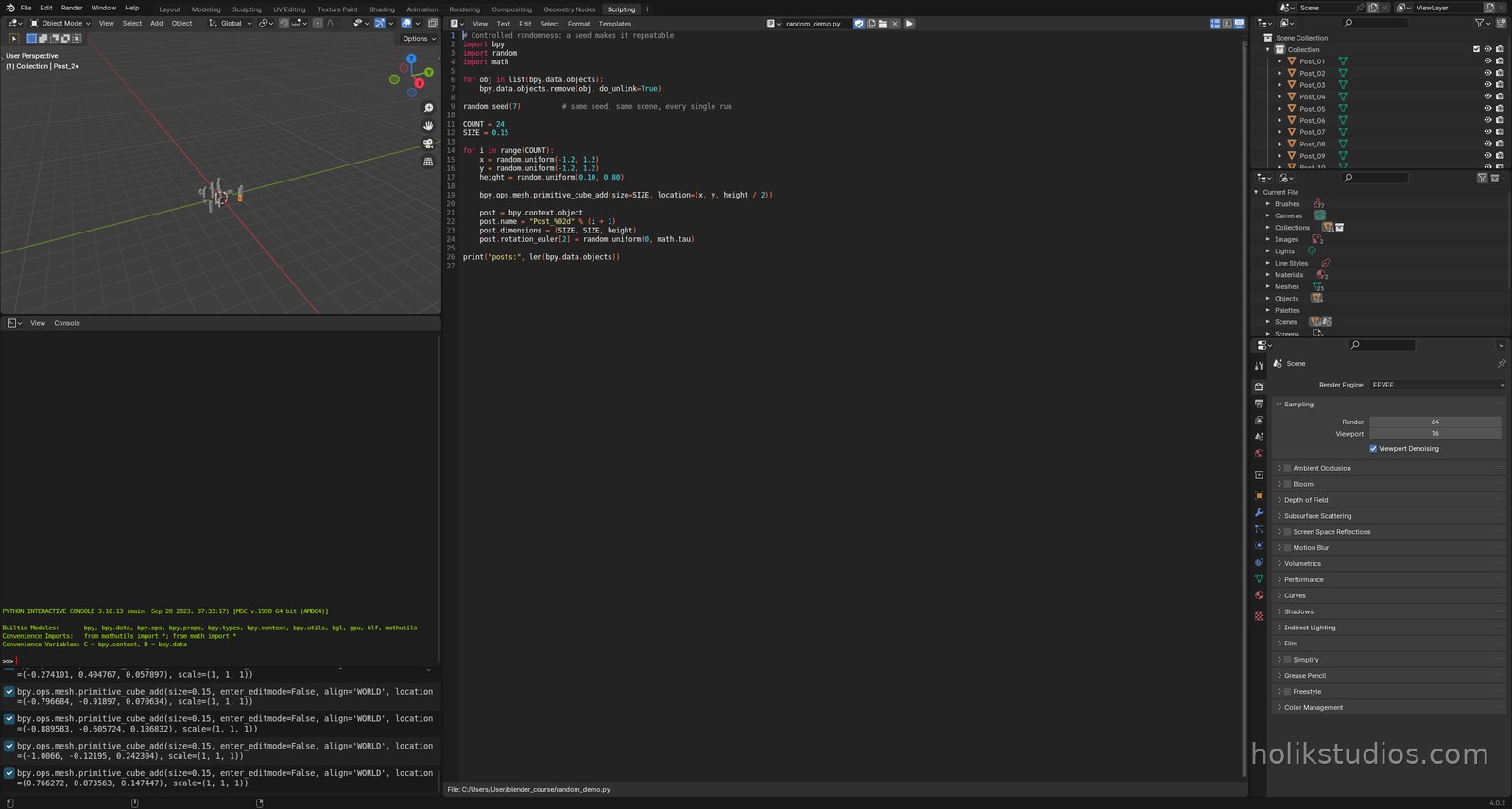
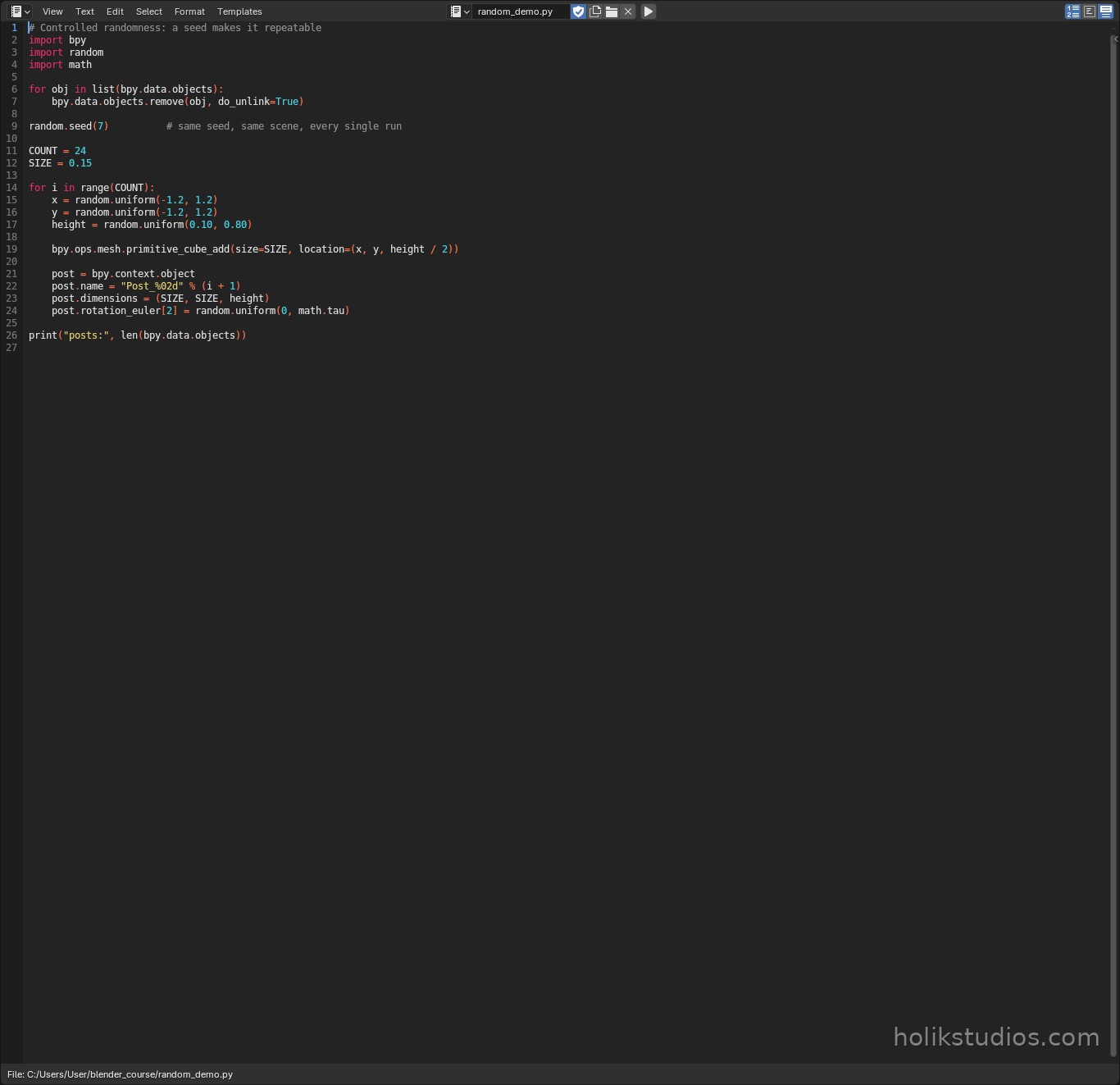
random_demo.py
# Controlled randomness: a seed makes it repeatable
import bpy
import random
import math

for obj in list(bpy.data.objects):
    bpy.data.objects.remove(obj, do_unlink=True)

random.seed(7)          # same seed, same scene, every single run

COUNT = 24
SIZE = 0.15

for i in range(COUNT):
    x = random.uniform(-1.2, 1.2)
    y = random.uniform(-1.2, 1.2)
    height = random.uniform(0.10, 0.80)

    bpy.ops.mesh.primitive_cube_add(size=SIZE, location=(x, y, height / 2))

    post = bpy.context.object
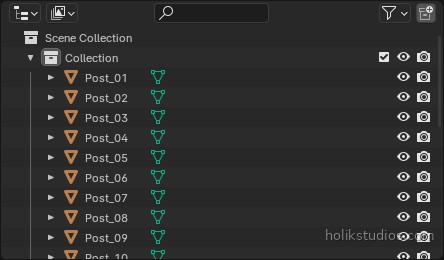
    post.name = "Post_%02d" % (i + 1)
    post.dimensions = (SIZE, SIZE, height)
    post.rotation_euler[2] = random.uniform(0, math.tau)

print("posts:", len(bpy.data.objects))
Where this pays off in real work
- Natural scenes: vegetation, rubble, scattered parts, stones. Randomness without a month of dragging.
- Product variants: generate twenty colour or size variants from one base, each one reproducible.
- Stress tests: scatter parts on a plate at random to test how a layout or a render behaves.
- Design studies: an idea becomes fifty slightly different options in seconds, and you choose the best one instead of the first one.
One warning worth remembering: a script without a seed is a script you cannot repeat. If the result is going to a client, to a printer or into a report, pin the seed and write it down, because that single number is the difference between a repeatable asset and a lucky accident.
That closes Module 4. Next module is where automation starts paying for your time: sets of dimensioned parts built from data, batch changes, and exports that run themselves.