
By now the scripts work. The last step is making them pleasant to use: the kind of script you hand to a colleague with one instruction, change the numbers at the top and press run. That is the difference between code that builds a scene and a tool that builds any version of it.
One block to change
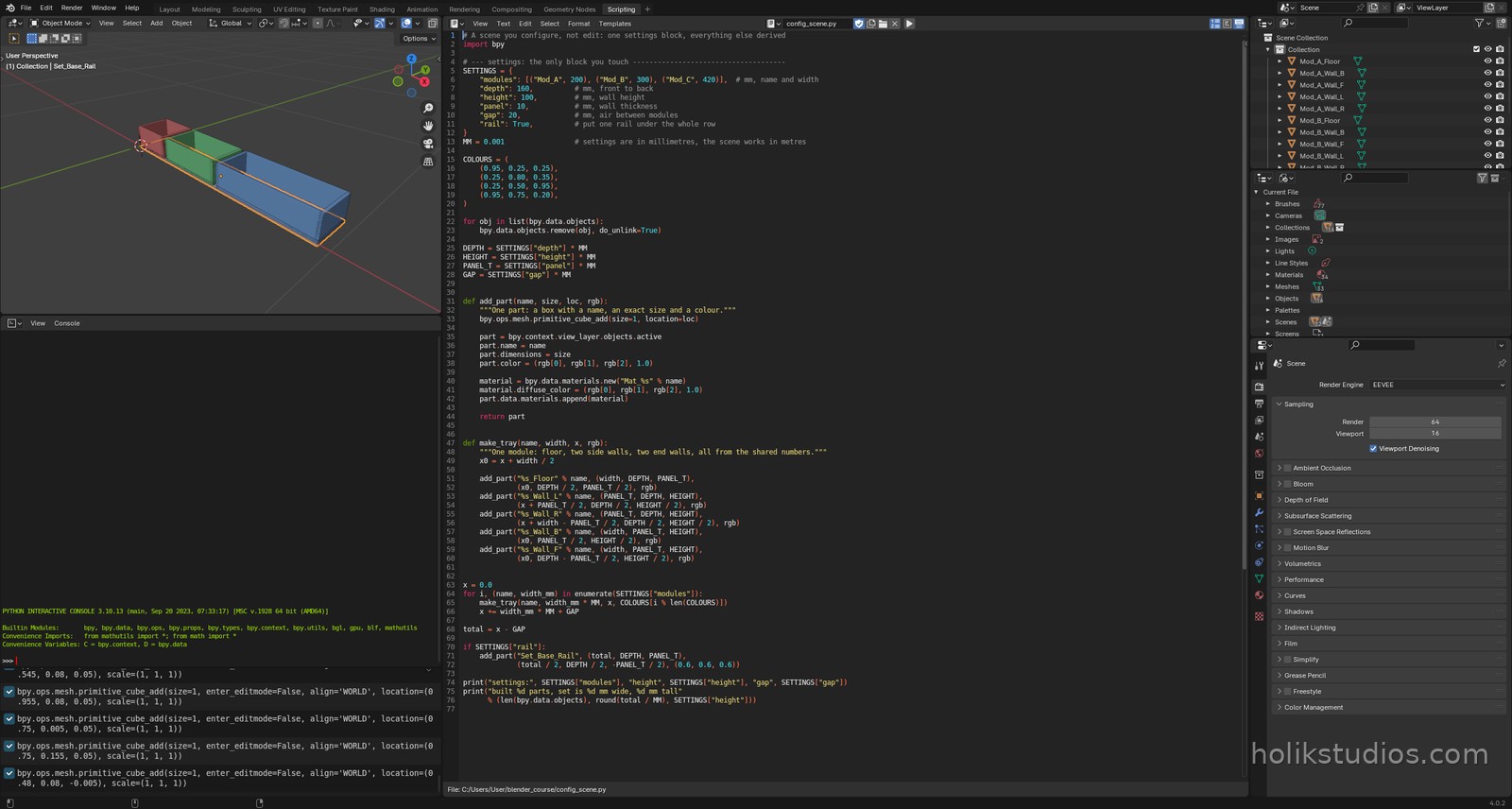
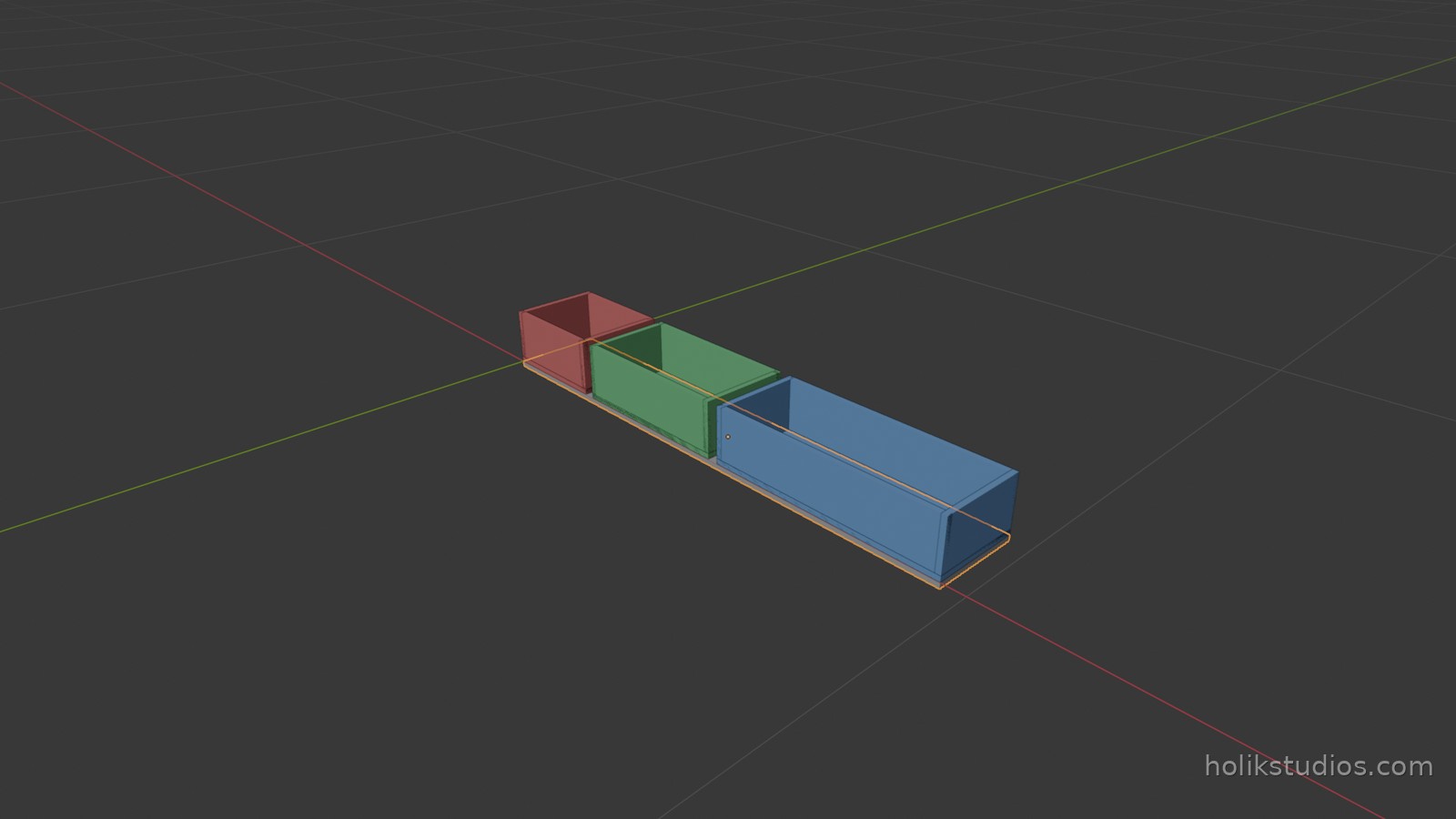
SETTINGSholds everything a person would want to decide: the modules and their widths, depth, height, wall thickness, gap, and whether the set gets a rail.- The settings speak millimetres, because that is the unit a client, a drawing or a supplier works in. The scene works in metres, so one line converts:
MM = 0.001. COLOURS[i % len(COLOURS)]cycles through a palette, so adding a fourth module to the list cannot crash the script for want of a colour."rail": Trueis a setting that turns a feature on and off. Settings are not only numbers: switches are just as useful.- The last two lines print the settings back. When a build looks wrong, the log tells you what it was asked to build, without opening the file.
config_scene.py
# A scene you configure, not edit: one settings block, everything else derived
import bpy

# --- settings: the only block you touch -------------------------------------
SETTINGS = {
    "modules": [("Mod_A", 200), ("Mod_B", 300), ("Mod_C", 420)],  # mm, name and width
    "depth": 160,          # mm, front to back
    "height": 100,         # mm, wall height
    "panel": 10,           # mm, wall thickness
    "gap": 20,             # mm, air between modules
    "rail": True,          # put one rail under the whole row
}
MM = 0.001                 # settings are in millimetres, the scene works in metres

COLOURS = (
    (0.95, 0.25, 0.25),
    (0.25, 0.80, 0.35),
    (0.25, 0.50, 0.95),
    (0.95, 0.75, 0.20),
)

for obj in list(bpy.data.objects):
    bpy.data.objects.remove(obj, do_unlink=True)

DEPTH = SETTINGS["depth"] * MM
HEIGHT = SETTINGS["height"] * MM
PANEL_T = SETTINGS["panel"] * MM
GAP = SETTINGS["gap"] * MM


def add_part(name, size, loc, rgb):
    """One part: a box with a name, an exact size and a colour."""
    bpy.ops.mesh.primitive_cube_add(size=1, location=loc)

    part = bpy.context.view_layer.objects.active
    part.name = name
    part.dimensions = size
    part.color = (rgb[0], rgb[1], rgb[2], 1.0)

    material = bpy.data.materials.new("Mat_%s" % name)
    material.diffuse_color = (rgb[0], rgb[1], rgb[2], 1.0)
    part.data.materials.append(material)

    return part


def make_tray(name, width, x, rgb):
    """One module: floor, two side walls, two end walls, all from the shared numbers."""
    x0 = x + width / 2

    add_part("%s_Floor" % name, (width, DEPTH, PANEL_T),
             (x0, DEPTH / 2, PANEL_T / 2), rgb)
    add_part("%s_Wall_L" % name, (PANEL_T, DEPTH, HEIGHT),
             (x + PANEL_T / 2, DEPTH / 2, HEIGHT / 2), rgb)
    add_part("%s_Wall_R" % name, (PANEL_T, DEPTH, HEIGHT),
             (x + width - PANEL_T / 2, DEPTH / 2, HEIGHT / 2), rgb)
    add_part("%s_Wall_B" % name, (width, PANEL_T, HEIGHT),
             (x0, PANEL_T / 2, HEIGHT / 2), rgb)
    add_part("%s_Wall_F" % name, (width, PANEL_T, HEIGHT),
             (x0, DEPTH - PANEL_T / 2, HEIGHT / 2), rgb)


x = 0.0
for i, (name, width_mm) in enumerate(SETTINGS["modules"]):
    make_tray(name, width_mm * MM, x, COLOURS[i % len(COLOURS)])
    x += width_mm * MM + GAP

total = x - GAP

if SETTINGS["rail"]:
    add_part("Set_Base_Rail", (total, DEPTH, PANEL_T),
             (total / 2, DEPTH / 2, -PANEL_T / 2), (0.6, 0.6, 0.6))

print("settings:", SETTINGS["modules"], "height", SETTINGS["height"], "gap", SETTINGS["gap"])
print("built %d parts, set is %d mm wide, %d mm tall"
      % (len(bpy.data.objects), round(total / MM), SETTINGS["height"]))
Same script, two numbers
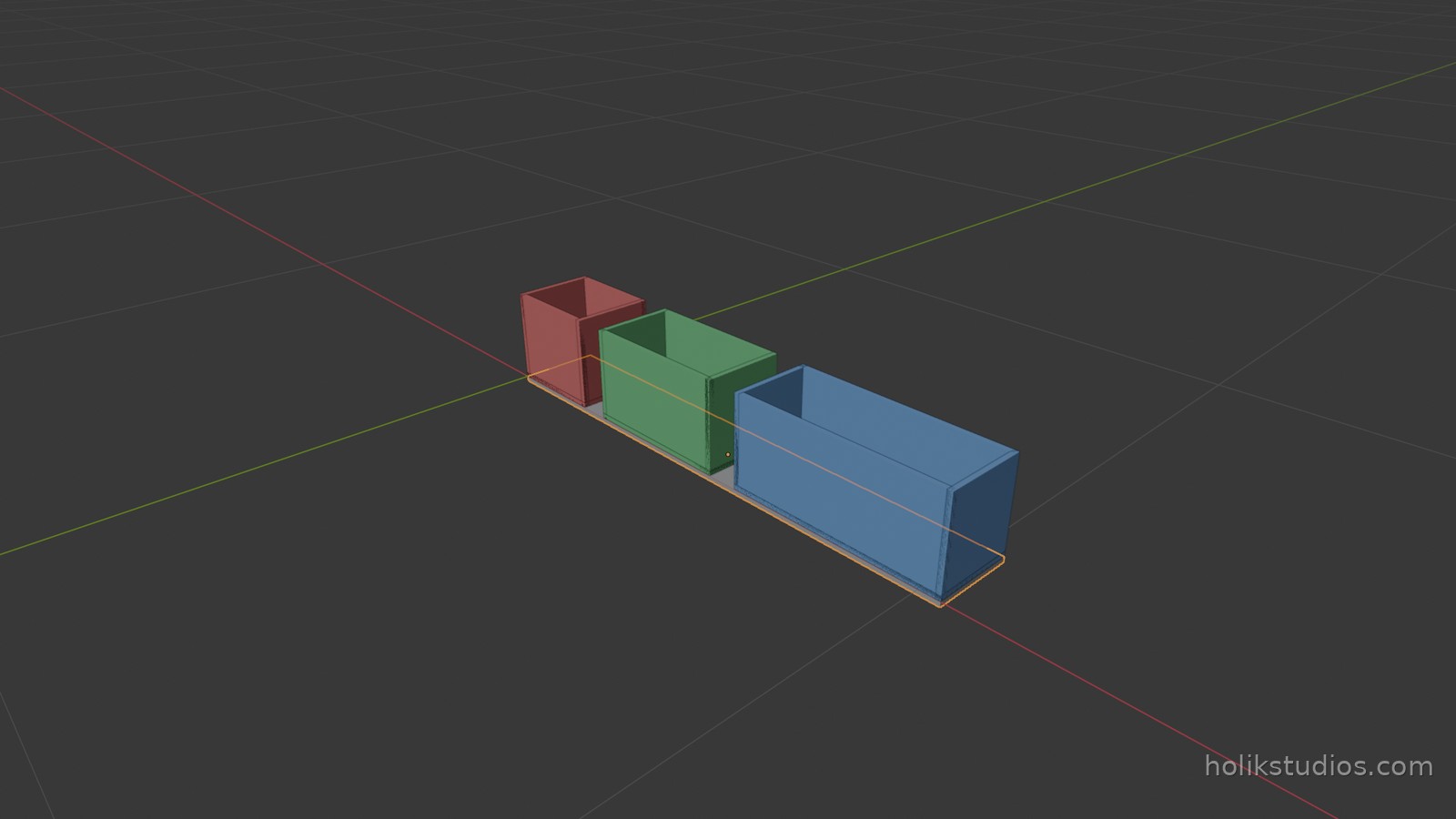
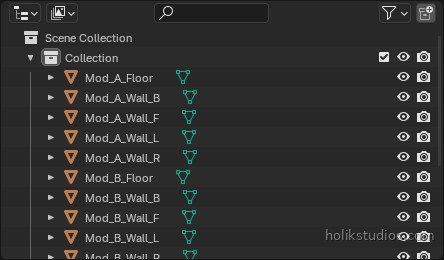
Here is the test of a well set up script: change the height from 100 to 180 and the gap from 20 to 60, run it again, and you get a different product from the same file. Nothing else is touched, no position is recalculated by hand, and no part is left behind from the previous version, because the script clears the scene before it builds.
Where settings belong
- A dictionary at the top of the file is enough for one person and one product.
- A JSON file next to the script is better when several products share one builder, because then the script is never edited, only the data file.
- Values that must stay consistent belong in the settings, not in two places. One height, one gap, one wall thickness: everything else is derived from them.
- If a number appears twice in the code, it is a setting that has not been promoted yet.
What this replaces
Compare the two ways of delivering three widths. By hand: model a tray, copy it, resize it, reposition it, rename everything, and do it again for the next size, then fix the parts that moved. With settings: edit a list of three numbers and press run. The second version also survives changes months later, because the reasoning is written down in the file instead of living in your memory of what you clicked.
Next we tidy the result: what a well organised scene looks like, and how collections keep a hundred objects readable.