
A scene with a hundred objects is not a problem. A scene with a hundred objects called Cube.001 to Cube.100 is. Structure is what lets you come back in three weeks, or hand the file to somebody else, without explaining anything. In Blender the tool for that is the collection.
Collections are the scene’s table of contents
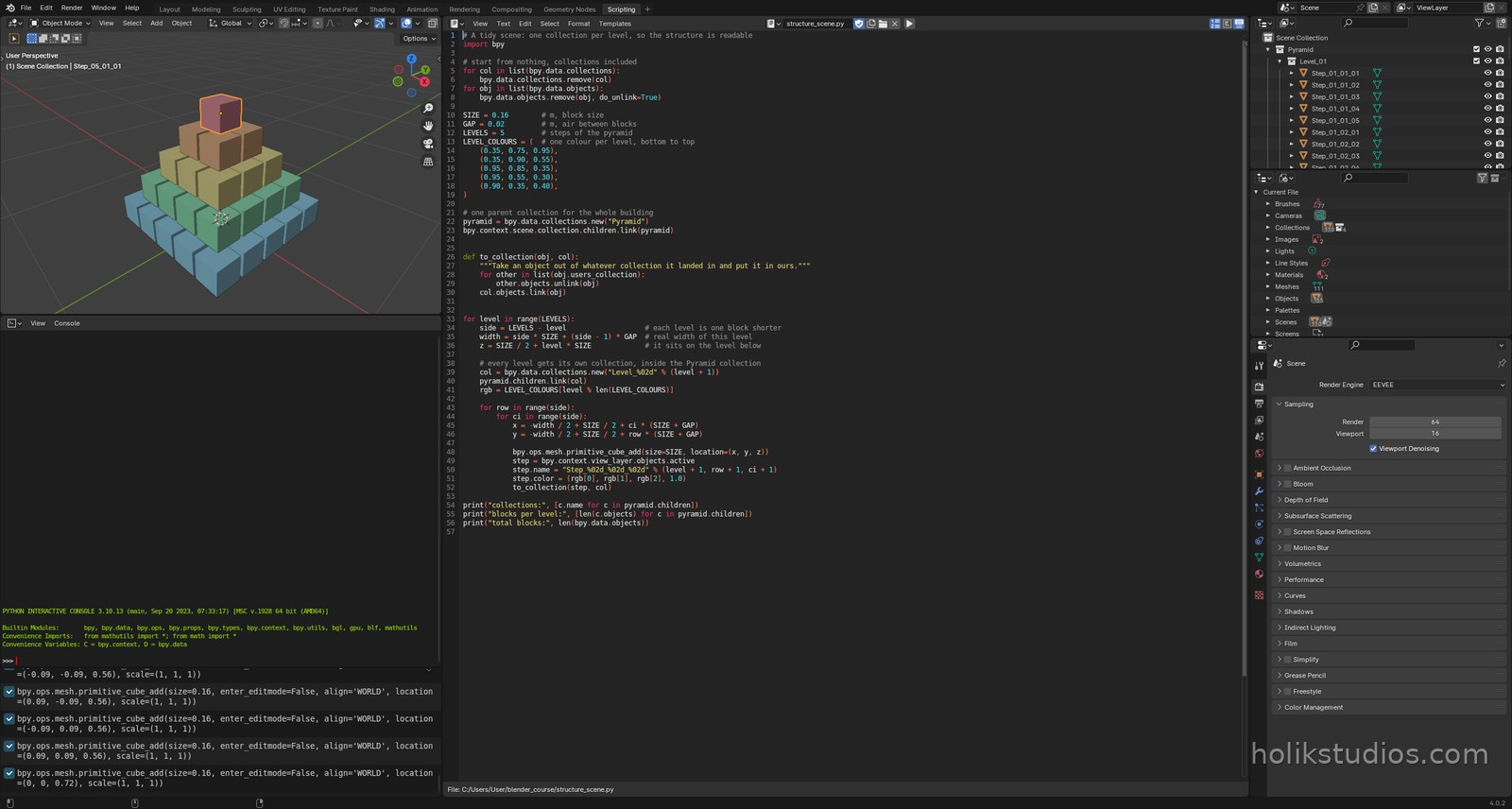
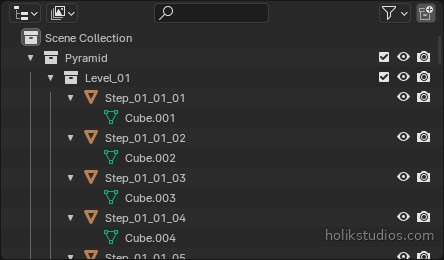
bpy.data.collections.new("Pyramid")creates a collection. It lives in the file, but it is not in the scene until it is linked:scene.collection.children.link(pyramid).pyramid.children.link(col)nests one collection inside another. That is how you get a tree instead of a flat list of names.to_collection()is the part worth understanding. A new object always lands in whatever collection is active, so the helper unlinks it from every collection it is in and links it into the one we want. Without that step, blocks sit in the scene root and the collections stay empty.- Names are built from the loop counter:
Level_%02dfor the collection,Step_%02d_%02d_%02dfor a block. Zero padding keeps them sorted in the Outliner. - The script also clears old collections before it starts, the same way it clears old objects. A tidy build has to be repeatable.
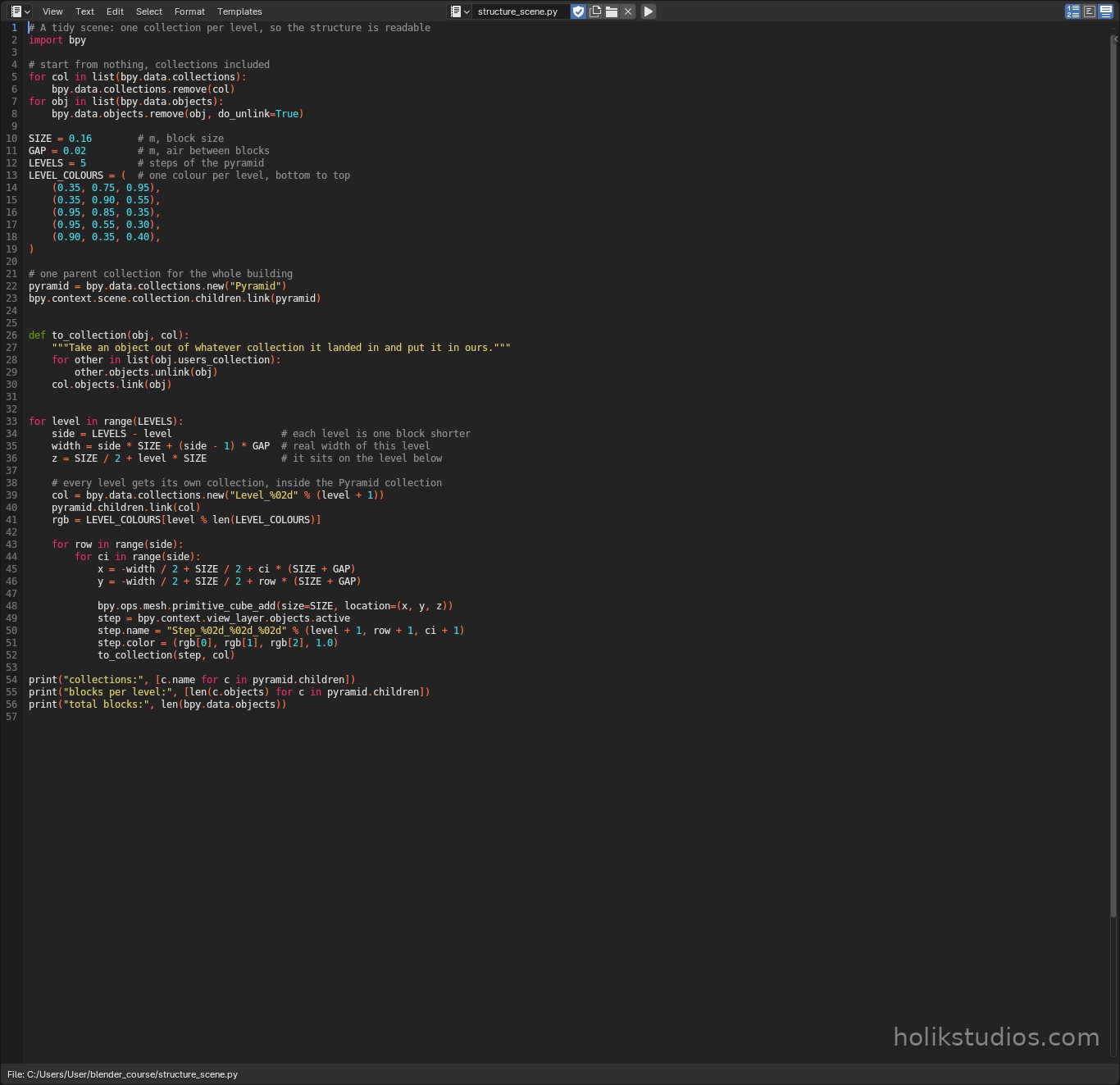
structure_scene.py
# A tidy scene: one collection per level, so the structure is readable
import bpy

# start from nothing, collections included
for col in list(bpy.data.collections):
    bpy.data.collections.remove(col)
for obj in list(bpy.data.objects):
    bpy.data.objects.remove(obj, do_unlink=True)

SIZE = 0.16        # m, block size
GAP = 0.02         # m, air between blocks
LEVELS = 5         # steps of the pyramid
LEVEL_COLOURS = (  # one colour per level, bottom to top
    (0.35, 0.75, 0.95),
    (0.35, 0.90, 0.55),
    (0.95, 0.85, 0.35),
    (0.95, 0.55, 0.30),
    (0.90, 0.35, 0.40),
)

# one parent collection for the whole building
pyramid = bpy.data.collections.new("Pyramid")
bpy.context.scene.collection.children.link(pyramid)


def to_collection(obj, col):
    """Take an object out of whatever collection it landed in and put it in ours."""
    for other in list(obj.users_collection):
        other.objects.unlink(obj)
    col.objects.link(obj)


for level in range(LEVELS):
    side = LEVELS - level                   # each level is one block shorter
    width = side * SIZE + (side - 1) * GAP  # real width of this level
    z = SIZE / 2 + level * SIZE             # it sits on the level below

    # every level gets its own collection, inside the Pyramid collection
    col = bpy.data.collections.new("Level_%02d" % (level + 1))
    pyramid.children.link(col)
    rgb = LEVEL_COLOURS[level % len(LEVEL_COLOURS)]

    for row in range(side):
        for ci in range(side):
            x = -width / 2 + SIZE / 2 + ci * (SIZE + GAP)
            y = -width / 2 + SIZE / 2 + row * (SIZE + GAP)

            bpy.ops.mesh.primitive_cube_add(size=SIZE, location=(x, y, z))
            step = bpy.context.view_layer.objects.active
            step.name = "Step_%02d_%02d_%02d" % (level + 1, row + 1, ci + 1)
            step.color = (rgb[0], rgb[1], rgb[2], 1.0)
            to_collection(step, col)

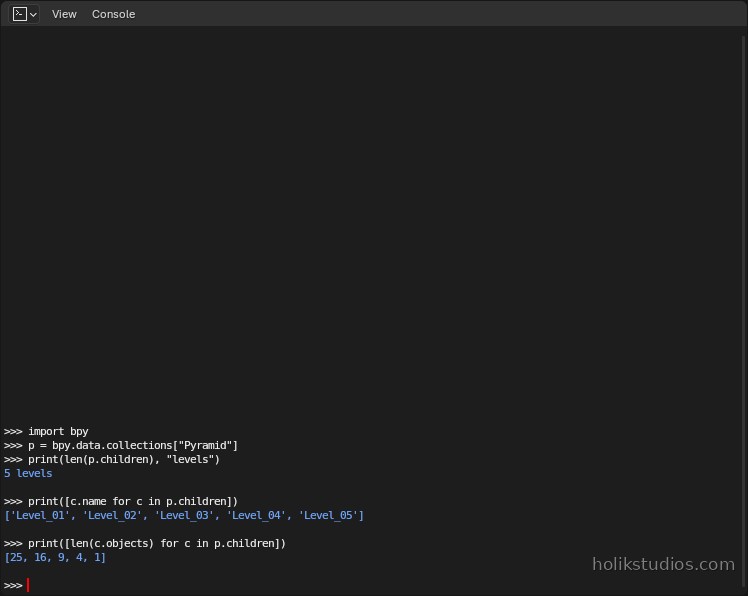
print("collections:", [c.name for c in pyramid.children])
print("blocks per level:", [len(c.objects) for c in pyramid.children])
print("total blocks:", len(bpy.data.objects))
Why this pays off later
Collections are not decoration, they are switches. A collection can be hidden, hidden in renders only, or excluded from the view layer entirely, and doing that to a collection is one click instead of selecting forty objects. The cutters from the boolean lesson are the perfect example: they live in their own Cutters collection, so they can be hidden while the part is shown, and shown again when the hole size needs changing.
- Hidden, not deleted: keep the tools that made the part in a collection of their own.
- One collection per repeated unit: module, level, product or client.
- A collection per export: select a collection, export it, and the file names stay meaningful.
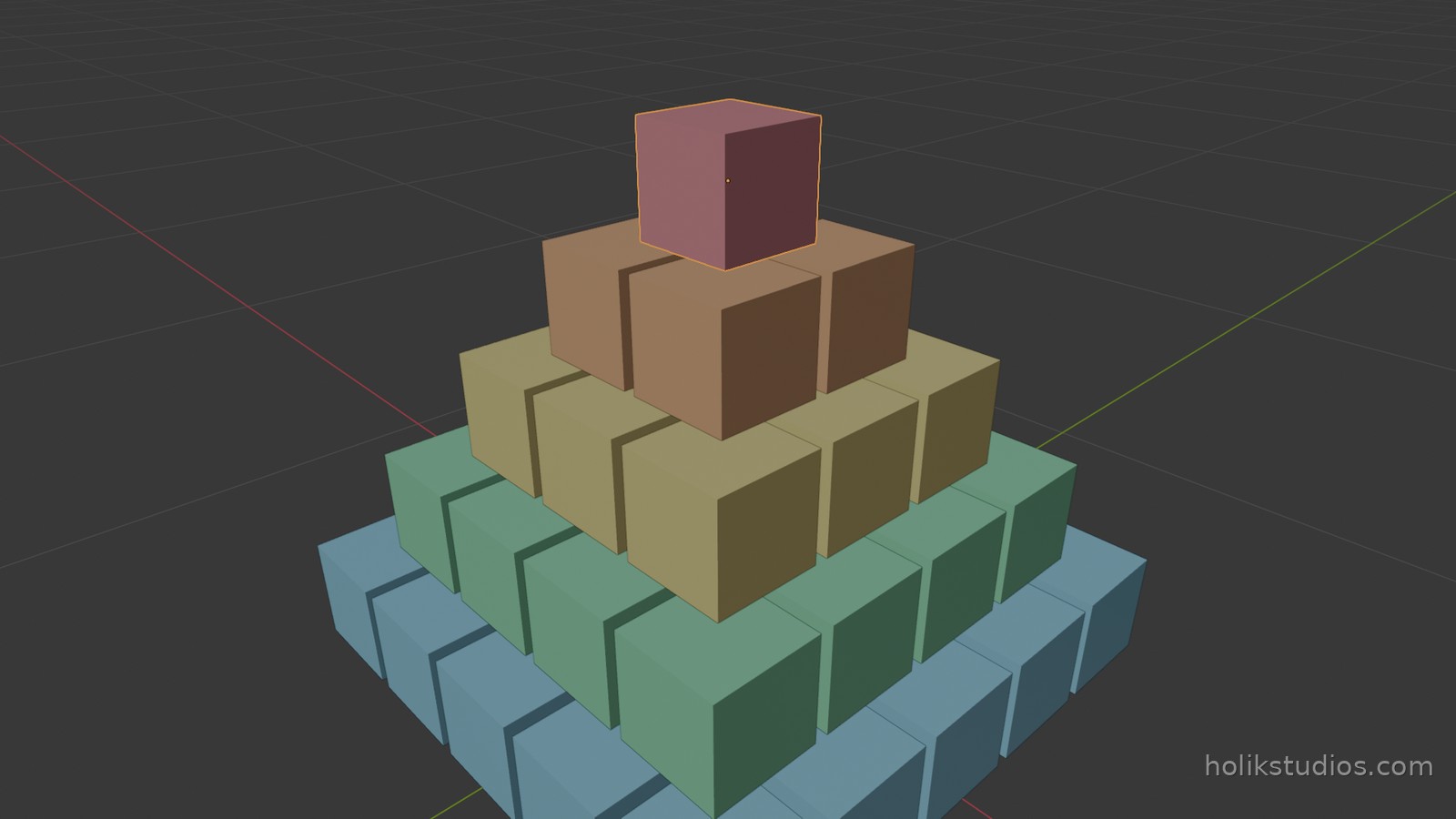
- Colours per collection make the structure visible at a glance, which is what the screenshot above is doing with one colour per level.
The habit worth taking away
Build the structure while you build the geometry, not afterwards. A loop that creates objects is the natural place to decide where they belong, and at that point you still know why. Renaming and sorting a finished scene is work you do twice, and the second time you are guessing what you meant.
Next, and last: putting the whole course together in one script, and the checklist to run before you call a build finished.