
A boolean is how you subtract one shape from another. It is the operation behind most holes in manufacturing: a plate becomes a sieve, a bracket gets a slot, a box gets a window. In a script it is a few lines, and the cutters stay in the file so you can adjust and re-cut later.
Cutters in a collection, one cut
plate.modifiers.new("Holes", "BOOLEAN")adds the modifier to the part that keeps its material.cut.operation = "DIFFERENCE": subtract the cutters from the plate.cut.operand_type = "COLLECTION"pluscut.collection = cutters: all 35 cylinders are removed in one operation instead of 35 modifiers.solver = "EXACT": the precise solver. Use it whenever the part has to be printable.modifier_applyturns the result into real geometry, so exports match the viewport.
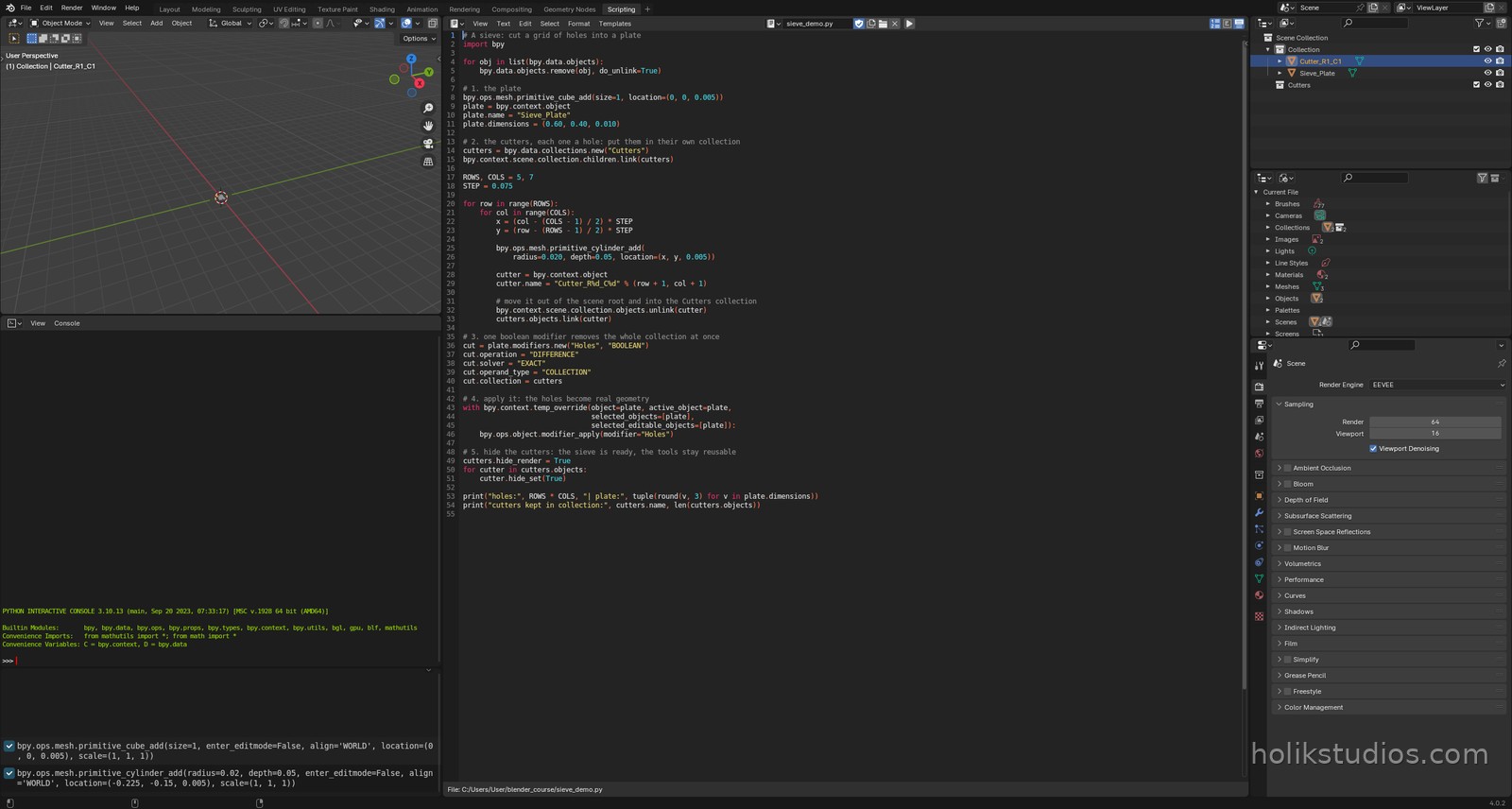
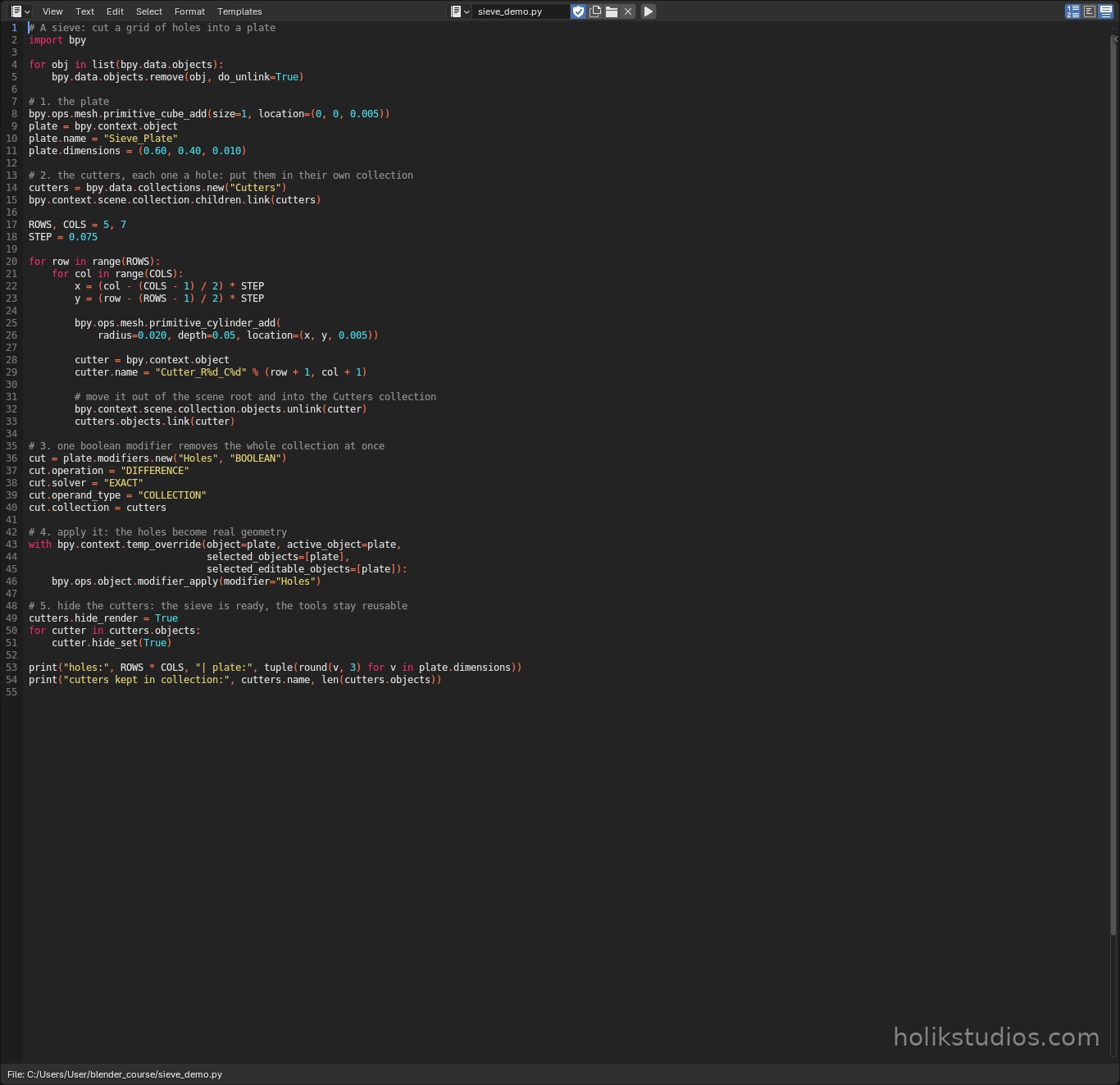
sieve_demo.py
# A sieve: cut a grid of holes into a plate
import bpy

for obj in list(bpy.data.objects):
    bpy.data.objects.remove(obj, do_unlink=True)

# 1. the plate
bpy.ops.mesh.primitive_cube_add(size=1, location=(0, 0, 0.005))
plate = bpy.context.object
plate.name = "Sieve_Plate"
plate.dimensions = (0.60, 0.40, 0.010)

# 2. the cutters, each one a hole: put them in their own collection
cutters = bpy.data.collections.new("Cutters")
bpy.context.scene.collection.children.link(cutters)

ROWS, COLS = 5, 7
STEP = 0.075

for row in range(ROWS):
    for col in range(COLS):
        x = (col - (COLS - 1) / 2) * STEP
        y = (row - (ROWS - 1) / 2) * STEP

        bpy.ops.mesh.primitive_cylinder_add(
            radius=0.020, depth=0.05, location=(x, y, 0.005))

        cutter = bpy.context.object
        cutter.name = "Cutter_R%d_C%d" % (row + 1, col + 1)

        # move it out of the scene root and into the Cutters collection
        bpy.context.scene.collection.objects.unlink(cutter)
        cutters.objects.link(cutter)

# 3. one boolean modifier removes the whole collection at once
cut = plate.modifiers.new("Holes", "BOOLEAN")
cut.operation = "DIFFERENCE"
cut.solver = "EXACT"
cut.operand_type = "COLLECTION"
cut.collection = cutters

# 4. apply it: the holes become real geometry
with bpy.context.temp_override(object=plate, active_object=plate,
                               selected_objects=[plate],
                               selected_editable_objects=[plate]):
    bpy.ops.object.modifier_apply(modifier="Holes")

# 5. hide the cutters: the sieve is ready, the tools stay reusable
cutters.hide_render = True
for cutter in cutters.objects:
    cutter.hide_set(True)

print("holes:", ROWS * COLS, "| plate:", tuple(round(v, 3) for v in plate.dimensions))
print("cutters kept in collection:", cutters.name, len(cutters.objects))
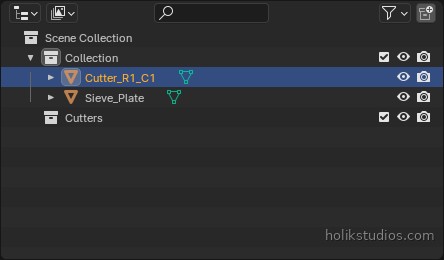
Why hide the cutters instead of deleting them
The cutters are a design decision, not junk. Keep them in their own collection and you can show them again, change the radius or the spacing, and re-run the boolean. That is exactly the difference between an automated part and a model somebody sculpted once.
Two traps worth knowing: the solver FAST is quicker but can leave broken geometry, so use EXACT for anything you intend to print, and avoid cutters that only touch a surface or overlap each other messily, because that is where booleans produce strange results.
Next: working on many parts at once, which is where the real time saving starts.